10-Step Accounting System Migration Guide (2026 Update)
An accounting system migration guide for CPA firms and finance teams, covering data preparation, COA mapping, parallel runs, and multi-entity consolidation.
This guide outlines 10 essential steps for a smooth and efficient migration to a new accounting system.
In this article
Most firms don’t plan to migrate their accounting system. They plan to stay on whatever they’re running on until the software makes the decision for them. By the time accounting system migration becomes urgent, it’s already overdue.
This guide walks through the full accounting system migration process in 10 steps, with specific guidance for CPA firms and family offices managing multiple entities. Each step includes the decisions that actually matter, the failure points to watch for, and practical advice on keeping the process on track.
When Should You Migrate to a New Accounting System?
The best time to migrate to a new accounting system is at financial year-end, when the books are closed and a clean cut-over point exists. The second-best time is at the end of a quarter. The worst time is mid-period during an active close.
💡 For firms managing multiple entities, staggering migrations by entity group is often more practical than a single cut-over.
Beyond timing, the more important question is whether migration is warranted at all. These are the conditions that make staying on your current system more expensive than moving:
Signal
What It Means
Month-end close requires Excel consolidation
Your platform can’t consolidate natively; you’re doing the system's job manually
Entity count is approaching or exceeding the platform's limit
Per-entity pricing or user caps are compounding costs without adding capability
Multi-currency requires manual FX adjustments
The platform doesn’t support IAS 21 revaluation; every period-end is a manual process
Audit preparation takes longer than the audit itself
Document management and audit trail functionality are inadequate
New clients can’t be onboarded into the existing system cleanly
The architecture doesn’t scale to new entities without creating new isolated subscriptions
Legacy desktop software going end-of-life
Vendor support is ending; staying means running unsupported software
Investors or lenders are requesting GAAP-compliant consolidated financials
The current system can’t produce them without external tools
✅ Pro Tip: If two or more signals from the table above apply to your practice, migration isn’t a question of if but when. The longer you defer, the more manual workarounds accumulate and the more complex the eventual data cleanup becomes.
What Data Needs to Migrate?
During an accounting system migration, the core data categories that need to be transferred are:
For multi-entity firms, each entity requires its own data migration scope, and intercompany transaction history requires careful handling to avoid duplication on consolidation.
Before you plan the migration timeline, you need a clear inventory of what actually needs to move. This is where most migrations underestimate scope. The table below covers what to migrate, what to consider archiving instead, and what can be left behind.
Data Category
Migrate?
Notes
Chart of accounts
✅ (Remapped)
Requires field mapping between old and new COA structure; don’t assume account codes transfer directly
Opening balances (current year)
✅ (Verified)
Must match closing balances from prior system exactly; this is your reconciliation anchor point
Accounts receivable aging
✅
Outstanding invoices and payment history; verify customer balances individually
Accounts payable aging
✅
Outstanding bills and vendor balances; match to supplier statements before migration
Historical transactions (prior years)
⚠️ (Evaluate)
Full history adds migration complexity; consider archiving prior years and migrating summaries as opening balances
Fixed assets and depreciation
✅
Acquisition costs, depreciation method, accumulated depreciation, and remaining useful life for each asset
Bank feed configurations
❌ (Reconfigure)
Bank connections must be re-established in the new system; they’re not portable
Payroll records
⚠️ (If in-system)
If payroll is handled by a separate provider, coordinate directly with them rather than migrating through the accounting system
Supporting documents
✅ (If DMS used)
Invoices, receipts, contracts linked to transactions; requires a DMS in the new system to maintain audit trail
Custom reports and templates
❌ (Recreate)
Report configurations aren’t portable; recreate in new system during parallel run period
User roles and permissions
❌ (Recreate)
Set up fresh in the new system; don’t carry over legacy access controls
Intercompany transactions
⚠️ (Be careful)
Must be mapped to prevent double-counting on consolidation; requires entity-level review before migration
⚠️ Watch Out: Historical transaction migration is the most common scope creep trigger in accounting system migrations. Migrating five years of transaction-level history for 20 entities multiplies the data volume, the cleaning effort, and the validation time significantly.
✅ Pro Tip: A cleaner approach for most firms is to migrate the current year in full, migrate the prior year for comparative reporting, and archive everything older as read-only in the legacy system or a document store. This cuts migration complexity by 60–80% without losing access to historical data.
The 10-Step Accounting System Migration Process
The steps below follow the sequence of a professional accounting system migration. Each step is discrete and builds on the previous one. Skipping or compressing steps is the primary cause of failed migrations.
Step 1: Audit Your Current System
Before selecting a new platform, document exactly what your current system does, what it can’t do, and what workarounds your team has built around its limitations. The gaps define your requirements for the new system.
Most firms enter a migration with a vague sense that the current system is inadequate. A formal audit replaces that vague sense with specific, documentable requirements that drive vendor selection and scope definition.
Here’s what you need to audit:
Entity structure: How many entities are you currently managing, and how are they organized in the current system? Are they separate subscriptions, separate files, or consolidated?
Close process: How long does month-end close take, and what manual steps (Excel, offline tools, or manual journal entries) are required that the system should be handling?
Reporting gaps: Which reports does your team need that the current system can’t produce natively?
Integration dependencies: What tools connect to the current system (payroll, CRM, banking, and document storage), and which connections will need to be rebuilt?
Data quality: Are the current books clean? Duplicate vendors, inconsistent account codes, missing supporting documents, and unreconciled transactions all become migration problems if not resolved first.
User access and permissions: Who has access to what, and does the current structure reflect actual job roles or accumulated legacy access?
✅ Pro Tip: Interview the people who do the day-to-day work, not just the practice principal. The accountant running reconciliations knows the manual workarounds better than anyone. The migration requirements that come from these interviews are more accurate than any top-down assessment.
Step 2: Define Requirements and Select a Platform
Use the audit output to build a requirements list, then evaluate platforms against it. The most common mistake at this stage is selecting based on brand recognition or price rather than architectural fit.
A platform that can’t handle your entity count or consolidation requirements will fail you regardless of how well it performs on other dimensions.
The requirements that matter most for professional accounting firms are architectural, not feature-level. The table below covers the dimensions to evaluate before shortlisting.
Requirement
Why It Matters for Firms
Multi-entity architecture
Does each entity get its own general ledger, or are entities managed as cost centers within a single GL? The former scales; the latter does not.
Native consolidation
Can the system produce consolidated group financials automatically, or does consolidation require a spreadsheet export?
Multi-currency depth
Does multi-currency include IAS 21-compliant revaluation, or just transaction-level conversion? These are different capabilities.
User model
Is pricing per user or per entity? For firms with large teams, per-user pricing compounds quickly.
Implementation and migration support
Is migration assistance included in the contract, or is it a professional services add-on? This is a significant cost variable.
Document management
Is there a native DMS for storing and linking supporting documents to transactions, or does that require a third-party tool?
API and integration depth
Does the platform integrate with your existing payroll, CRM, and banking tools without custom development?
👍 Eleven includes implementation, migration, training, and a native DMS in all plan pricing. For firms evaluating migration cost, this is a meaningful difference from platforms where each of these is a separate billable engagement.
A CPA firm migrating 20 client entities to Eleven migrates them all under a single implementation rather than managing 20 separate projects.
Step 3: Build the Migration Plan
A migration plan is more than a go-live date. It’s a documented scope, timeline, responsibility matrix, and rollback procedure. Every migration that fails does so because one of these four components was absent or inadequately defined.
The plan should cover the following components before any data preparation begins:
Scope definition: Which entities migrate, which data categories migrate, and what’s explicitly out of scope (historical transactions beyond a certain date, inactive vendors, and archived entities).
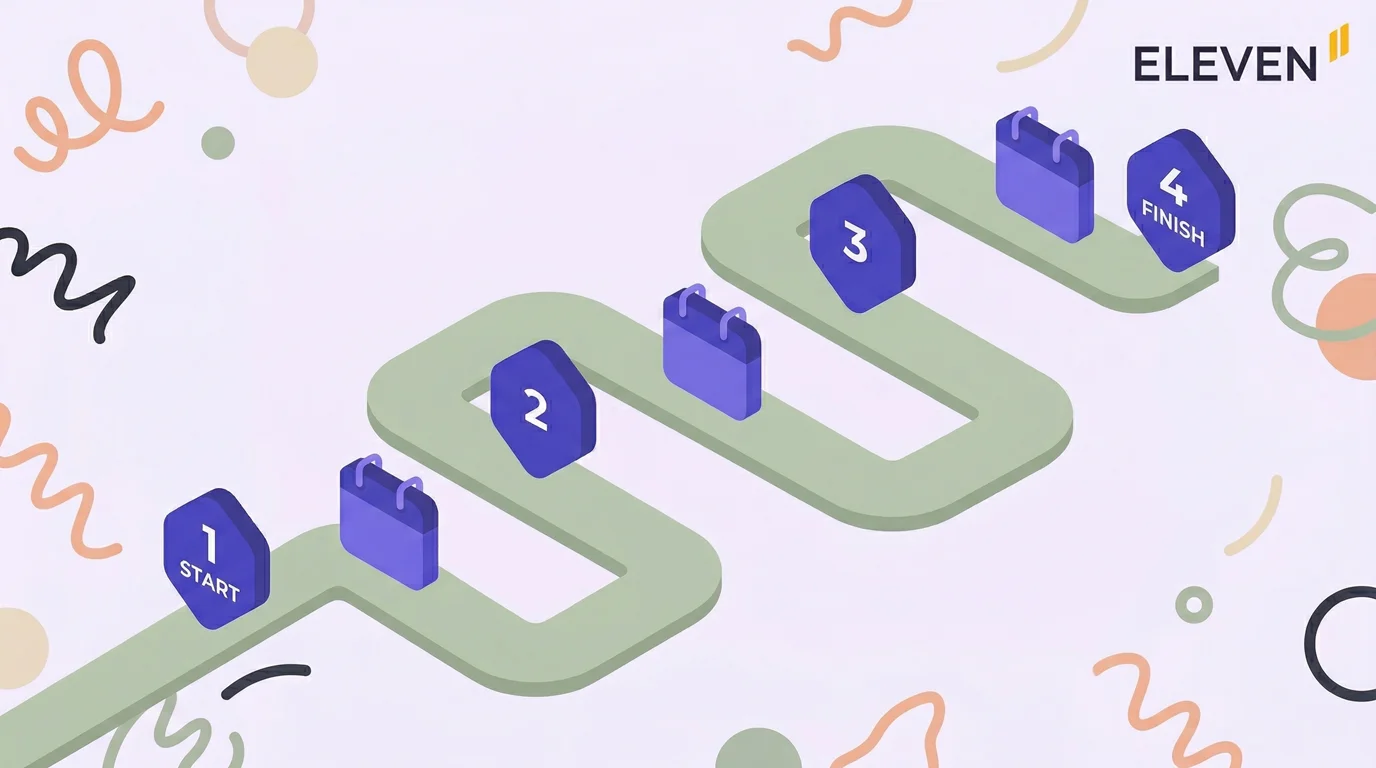
Timeline with milestones: Data extraction date, data cleaning deadline, test migration date, parallel run start, go-live date, and parallel run end.
Responsibility matrix: Who owns each step. For multi-entity migrations, assign an owner per entity group rather than a single migration lead for everything.
Communication plan: Who needs to be informed at each milestone, including clients if their data is being migrated.
Rollback procedure: What happens if the go-live reveals a critical data issue? The legacy system must remain accessible and current until the parallel run is complete.
Budget: Include time cost for internal staff, vendor professional services if not included in the contract, and any data cleaning tools required.
Here’s an example framework, covering key milestones, who should own each phase, and the timing of each.
Phase
Key Milestone
Owner
Timing
Preparation
Data audit and cleaning complete
Migration lead
4–6 weeks before go-live
Preparation
COA mapping approved
Lead accountant
3–4 weeks before go-live
Test
Test migration complete and validated
Migration lead
2–3 weeks before go-live
Test
Opening balances reconciled in test env
Senior accountant
2 weeks before go-live
Go-live
Production migration executed
Migration lead
Go-live date
Parallel run
Parallel run period complete
All accountants
30–60 days post go-live
Close-out
Legacy system decommissioned or archived
Migration lead
After parallel run ends
Step 4: Clean and Prepare Your Data
Data preparation is the step that determines whether your migration succeeds or fails. Dirty data migrated into a new system is still dirty data. The cleaning work done here is what makes the new system reliable from day one.
Data preparation has two components: cleaning the existing data and mapping it to the structure of the new system. Both require more time than most firms allocate.
Work through each of the following before extracting data for migration:
Task
What to Check
Vendor and customer deduplication
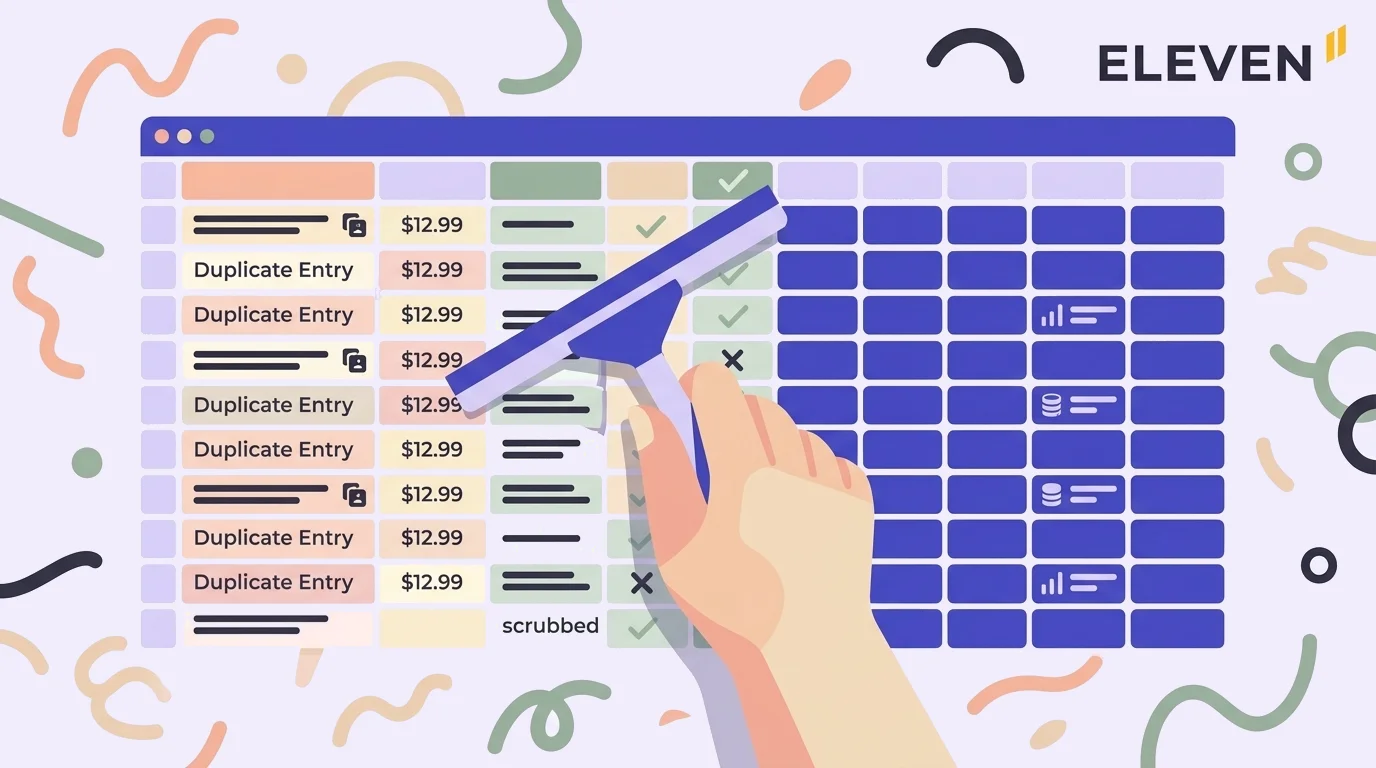
Identify duplicate records created by spelling variations, legacy imports, or multiple users; merge or archive them before migration.
Chart of accounts rationalization
Remove inactive accounts, consolidate accounts that serve the same purpose, and document the mapping to the new system's COA structure.
Unreconciled bank transactions
All outstanding reconciliation items should be cleared or documented before migration. Migrating an unreconciled bank account creates an unresolvable discrepancy in the new system.
Open AR and AP review
Confirm that all outstanding invoices and bills are accurate, and remove any test entries, duplicates, or entries that relate to prior periods already written off.
Fixed asset register audit
Verify acquisition costs, depreciation method, and accumulated depreciation for each asset. Discrepancies here will corrupt your
balance sheet from day one.
Intercompany balance reconciliation
For multi-entity firms, intercompany balances must net to zero across all entities before migration; any imbalance migrates as an error.
Document completeness
If migrating to a DMS-integrated system, identify transactions that are missing supporting documents and resolve them before migration.
⚠️ Watch Out: The intercompany balance reconciliation is the most frequently skipped step in multi-entity migrations and the most common cause of post-migration balance sheet errors. If Entity A has a receivable from Entity B, Entity B must have a corresponding payable of the same amount before you migrate. Do not skip this step.
Chart of Accounts Mapping
COA mapping is the translation layer between your old system's account structure and the new system's.
Every account in the old system needs a corresponding account in the new system, and every account type (asset, liability, equity, revenue, and expense) needs to map correctly for opening balances to validate.
✅ Pro Tip: Use the migration as an opportunity to rationalize your chart of accounts. Most practices that have been on the same system for several years have accumulated redundant accounts, outdated cost centers, and accounts created for one-off purposes that were never cleaned up.
A leaner COA makes reporting cleaner and reduces the risk of misclassification going forward.
Step 5: Run a Test Migration
A test migration is a complete rehearsal of the production migration using real data in a sandbox environment. It’s not optional. Every issue found during the test migration is an issue that would have appeared on go-live day in front of clients.
The test migration validates three things:
That the data extraction works correctly
That the COA mapping produces the right account balances in the new system, and
That the new system's workflows operate as expected with your actual data.
Here’s a test migration validation checklist:
Opening balances:Run a trial balance in the new system and reconcile it against the closing trial balance from the old system; every line must match.
AR and AP aging: Verify that outstanding invoices and bills appear correctly in the aging reports with the right amounts, dates, and customer/vendor assignments.
Bank balances: Confirm that bank account balances in the new system match the bank statements as of the migration date.
Fixed assets: Run a fixed asset schedule and verify that acquisition cost, accumulated depreciation, and net book value match the old system for every asset.
Report output: Generate the key financial reports (P&L, balance sheet, and cash flow statement) and compare them to the same reports from the old system for the same period.
User access: Log in as each user role and verify that permissions are correctly configured.
Integrations: Test each connected tool (bank feeds, payroll, and payment processors) to confirm data flows correctly.
👍 Eleven includes data migration support as part of all plan pricing, unlike most accounting platforms where migration is a separate professional services engagement. For firms evaluating the true cost of switching, this is a meaningful line item.
Step 6: Train Your Team
Training should happen after the test migration and before go-live, using the actual migrated data in the sandbox environment. Training on generic demo data doesn’t prepare staff for the workflows they’ll encounter on day one.
The training failure mode in most migrations is timing, not content. Firms either train too early (before the system is configured with real data) or too late (on go-live day itself). Neither works.
Different roles require different training depth. A one-size-fits-all training session leaves senior accountants bored and junior staff overwhelmed. Here’s what we recommend:
Role
Training Focus
Depth
Practice principal/CFO
Reporting dashboards, consolidated financials, and user management, billing
Half day
Senior accountant
Period-end close workflow, journal entries, multi-entity navigation, and the report builder
Full day
Staff accountant
Daily transaction entry, bank reconciliation, invoice processing, and document upload
Full day
Bookkeeper
Invoice entry, expense coding, bank feed matching, and document attachment
Half day
Client-facing / advisory staff
Client portal (if applicable), report generation, and dashboard interpretation
Half day
✅ Pro Tip: Identify one power user per team who goes through extended training and becomes the internal point of contact for questions after go-live. This reduces the volume of support escalations significantly in the first 30 days and accelerates adoption across the rest of the team.
Step 7: Execute the Production Migration
The production migration is the execution of the plan you have built and tested in the previous six steps. If the preparation has been done correctly, this should be the least eventful day of the project. If it isn’t, the issues trace back to a step that was skipped or compressed earlier.
The production migration itself follows a defined sequence. Deviating from the sequence mid-migration creates data integrity issues that are difficult to unpick after the fact.
Here’s a proper production migration sequence:
Restrict the legacy system: Restrict changes in the legacy system to controlled or duplicate entries required for the parallel run (if a parallel approach is used), or fully lock it if using a hard cutover approach.
Extract the final data set: Run the data export from the legacy system with a confirmed cut-off date and time.
Execute the COA import: Load the chart of accounts into the new system first; every subsequent import depends on the COA being correct.
Import opening balances: Load the trial balance as of the migration date and validate immediately against the legacy system output.
Import AR and AP: Load outstanding invoices and bills and reconcile aging reports before proceeding.
Import historical transactions: If migrating transaction history beyond opening balances, load in chronological order and validate period by period.
Import fixed assets: Load the asset register and run a depreciation report to confirm accumulated depreciation matches.
Reconnect integrations: Re-establish bank feeds, payroll connections, and any other integrations, and test each one before declaring go-live complete.
Grant user access: Activate user accounts with correct roles and permissions and send login credentials.
Confirm go-live: Sign off with all key stakeholders that the system is live and the legacy system is read-only.
⚠️ Watch Out: Do not decommission or revoke access to the legacy system on go-live day. Keep it accessible in read-only mode for the full parallel run period. You’ll need to reference it for comparison during validation and to answer queries about historical data.
Step 8: Run the Post-Migration Validation Period
The parallel period is a defined window (typically at least one full accounting cycle, often 30–60 days depending on complexity) during which both the old and new systems operate simultaneously.
Transactions must be processed in both systems (either through dual entry or synchronized data feeds), and outputs are compared to ensure the new system produces results consistent with the legacy system.
⚠️ Watch Out: The parallel period is your firm’s safety net. Firms eager to complete the migration cut the parallel period to two weeks, find a discrepancy in week three, and have to reconcile it manually because they’ve already decommissioned the comparison point.
Here’s what you need to run in parallel:
Bank reconciliations: Run bank reconciliations in both systems for the parallel period and compare results. Any difference indicates a data migration error or a workflow configuration issue.
Month-end close: Complete at least one full month-end close in the new system during the parallel period; this is the most reliable test of whether the system is ready to operate independently.
Financial reports: Generate the standard report set (P&L, balance sheet, cash flow) in both systems for the same period and reconcile line by line.
AR and AP aging: Compare aging reports between systems weekly; discrepancies indicate invoice or payment entry errors.
✅ Pro Tip: At least one full accounting cycle is the minimum parallel period for a single-entity migration. For firms migrating multiple entities, run at least one full month-end close per entity group in the new system before ending the parallel period. If your firm closes books monthly, this means the parallel period should cover at least one complete close cycle.
Step 9: Go Live and Monitor
Going live marks the transition to the new system as the primary system of record, typically after the parallel run (if used) has validated that outputs are consistent with the legacy system.
Monitoring in the first 30 to 60 days post-go-live focuses on catching edge cases that didn’t appear during testing, such as unusual transaction types, period-end adjustments, and workflows that staff haven’t yet encountered.
The first live close after the parallel period ends is the migration’s real test. Plan for extra review during this close and make sure senior staff are available to handle questions.
Here’s a post-go-live monitoring checklist to direct your team’s focus:
First live month-end close: Allocate additional time and have the migration lead available. Document any issues and their resolutions for the team knowledge base.
User adoption tracking: Monitor which features are being used and which aren’t; low adoption of specific workflows often signals a training gap rather than a software problem.
Support ticket volume: Track the volume and type of questions coming from staff; a spike in a specific area indicates a configuration or training issue that needs addressing.
Data integrity spot checks: Run weekly reconciliations between key balances (bank, AR, and AP) and the legacy system archive for the first 60 days.
Integration performance: Verify that bank feeds, payroll, and other integrations are running reliably; early integration failures are easier to resolve before they accumulate.
👍 Eleven includes implementation and migration in all plan pricing, which means the go-live period is supported rather than self-managed. For firms that have historically handled migrations without vendor involvement, this changes the risk profile of the transition.
Step 10: Post-Migration Review and Close-Out
The migration isn’t complete when the system goes live. It’s complete when the legacy system is archived, the migration documentation is filed, the team is operating independently, and the new system is confirmed as the accurate and complete system of record.
The post-migration review closes the project formally and captures what worked and what didn’t for future reference. For firms that will be onboarding additional client entities over time, this documentation is a direct input to the next migration.
Here’s a post-migration close-out checklist:
Final reconciliation: Run a complete trial balance reconciliation between the new system and the legacy system as of the go-live date, then file the reconciliation as the official migration sign-off document.
**Legacy system archival:** Archive the legacy system in read-only mode with a defined retention period. Confirm that all historical data is accessible for at least the statutory retention period in your jurisdiction.
Documentation update: Update your firm's internal accounting procedures to reflect the new system's workflows. Remove all references to the legacy system's processes.
User feedback collection: Survey the team on what's working and what isn’t; the first 60 days of live operation surface configuration improvements that weren’t visible during testing.
Vendor review meeting: Schedule a review with your software vendor to close out any outstanding support items and confirm the implementation is complete.
Lessons learned log: Document what went well, what didn’t, and what you would do differently. For multi-entity firms, this is especially valuable when onboarding new entities in the future.
✅ Pro Tip: Set a 90-day check-in date at the time of go-live. Most post-migration issues that aren’t caught in the first 30 days surface around the 60–90 day mark, typically during the second close cycle or when an unusual transaction type is processed for the first time.
A scheduled check-in ensures they’re caught and resolved rather than left to accumulate.
What Should Multi-Entity Firms Know When Migrating Accounting Systems?
Multi-entity migrations require a migration scope and validation process for each entity, a strategy for migrating intercompany transaction history without creating consolidation errors, and a platform that can receive all entities into a single architecture rather than separate subscriptions.
→ Firms migrating 10 or more entities should plan for a phased migration rather than a single cutover.
→ The process above applies to every entity in a multi-entity migration, but the additional complexity at the firm level lies in coordination, sequencing, and consolidation integrity.
Phased vs. Single Cut-Over Migration
For firms managing more than five entities, two approaches are available. Each has different risk profiles.
Approach
How It Works
Best For
Risk
Single cut-over
All entities migrate simultaneously on the same date
Firms with fewer than 5 entities or entities with similar COA structures
High (Any issue affects all entities at once)
Phased migration
Entities migrate in groups over a period of weeks or months
Firms with 5+ entities or entities with varying COA structures and history
Lower (Issues are isolated to the current phase)
Intercompany Balance Management
Intercompany transactions are the most technically complex element of a multi-entity migration.
→ Before migrating, every intercompany balance must be confirmed and reconciled across all entities.
→ After migration, the new system's consolidation engine must be configured to eliminate intercompany transactions correctly before producing group financials.
👍 Eleven’s multi-entity architecture means all entities exist within a single platform from day one. Intercompany transactions are visible across entities without manual reconciliation steps, and consolidated reporting eliminates intercompany balances automatically.
For firms migrating from a setup where each entity was a separate subscription, this is the most operationally significant change.
The 6 Most Common Accounting System Migration Failures
Most accounting system migrations that fail do so for predictable reasons. Knowing them in advance makes them avoidable.
Failure
Why It Happens
How to Avoid It
Migrating dirty data
Skipping data cleaning to save time
Complete the data cleaning checklist in Step 4 before extracting migration data
Skipping the test migration
Assuming the production migration will work because the plan looks correct
Run a full test migration with real data and validate against the legacy system
COA mapping errors
Mapping accounts by name rather than function
Map by account type and function and have a senior accountant review every mapping before import
Cutting the parallel period short
Pressure to decommission the legacy system quickly
Define the minimum parallel period in the migration plan and treat it as non-negotiable
Unreconciled intercompany balances
Assuming the accounts will reconcile after migration
Reconcile all intercompany balances to zero before migration; don’t migrate imbalances
Inadequate training timing
Training staff before the system contains real data
Train in the sandbox environment using the migrated test data, not on demo content
Are you still managing multiple client entities across separate subscriptions with manual consolidation at month-end?Start your free trial and see how Eleven closes the books without the spreadsheets.
Frequently Asked Questions (FAQ)
How long does an accounting system migration take?
A single-entity migration typically takes 6 to 12 weeks from data audit to go-live, plus a 30-day parallel run period. Multi-entity migrations for firms managing 10 or more entities typically run 3 to 6 months for a phased approach.
The timeline is driven primarily by data quality. Firms with clean, well-maintained books migrate faster than those with years of accumulated data issues.
What is the best time of year to migrate accounting systems?
Financial year-end is the cleanest cut-over point because the books are closed and the opening balance for the new system is a single, agreed number. Quarter-end is the second-best option.
Mid-period migrations are possible but add complexity because transactions in progress at the migration date must be carefully handled to avoid double-counting or omission.
How do you migrate data from QuickBooks to a new accounting system?
QuickBooks data is typically exported via its built-in export tools or through a third-party migration service. The export produces your chart of accounts, customer and vendor lists, open transactions, and transaction history.
The exported data then needs to be cleaned, mapped to the new system's COA structure, and imported in the correct sequence (COA first, then opening balances, then transactions). QuickBooks doesn’t export bank feed configurations or user roles, which must be recreated in the new system.
Can you migrate accounting data without losing historical transactions?
Yes, but with a trade-off. Full historical transaction migration is possible but significantly increases the scope, time, and cost of the migration. For most firms, the practical approach is to migrate the current year in full, migrate the prior year for comparative reporting, and archive older history in the legacy system or a document store.
This preserves access to historical data without inflating the migration complexity.
What happens to the old system after migration?
The legacy accounting system should be maintained in read-only mode for at least the parallel run period (30 to 60 days) and typically for the statutory data retention period for your jurisdiction.
Do not delete or decommission the legacy system immediately after go-live. If an issue arises post-migration that requires reference to historical data from, an accessible legacy system is significantly easier to work with than a decommissioned one.
How do you handle chart of accounts mapping during migration?
Chart of accounts mapping is a manual process that requires a senior accountant to review every account in the old system and assign it a corresponding account in the new system. Automated mapping tools can handle simple cases (exact name matches, standard account types), but they should always be reviewed manually before the migration runs.
The most common mapping errors involve accounts that changed function over time, accounts created for one-off purposes, and accounts that need to be consolidated rather than migrated individually.
Do accounting systems include migration support?
It depends entirely on the platform. Most SMB accounting platforms (QuickBooks, Xero, and Zoho Books) don’t include migration assistance; firms are expected to manage the migration themselves or hire a third-party consultant. Enterprise platforms (NetSuite and Sage Intacct) include implementation support but charge for it separately, typically at significant cost.
Eleven includes implementation, data migration, and training in all plan pricing, which changes the total cost of migration for firms that would otherwise need to budget for external professional services.
Saad Mouaouine is an SEO content writer, editor, and AI-focused researcher specializing in long-form digital content, automation-assisted workflows, and search optimization. He has written and edited hundreds of articles across technology, SaaS, and business-focused industries, contributing to projects connected to global brands including Shell plc. At Eleven, he helps create SEO-driven content focused on accounting technology, automation, and operational efficiency.








.avif)