How to Implement Accounting Automation: A Practical Guide for CPA Firms and Family Offices
Learn how CPA firms and family offices can streamline financial operations by automating repetitive accounting tasks with the right tools and processes.


Xero is a cloud accounting platform for small businesses and accountants. Explore its features, pros, cons, pricing, user reviews, and how it compares to Eleven.

If you are considering using Xero as your accounting software, you should be familiarized with its architecture and features. Before you make a commitment and move your finances to any accounting software, it is important to understand what it offers and how it can help you. Or if it could harm your business. Xero is a good choice form small businesses or freelance accounting. If you need some more guidance, in this Xero review we help you decide if this cloud accounting platform is the right fit for you or if you would benefit more form another options.
In this article
AI accounting software is a must for business owners and accountants that want to offer their clients more than average bookkeeping.
However, the key is choosing the perfect platform for your specific case.
Xero is a popular solution in the market, designed for small businesses and accountants. In this Xero review, we will break down its features to see if it fits your needs or if you would benefit more from another accounting software.
Xero is a fully cloud-based accounting software that was developed for small businesses and accountants with smaller firms.
Xero’s goal is to provide a simple solution where small business owners can track their finances and remain compliant with tax laws and payments to vendors. There is also a collaboration feature where you can share documentation with your accountant when needed.
Xero offers document capture and document storage, where you could upload receipts, invoices, and financial documents in an email inbox.
Although it isn’t a fully developed DMS, you can still store your document securely and attach them to transactions, invoices, bills, or audit records, for example.
Although data can be captured using OCR, users have reported that it can be inaccurate at times, so bear in mind you would have to check the information you capture using this technology so inaccuracies don’t ripple down your dashboards and payments.
Xero’s accounting dashboard offers a real-time view of your financial situation, including cash flow, outstanding invoices, upcoming bills, bank balances, and short-term performance trends.
The dashboard is visually clear, especially for small-business owners who need a quick overview rather than a complex accounting layout.
Although some users find it crowded when they connect several bank feeds. Nonetheless, it does serve its purpose.
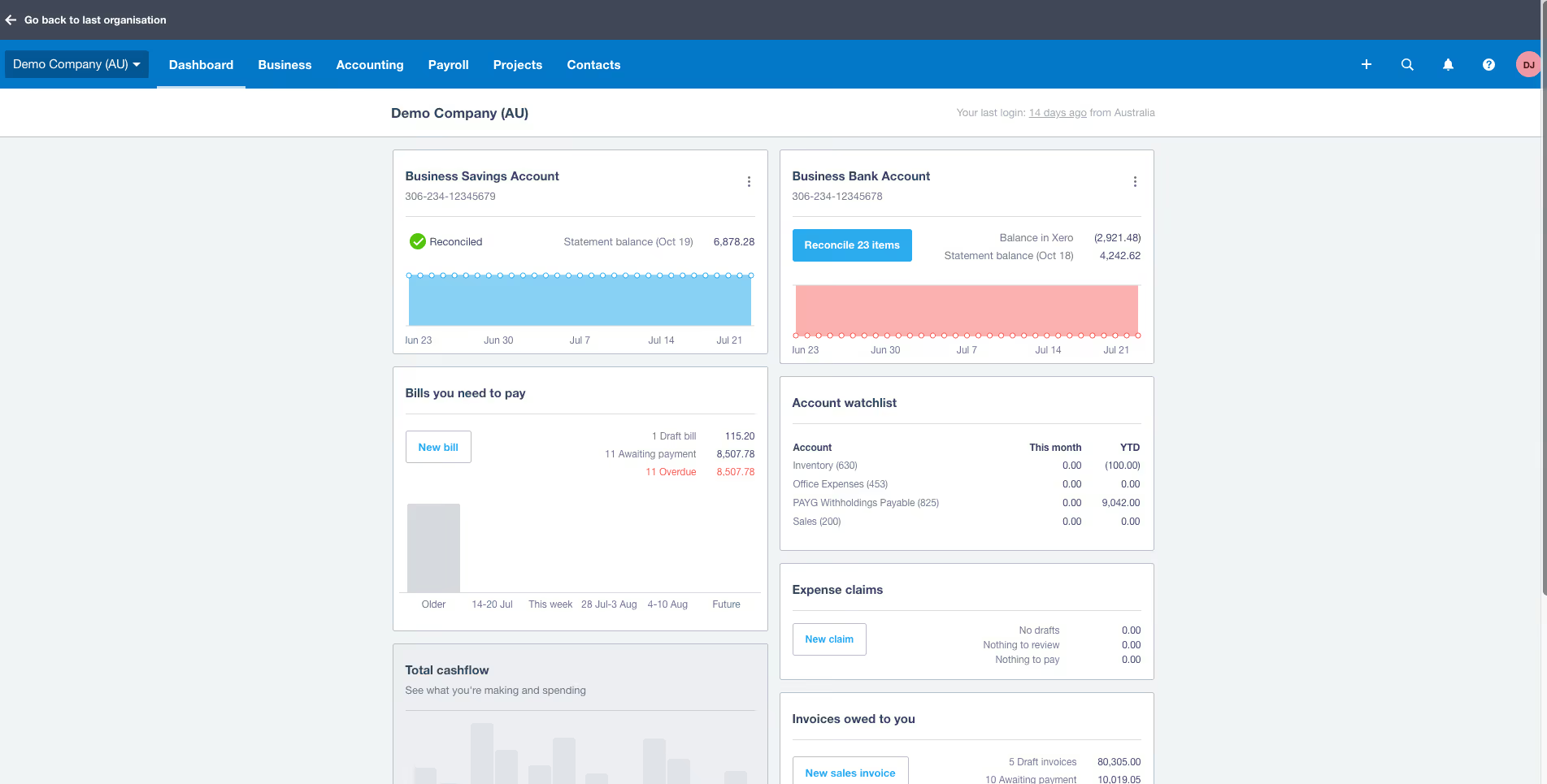
For accountants, Xero acts as a centralised hub that allows them to manage multiple clients in one interface.
It supports compliance tasks such as preparing annual accounts, filing tax returns, adjusting journals, closing periods, and reviewing financial reports all in a shared ledger.
One recurring complaint among accounting firms is that some advanced reporting functions have fewer customisation options than premium software aimed at mid-market organisations.
Bookkeepers use Xero daily for invoicing, expense tracking, bank reconciliation, and preparing basic financial statements.
They mention how helpful the automation features are, particularly recurring invoices, scheduled bill payments, and transaction rules that categorise expenses automatically.
Xero’s pricing model is divided into three main tiers.
The Starter plan has limitations on invoice and bill volume, making it appropriate only for freelancers or very small operations.
The Standard plan adds unlimited invoices and bills, advanced reconciliation tools, and the majority of Xero’s core features.
The Premium plan includes multicurrency functions and more advanced capabilities. Payroll, depending on the region, may require an additional fee.
Note: Bear i mind that this article was written during Black Friday deals, so amounts may have varied.
As we have mentioned, Xero has 2 main targets: small businesses and accountant and bookkeepers in small firms.
Small businesses such as retailers, marketing firms, or restaurants (among others), can track sales, stock levels, and invoices for suppliers.
If you have a service-based businesses, you will benefit from Xero’s invoicing, banking, and reporting tools to keep cash flow healthy.
Consultants and freelancers tend to like the mobile app so they can record expenses and mileage while on the go.
If you have a small accounting or bookkeeping firm, you can use Xero as a client-management platform where you can access financial data instantly, review activity, reconcile transactions, prepare tax calculations, and guide business owners with informed advice.
Other firms value Xero’s partner programme and certifications, which introduce structure and professional standards.
Bear in mind, that if you have a larger firm and want to rely more heavily on automation, Xero is limited. While you can automate bank transaction, other tasks like bank reconciliation are very limited and tend to be inaccurate.
Additionally, tax changes aren’t automatically updated in your automated payroll feature.
Xero offers a large amount of features to simplify the tasks of small business owners and to try to automate recurring payments and invoices.
We have gathered only several features that stood out to us more.
Xero allows you to branded invoices, send them directly to clients, track when they are opened, and monitor payment status.
Your customers are likely to pay faster through integrated payment gateways such as Stripe or PayPal.
The system also manages bills, allowing you to schedule payments, set reminders, and keep supplier accounts accurate.
Users generally find invoicing straightforward and appreciate the automated reminders that reduce late payments.
On the downside, some reviewers complain that invoice templates are not as customizable as they would like, and multi-step approval workflows are only available with higher tiers or apps.
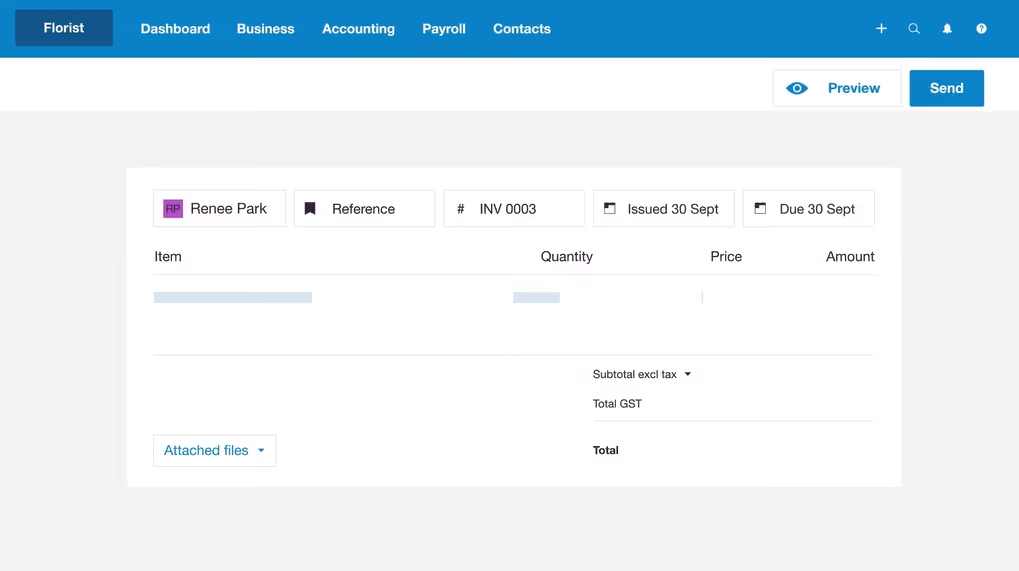
This features allows you to manage wages, taxes, pensions, leave, and timesheets.
The system automatically calculates statutory deductions and can file payroll taxes directly with authorities.
Users appreciate how employees can view payslips through the Xero app.
However, payroll availability is limited geographically, and several reviewers note that updates to tax rules can sometimes lag behind government changes, requiring occasional manual corrections during transition periods.
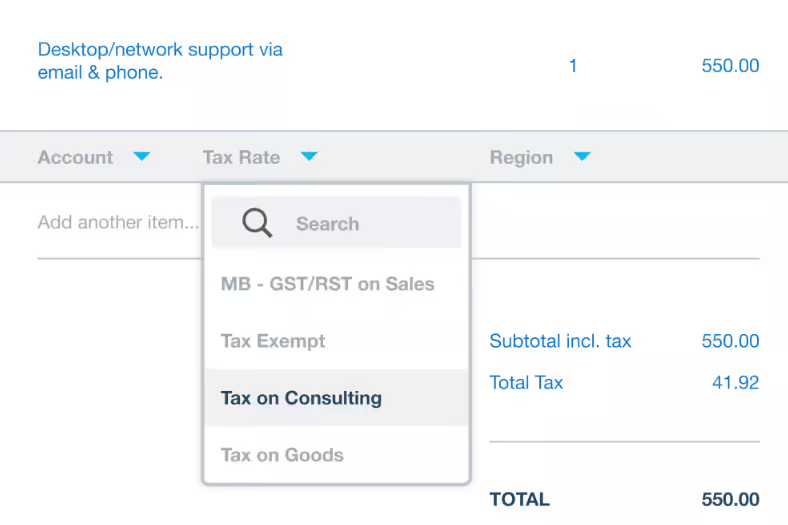
Xero allows you to connect your bank accounts and credit cards, so transactions are imported automatically on a daily basis.
This is specifically useful for invoicing, payroll, and other payments, as it will allow you to save manual data entry and not forget any transactions along the way.
Once transactions arrive, they can be reconciled quickly.
The reliability of these bank feeds varies by institution and region; some users experience temporary disruptions or delays, which is a common issue across all cloud accounting platforms. Xero typically resolves these issues quickly, but users still report it as one of the most frequent frustrations.
When bank transactions are imported, the system suggests likely matches based on invoice numbers, supplier history, and rules set by the user.
This makes month-end closing significantly faster. Many bookkeepers describe reconciliation in Xero as one of the easiest experiences available on any platform.
However, automation rules can occasionally miscategorise transactions if they are too generic, which means human oversight remains important.
Mis-postings caused by over-automation are among the most common complaints, which means you will have to keep a close eye and, at times, have to reconcile transactions manually.
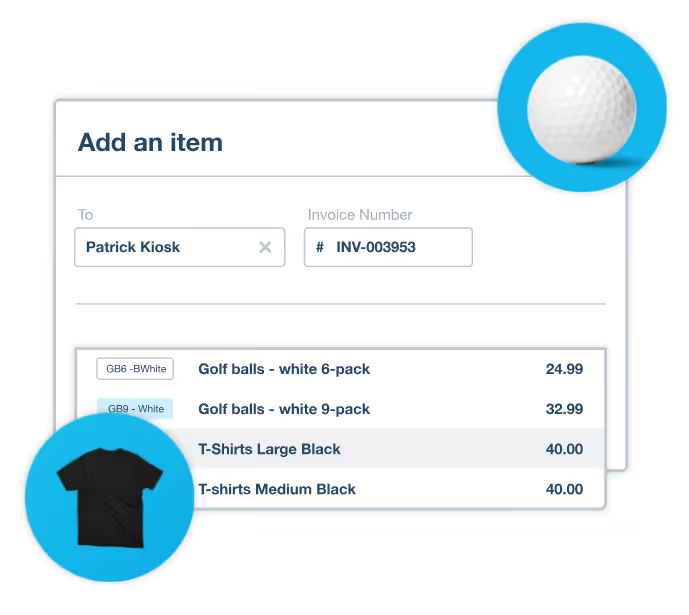
Xero includes a built-in inventory module for tracking stock quantities, item costs, and margins.
It works well for small product-based businesses that handle simple stock movements.
However, users consistently mention that it lacks features required for more complex operations, such as batch tracking, serial numbers, detailed manufacturing workflows, or warehouse management.
Companies with advanced inventory needs often supplement Xero with third-party apps from the marketplace.
If you intent on working internationally, having a software with multi-currency accounting is a must.
In Xero’s case, it is only available on the Premium plan.
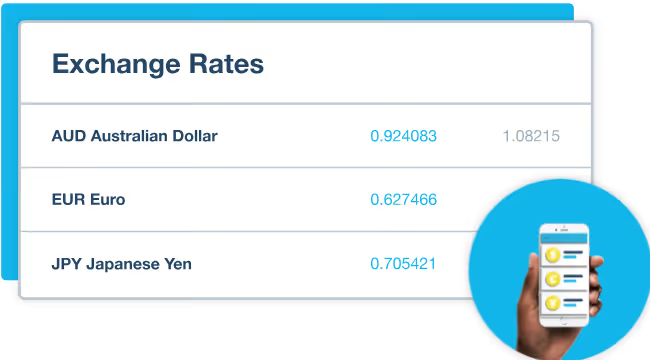
It automatically updates currency exchange rates, allowing invoices, bills, and bank transactions to be recorded in multiple currencies while reporting remains in the home currency.
Users report small discrepancies in reconciliations that require manual adjustments. For businesses with high transaction volumes, these tiny inconsistencies accumulate into noticeable differences.
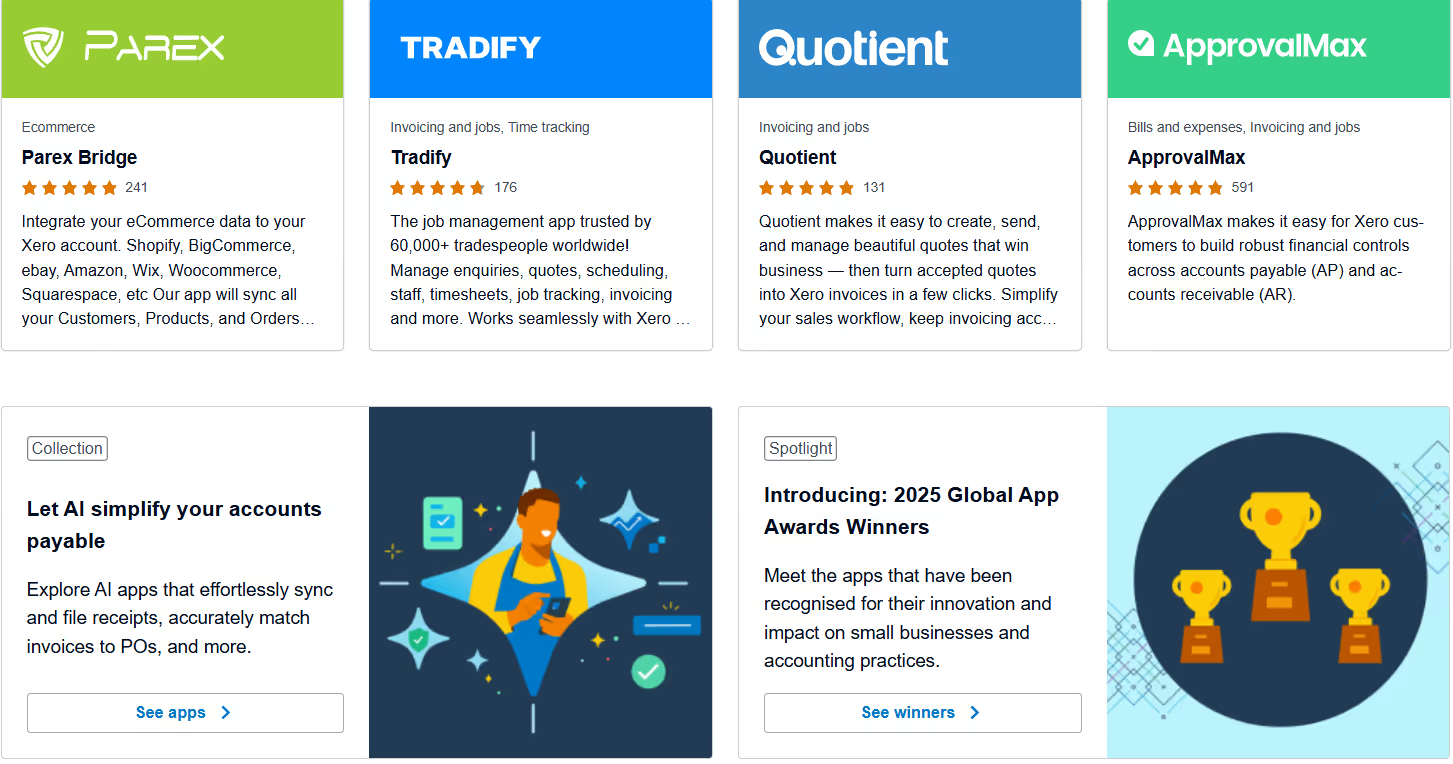
The Xero App Store is an important part of the ecosystem. It is a sort of marketplace where you can acquire extra tools that will add to you accounting software.
With over a thousand integrations, it allows businesses to connect tools for eCommerce, CRM, reporting, payroll, inventory, and automation.
This flexibility makes Xero adaptable to many industries. However, relying on apps means that many essential features require separate subscriptions, increasing overall cost and adding extra complexity.
⭐⭐⭐⭐⭐
G2 4.4/5 | Capterra 4.4/5 | TrustPilot 4.1/5
Users tend to praise Xero’s clean interface, automation, and reconciliation tools.
Many small businesses value the ability to work collaboratively with their accountant and access information from anywhere.
The most common criticisms involve pricing increases, inconsistent OCR results, occasional bank-feed outages, and limitations in payroll or inventory depending on the country.
Despite these issues, Xero continues to maintain strong overall satisfaction ratings, especially with small businesses as it offers a clear solution with simple reporting.
✔️ Pros
✖️ Cons
Xero is a strong choice for small businesses and accountants in small firms that need a reliable accounting system that can offer automation and scalability.
Some users find that additional apps are necessary to achieve a complete workflow, however, Xero is still one of the leading accounting tools.
Businesses that prioritise simplicity or want an all-in-one solution might find Xero slightly fragmented, especially when advanced features require extra subscriptions.
Where Xero follows a traditional accounting-software model, Eleven represents a new generation of finance automation tools designed around simplicity, AI-enhanced workflows, and clean user experience.
Its categorisation engine, real-time data synchronisation, and modern interface appeal to teams that prioritise speed and ease of use.
Xero is a comprehensive accounting system with a large ecosystem, while Eleven is a next-generation platform for companies that want a more streamlined, automated financial management experience.
If you want to know more, book a demo today.

Related content



We are using cookies. Learn more.