Best Accounting Billing Software for CPA Firms (2026)
You don't need another invoicing tool. As a CPA firm or family office, you need billing that ties directly into accounting, approvals, reporting, and multi-entity structures. This guide compares leading platforms based on how well they actually support that kind of work.
The best accounting billing software isn't the same for every firm. For CPA firms and family offices, billing connects directly to the general ledger, AR/AP, reconciliation, and audit-ready workflows. This guide maps each platform to the firm type it serves well, and where it stops being a good fit.
In this article
Most of what you'll find when searching for the best accounting billing software focuses on speed, templates, and ease of use for small businesses.
That framing breaks down quickly in professional environments. For CPA firms and family offices, billing is part of a broader control environment; it has to integrate cleanly with cleanly with general ledger, accounts receivable, reconciliation, and audit-ready workflows, not sit alongside them as a separate tool.
Rather than picking a single "best overall" tool, we match each platform to the type of firm it actually serves well, and tell you where it stops being a good fit.
What to Look for in Accounting Billing Software
Before we start comparing tools, it’s important to distinguish basic invoicing software from true accounting billing software used by CPA firms and family offices.
Here are the five capabilities that matter most.
1. Native Integration with Accounting
Billing should post directly into the GL, AR/AP, and bank reconciliation without manual re-entry. When it does, invoices automatically create journal entries, update AR balances, and reconcile against payments.
Recurring invoices address only part of your billing process. Professional firms need controlled workflows that reflect how billing is reviewed, approved, and documented.
Beyond basic automation, look for:
Approval workflows
Role-based access
Audit trails
Document attachment and traceability
These controls ensure invoices are reviewed before posting and that responsibilities are clearly documented.
3. Multi-Entity and Multi-Currency Support
CPA firms and family offices often manage multiple entities across jurisdictions, each with separate books and currencies. Billing software must support this natively.
Without built-in multi-entity or multi-currency capabilities, firms often rely on separate files or spreadsheets, increasing overhead and reducing confidence in reporting.
Native multi-entity and multi-currency capability keeps billing centralized while maintaining consistent reporting across the group.
4. Reporting Built for Professionals
Billing data must support more than invoice totals and payment status. In professional environments, billing feeds directly into:
Lightweight tools often require manual spreadsheet adjustments to align billing with accounting data, which adds time and introduces errors.
5. Scalability Without Per-Entity Limitations
As client and entity counts grow, per-entity pricing and fragmented workflows can quickly increase costs and slow your team down.
Onboarding each new client shouldn't feel like starting from scratch.
Best Accounting Billing Software Compared
Before we break down each platform, here's how they compare at at glance.
Software
Accounting Depth
Billing Workflows
Multi-Entity / Currency
Best Fit
Eleven
Full GL, AR/AP native
Advanced: approvals, audit trails, DMS
Native: 170+ currencies
CPA firms and family offices
QuickBooks Online
Full SMB accounting
Standard automation
Limited native multi-entity
Growing accounting practices
Xero
Full cloud accounting
Standard automation
Strong multi-currency
International practices
Zoho Books
Full accounting
Moderate workflows
Moderate
Cost-conscious teams
FreshBooks
Limited accounting depth
Strong invoicing
Weak
Service businesses
Bill.com
AR/AP focused
Strong approvals
Depends on integration
AP/AR automation layer
Wave
Basic accounting
Basic billing
Limited
Micro-businesses
1. Eleven — Best Accounting Billing Software for CPA Firms and Family Offices
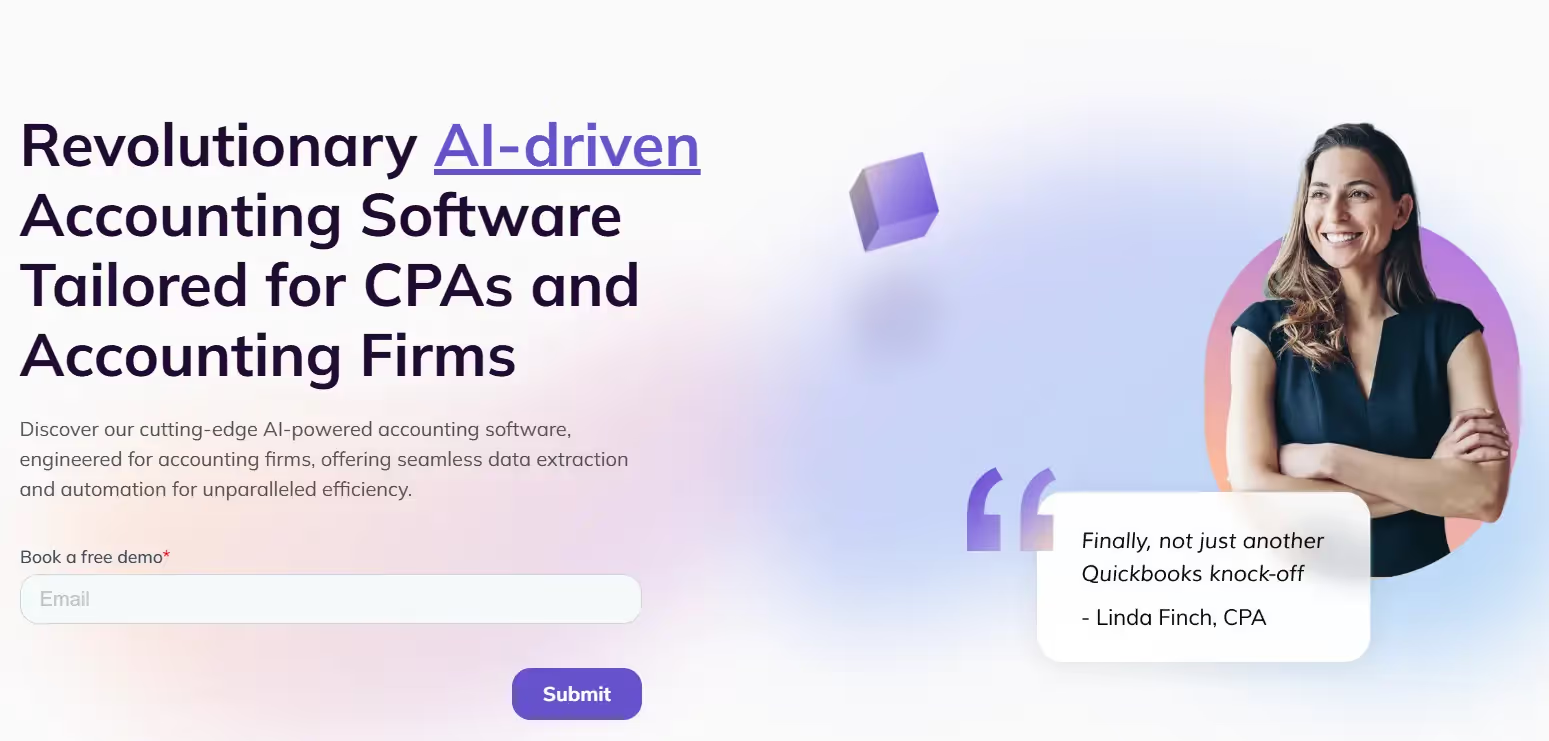
Eleven isn't designed for general small businesses. It's built specifically for CPA firms and family offices, where billing sits inside a broader accounting workflow involving multiple entities, currencies, approvals, and documentation.
What it does well
Accounting-first architecture, not invoice-first design
Native multi-entity accounting with support for 170+ currencies
Integrated AR/AP, reconciliation, and reporting
AI-powered data extraction to reduce manual entry
Built-in document management and complete audit trails
Where it may not be the right fit
More than you need if your firm has simple, single-entity billing
Not aimed at businesses that just want lightweight invoicing without integrated accounting
Eleven prioritizes accuracy, control, and scalability over sending invoices faster. That's closer to how professional accounting teams actually operate.
Want to see how Eleven handles billing inside a multi-entity accounting workflow? Start your free trial here.
2. QuickBooks Online — Best Accounting Billing Software for Growing Accounting Practices
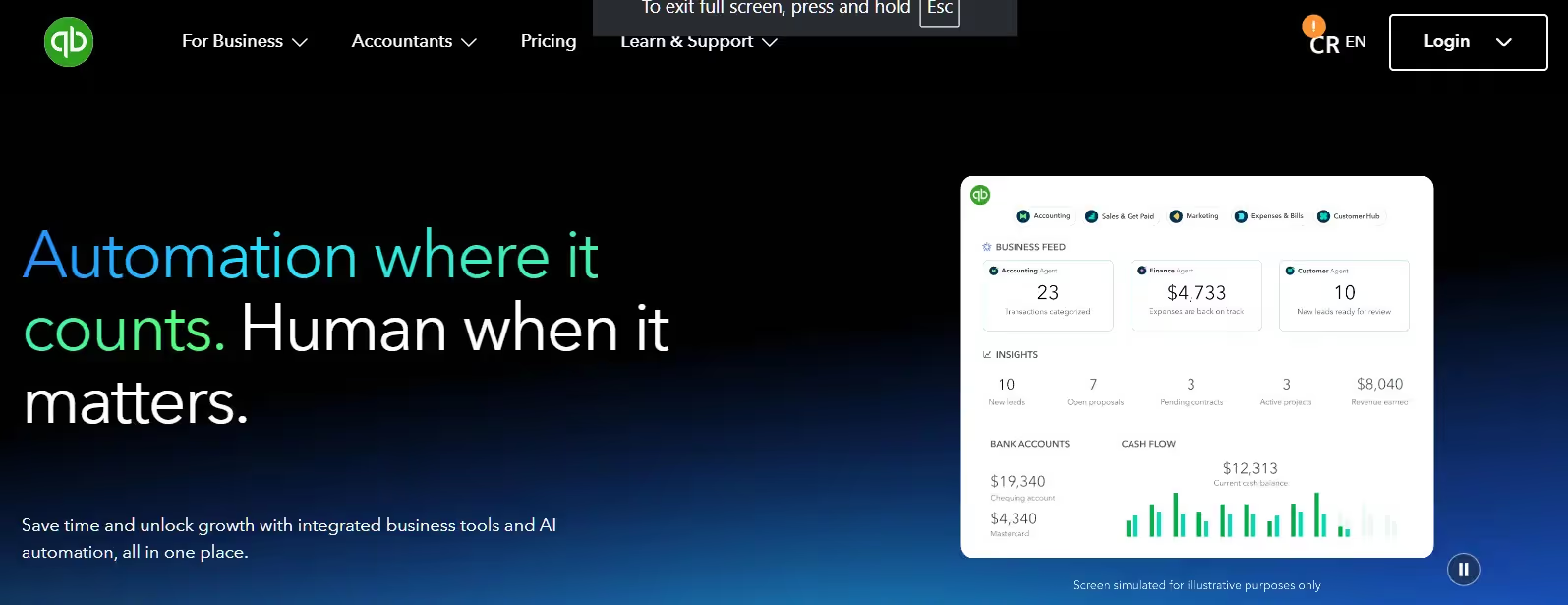
QuickBooks Online is widely used among small and mid-sized accounting practices because it combines invoicing with full accounting, bank feeds, reconciliation, and reporting in a familiar environment.
What it does well
Supports firms moving from desktop accounting to cloud workflows
Handles billing and accounting for relatively simple entity structures
Benefits teams that rely on a large accountant ecosystem and many integrations
Where it may not be the right fit
Native multi-entity accounting is limited, each company file is a separate subscription
Advanced billing workflows often require add-ons
Not designed for firm-level billing across many clients
QuickBooks Online is best for growing accounting firms with standardized billing before complexity increases.
3. Xero — Best Accounting Billing Software for International and Multi-Currency Work
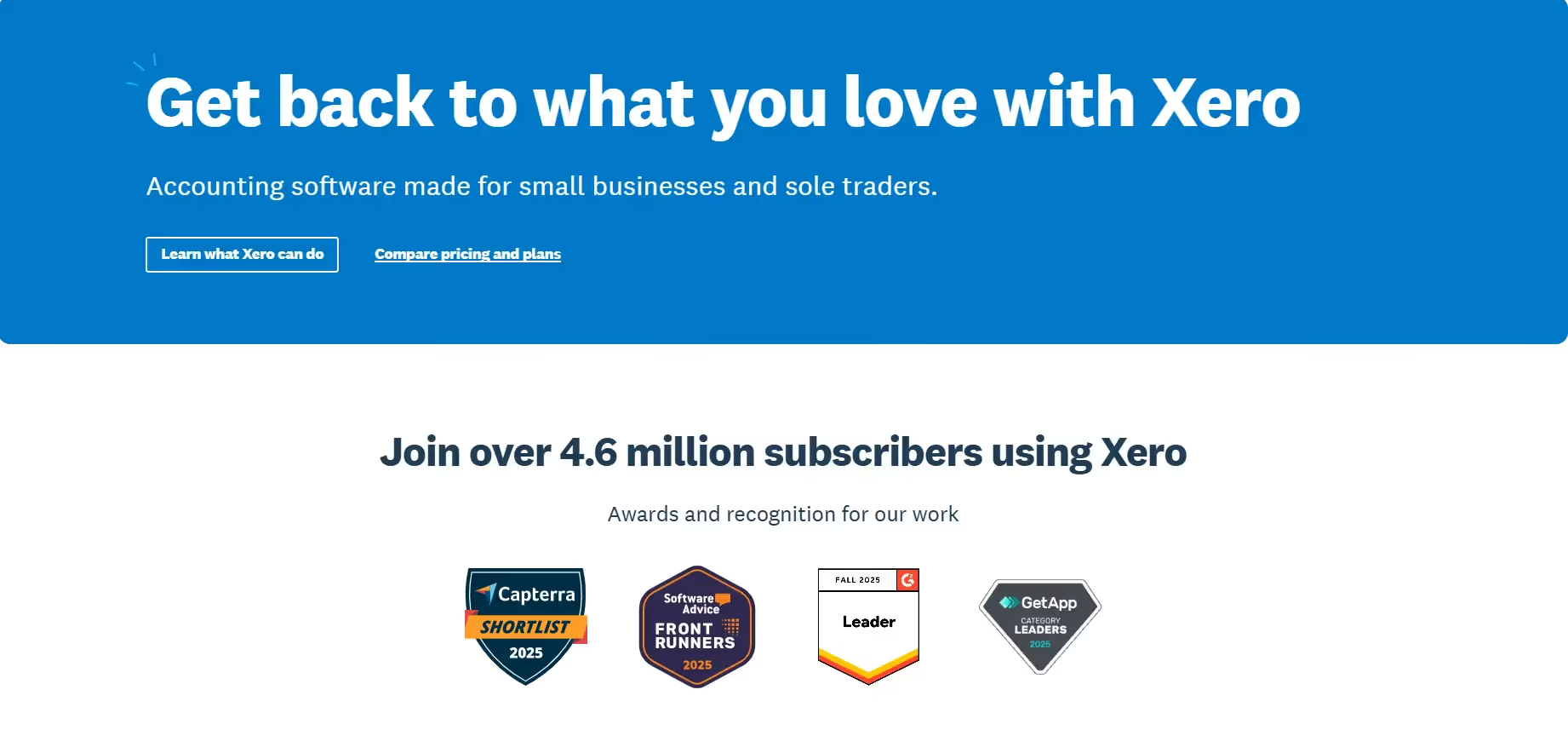
Xero is a cloud-first accounting platform with a clean interface and strong multi-currency capabilities, which makes it attractive for firms with international clients.
What it does well
Handles multi-currency accounting for international client work
Enables real-time collaboration between accountants and clients
Integrates invoicing directly with reconciliation workflows
Where it may not be the right fit
Advanced reporting and consolidation often need higher-tier plans or additional tools
Workflow customization is more limited than platforms built specifically for accountants
Xero is best for firms with international exposure and relatively standard billing workflows.
4. FreshBooks — Best Billing-First Tools with Accounting Limitations
FreshBooks
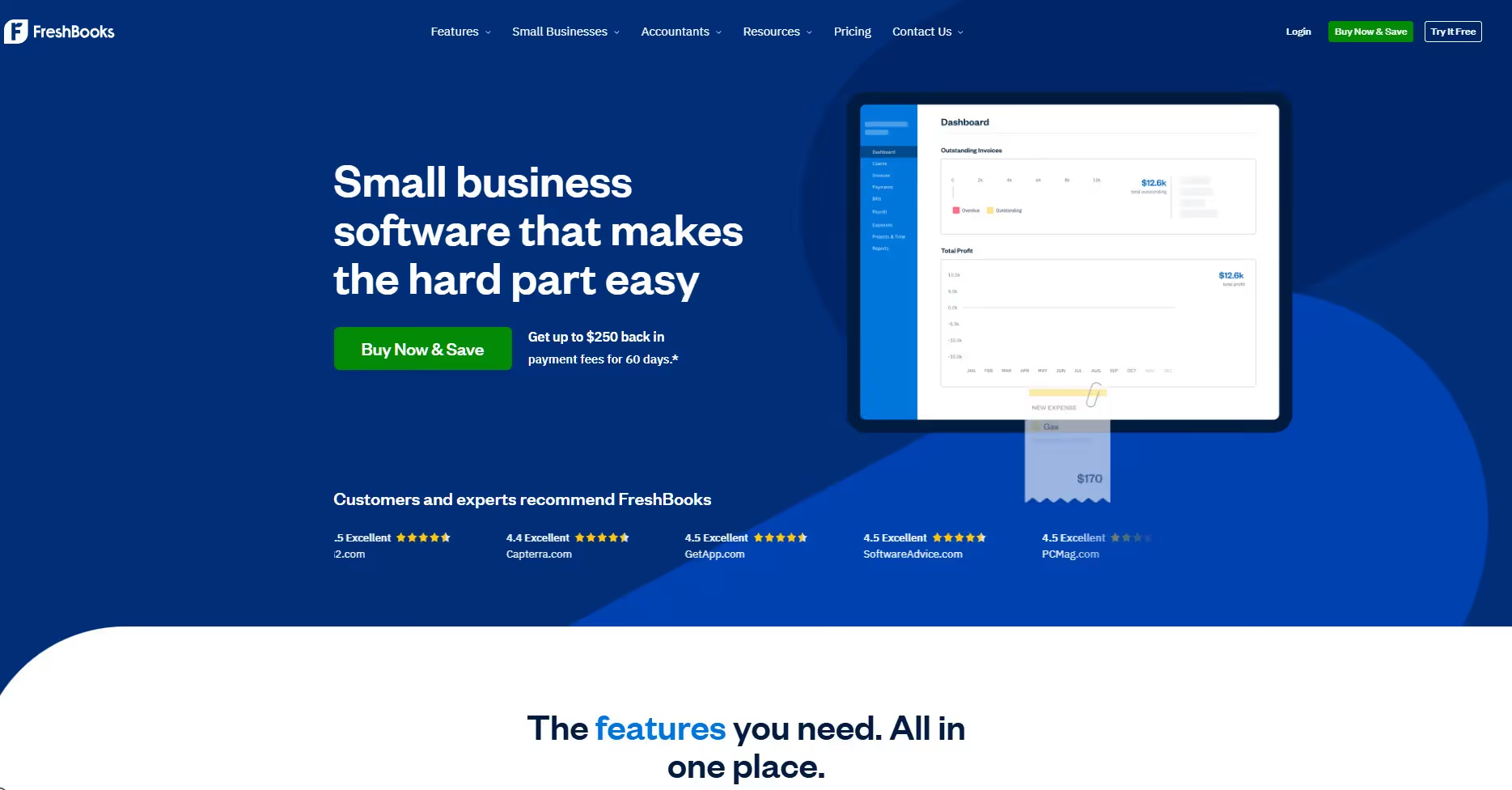
FreshBooks is frequently recommended for invoicing because of its ease of use, time tracking, and client-friendly billing experience. It's not an accounting-first platform.
What it does well
Fast invoice invoice creation for service-based work
Handles time-based and project billing workflows
Provides client portals and automated payment reminders
Where it may not be the right fit
Limited accounting depth for professional reporting
Not designed for multi-entity or consolidated accounting
Less suited for audit-driven or review-heavy environments
FreshBooks is best for service-based businesses, not professional accounting firms.
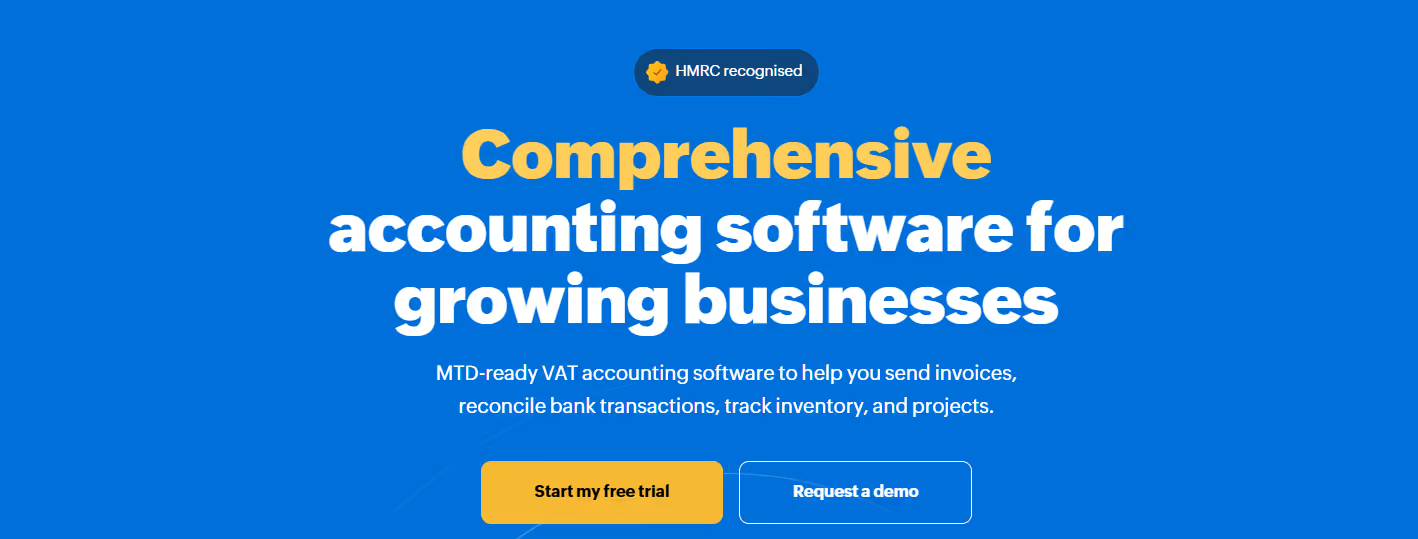
5. Zoho Books — Best Accounting Billing Software for Lower-Budget Teams
Zoho Books combines invoicing with full accounting at a competitive price point, which appeals to cost-conscious teams. It fits well inside the broader Zoho business suite.
What it does well
Brings billing and accounting into a single system
Supports basic automation and compliance-related workflows
Integrates naturally with Zoho CRM, Inventory, and other Zoho Tools
Where it may not be the right fit
Workflow depth can be limited for firms with complex approval chains
Reporting can fall short for multi-entity or consolidated firm requirements
Zoho Books is best for smaller teams that balance cost with functionality.
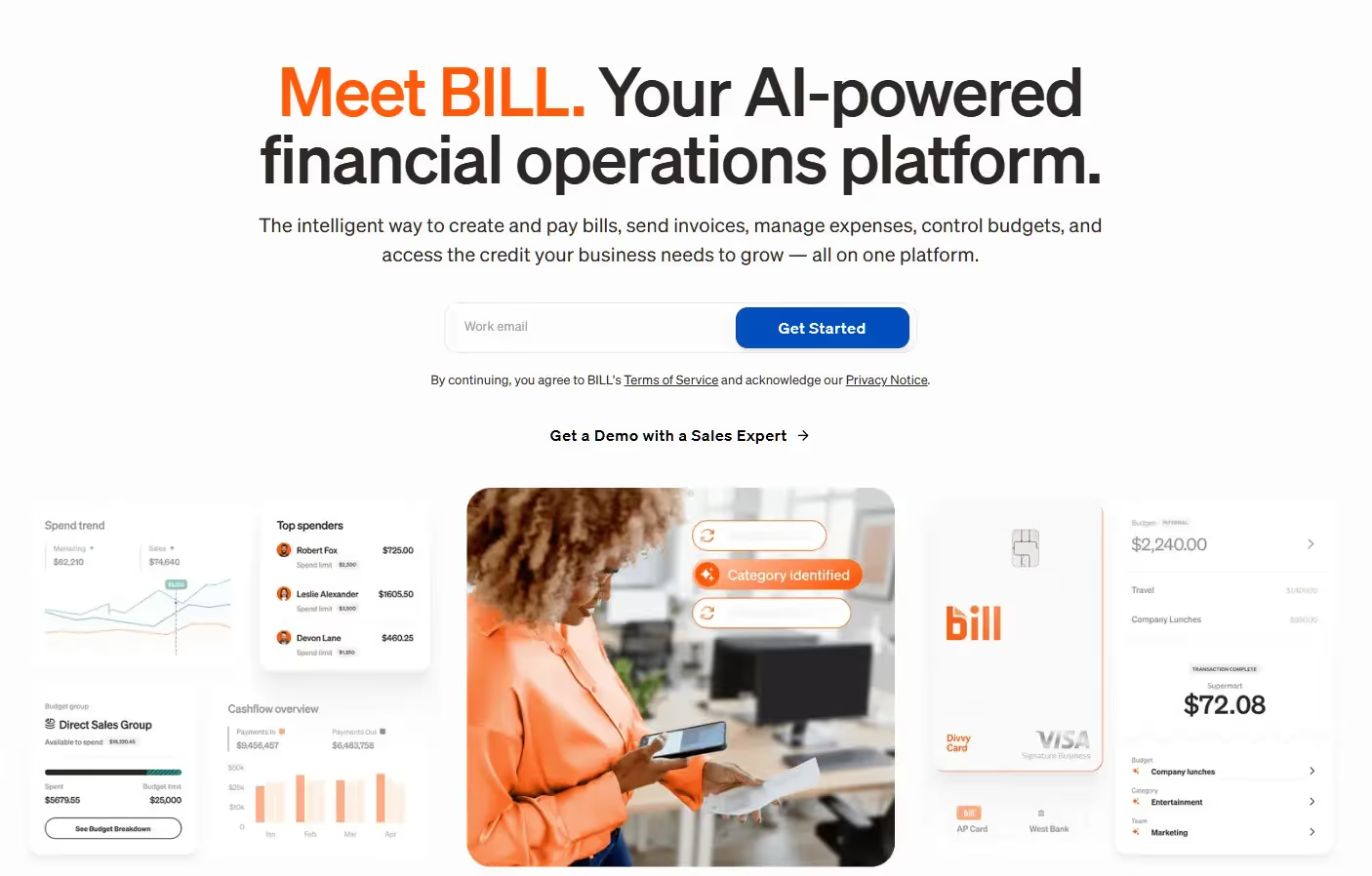
6. BILL — Best for Workflow Automation Layered onto Accounting
Bill focuses on automating accounts payable and receivable workflows and integrates with accounting platforms like QuickBooks and Xero. It isn't a standalone accounting and billing system.
What it does well
Supports approval workflows for accounts payable and receivable
Handles vendor payments within structured AP processes
Reduces manual AP/AR work through automation
Where it may not be the right fit
Doesn't cover end-to-end accounting billing workflows on its own
Requires a separate accounting system for general ledger and reporting
BILL is best for firms that already have accounting software and want stronger AP/AR automation.
6. Wave — Best Free Accounting Software for Micro-Businesses
Wave offers a free tier for basic accounting and billing, making it accessible for micro-businesses and side businesses that aren't ready to pay for a full accounting platform.
Plan
Price
Key Features
Starter
Free
Unlimited invoices, bills, and bookkeeping records; online payments (2.9% + $0.60/transaction); mobile invoicing; cash flow dashboard
Pro
$19/mo.
Everything in Starter + discounted payment rates (2.9% + $0/transaction); auto-import and categorize bank transactions; receipt capture; automated payment reminders
Advisors
$199/mo.
Everything in Pro + dedicated bookkeeper; monthly financial statements; tax readiness support; expert bookkeeping guidance
Where it might not be the right fit
Basic accounting depth that's not suited for professional reporting or multi-entity work
No native multi-currency or intercompany support
Not designed for audit-driven or compliance-heavy environments
Wave is best for micro-businesses and sole traders. Once billing complexity grows or multiple entities are involved, its limitations become apparent quickly.
How to Choose the Right Accounting Billing Software
Instead of asking "Which tool is best?" professional firms get better results by asking "Which tool is best for what stage and structure?"
Your Situation
What to Prioritize
Simple billing, single entity
Lightweight tools may be enough for now, but expect to outgrow them as complexity increases
Growing accounting practice
Look for platforms that integrate billing with accounting and reporting, even if workflows are still standard
Manual entry and reconciliation don't scale — platforms that embed automation into accounting workflows reduce long-term cost and error risk
Final takeaway
There isn't a single best accounting billing software. There's only the best fit for your firm's structure and complexity.
For CPA firms and family offices with complex structures, that means accounting-grade billing, deep workflows, and native multi-entity support. Platforms built specifically for professional accounting (like Eleven) are designed with that reality in mind.
Is accounting billing software the same as invoicing software?
No. Invoicing software focuses on creating and sending invoices. Accounting billing software connects billing directly to the GL, AR, reconciliation, and reporting. For CPA firms and family offices, that distinction matters, as disconnected invoicing tools often create extra manual work and inconsistencies in financial statements.
When should a firm move away from basic billing tools?
Usually when billing starts slowing down the close or affecting accounting accuracy. Common signs include repeated reconciliation issues, difficulty managing multiple entities or currencies, and growing reliance on spreadsheets to align billing activity with accounting data.
Can accounting billing software support audits and compliance?
Yes,when it's built for professional accounting workflows. Tools with audit trails, document attachments, approval workflows, and role-based access make audits and compliance work significantly easier. Basic billing tools designed for small businesses often don't include those controls.
Do CPA firms and family offices need dedicated accounting billing software?
In many cases, yes. As complexity grows, billing becomes part of the accounting control environment rather than a standalone admin task. Dedicated accounting billing software ensures billed amounts flow accurately into accounting records, approvals are documented, and reporting stays audit-ready without manual fixes.
Carl Nnaji is a Certified Public Accountant and data strategist who helps teams turn complex financial data into clear, reliable insights. With over a decade of experience spanning Google, ExxonMobil, Ernst & Young, and HP, he has built analytics frameworks and machine‑learning models that guide product and financial decisions at scale. Carl holds a bachelor’s degree in Accounting and Finance from The University of Texas at Austin and an MBA from the Texas McCombs School of Business, where he focused on management, operations, and applied analytics. He became a US‑licensed Certified Public Accountant in 2015, giving him a strong technical foundation in audit‑ready reporting, controls, and compliance. As founder of Kiwi Consulting Group, Carl now works with owners and finance leaders to modernize their accounting systems, implement cloud tools, and build dashboards that keep books accurate, timely, and decision‑ready. His work includes designing workflows that reduce manual bookkeeping, improve multi‑entity visibility, and make it easier for teams to spot risk and opportunity early. When he’s not advising product teams or reviewing content, Carl co‑builds data‑driven growth tools for founders, including platforms that help event promoters and operators use real‑time data to drive revenue. Across all of his work, he is focused on one goal: making complex financial systems simpler, faster, and more trustworthy for the people who rely on them every day.


.avif)