8 Cloud Accounting Myths Debunked For Professionals (2026)
The truth about cloud-based accounting software. Find out how it increases productivity, lowers expenses, and improves security for CPA and accounting businesses.
Some reservations about cloud accounting are legitimate questions worth answering. Others are outdated beliefs that no longer reflect what modern platforms can do. This article addresses eight of the most common myths, from security and data loss to multi-entity limitations and audit readiness, based on what current platforms actually offer professional firms.
In this article
If you run a CPA firm or manage a family office, cloud accounting software has likely been on your radar for years. Yet a specific set of concerns keeps surfacing that may be slowing your adoption or pushing you toward the wrong platform.
Some of these cloud accounting myths are legitimate questions your firm deserves honest answers to. Others are myths that persist because they were true of early cloud software and have never been updated.
We address eight of them directly, based on what platforms actually do.
Cloud Accounting Myths: At a Glance
Before we get into the details, here’s where each myth stands.
Myth
Verdict
Cloud accounting is not secure
❌ False. Cloud infrastructure is generally more hardened than on-premise; specifics matter
⚠️ Depends on platform and scale: per-entity SMB pricing is expensive at volume; entity-based pricing isn’t
Data loss is more likely in the cloud
❌ False. Redundant infrastructure and automated backups make cloud more resilient than local storage
Cloud is only for simple, single-entity businesses
⚠️ True of SMB platforms; false of platforms built for multi-entity complexity
Switching means losing historical data
❌ False. Migration preserves historical data; decommissioning without an archival plan does not
Internet downtime makes cloud unreliable
❌ Connectivity dependency is real; 99.9%+ uptime guarantees make it a minor practical risk for most practices
Cloud cannot meet audit requirements
❌ False. Platforms with linked documents, version history, and access controls meet audit requirements
8 Cloud Accounting Myths Debunked
Now, let’s break down the concern behind each myth, whether it actually holds true, and what current cloud accounting platforms offer to accounting firms.
Myth 1: Cloud Accounting Software Is Not Secure
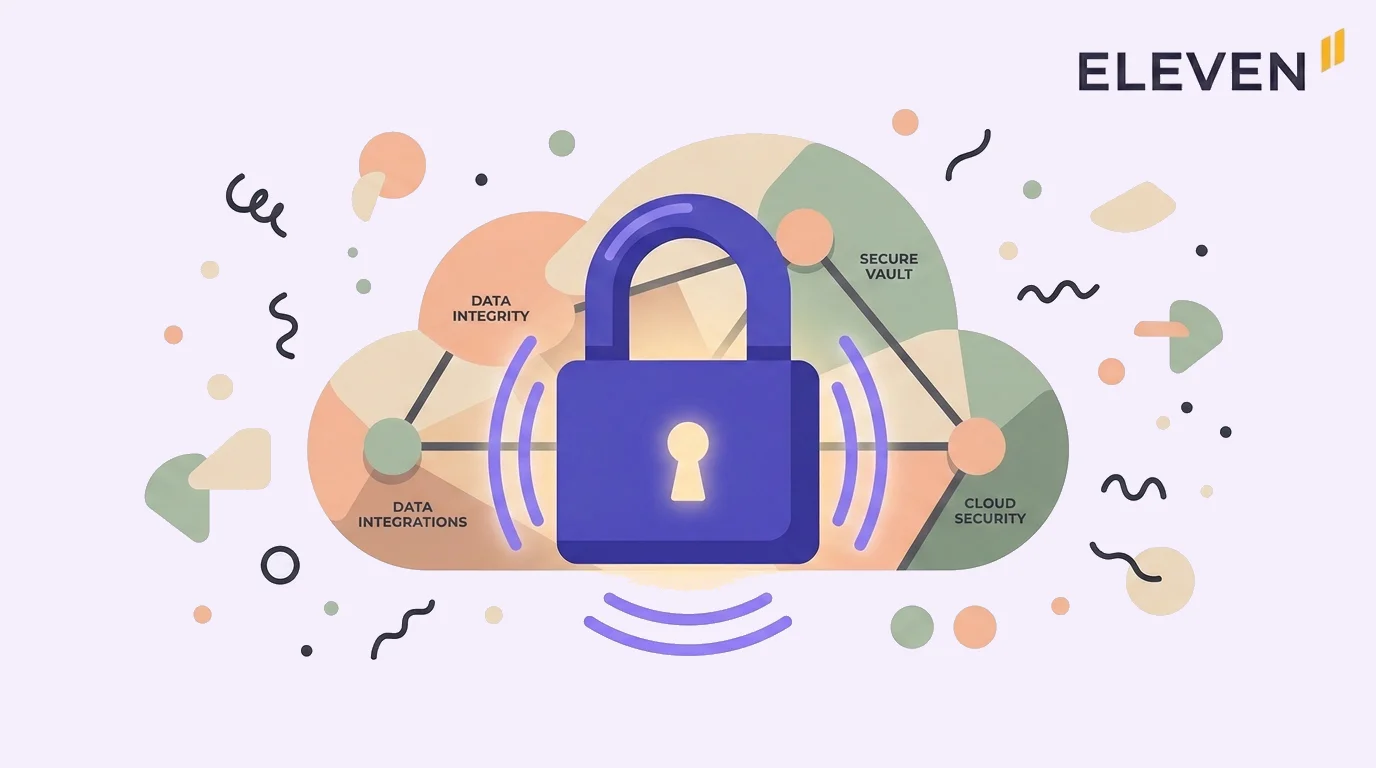
Cloud platforms are generally more secure than on-premise systems. The specifics matter more than the general claim: security depends on what infrastructure the vendor runs, what access controls the platform provides, and what audit trail functionality is built in.
The concern is understandable. Storing client financial data off-premise feels like a loss of control. The reality is that most on-premise servers in accounting practices are less hardened than the infrastructure major cloud platforms run on.
Here’s what modern platforms actually provide:
Eleven stores data on AWS infrastructure with encryption and access controls at the entity level. Each client company operates in its own database with its own permissions, and every document linked to a transaction includes full version history and a complete audit trail.
NetSuite maintains SOX compliance tooling with a secure document repository for reconciliations. Supporting evidence can’t be altered after sign-off, and a complete time-stamped audit trail is maintained per transaction.
These are the right questions to ask any vendor before onboarding or migrating to a new cloud accounting system:
Where is the data hosted, and on whose infrastructure?
What encryption standard is used at rest and in transit?
What does the audit trail cover, and can it be altered?
How are access controls managed at the user and entity level?
⚠️ Note: Vague claims about “enterprise security” aren’t answers to the questions above. Ask for specifics during vendor evaluation and check whether the platform has independent security certifications relevant to your jurisdiction.
This one is partially true and it matters. Most cloud accounting platforms, including QuickBooks Online and Xero, are architected for single entities. Each company is a separate subscription with no native consolidation.
If your firm manages multiple client entities, this is an architectural ceiling you will hit. The myth worth debunking is the stronger version: that no cloud platform can handle multi-entity operations.
The distinction that matters isn’t cloud versus on-premise. It’s single-entity architecture versus multi-entity architecture.
Multi-entity; one database per client, unified platform
✅ (Real-time consolidated reporting)
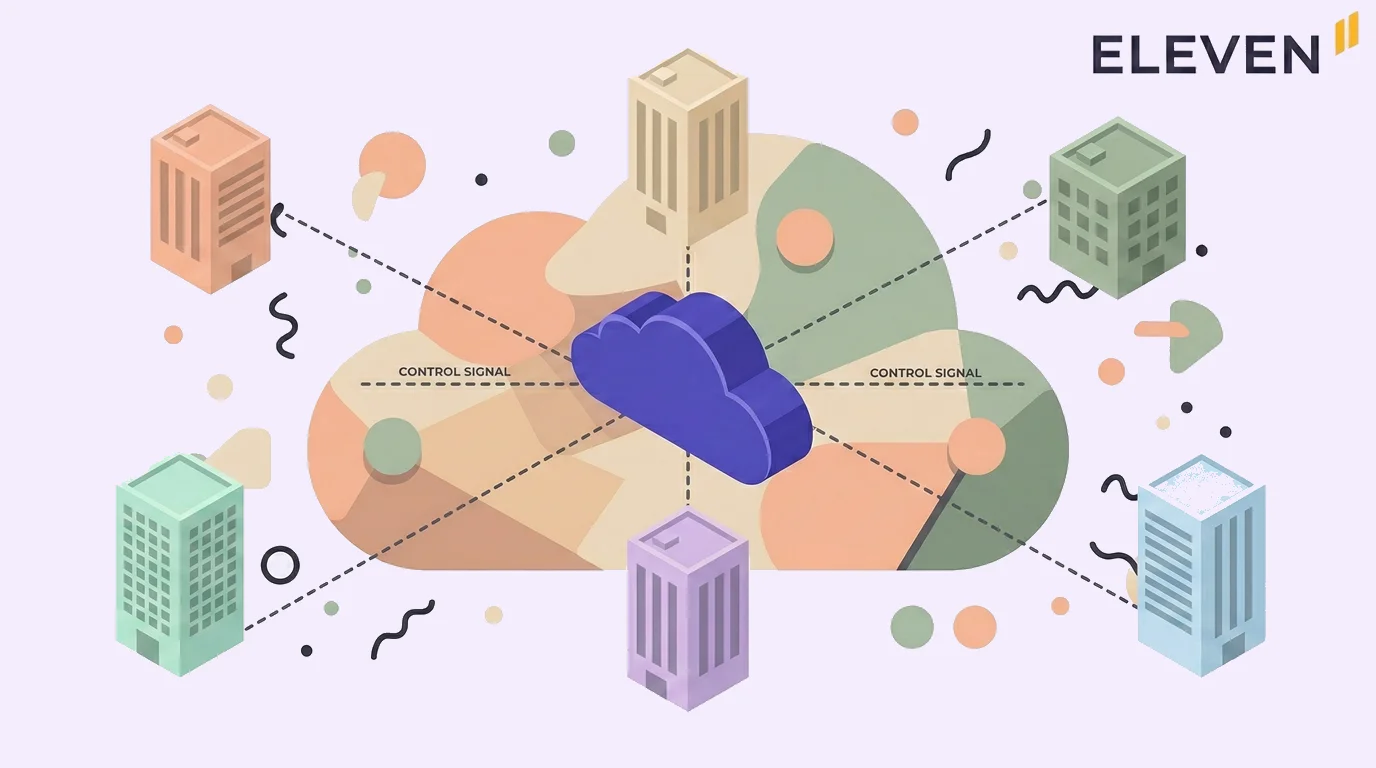
Platforms built specifically for multi-entity operations work differently. In Eleven, each entity has its own general ledger, chart of accounts, users, and permissions, but all entities sit within a single platform.
A family office managing five subsidiaries can consolidate financials for group-level reporting in real time with no spreadsheet export required. Sage Intacct supports multi-entity consolidations with self-balancing intercompany transactions and continuous roll-up reporting across hundreds of entities.
Myth 3: Cloud Accounting Is Too Expensive for Smaller Firms
Cost depends entirely on what you’re comparing and at what scale. For a single-entity SMB, entry-level cloud accounting is cheaper than legacy desktop software when the total cost of ownership is calculated.
If your CPA firm manages many entities, per-entity pricing on SMB platforms becomes expensive quickly. That’s a pricing model problem, not a cloud problem. The two sources of the cost myth are the following:
Comparing cloud subscriptions to legacy desktop software purchased years ago. That comparison ignores the ongoing cost of hardware, IT maintenance, updates, and the productivity lost to manual workarounds.
Per-entity pricing compounding with scale. A firm managing 20 entities on QuickBooks Plus at the ProAdvisor rate pays over $1,600 per month for 20 isolated ledgers with no group reporting. That’s a legitimate concern.
The answer is not to avoid cloud accounting; it’s to choose a platform whose pricing model matches the firm’s operating model.
👍 Eleven’s Professional plan covers up to 50 entities at $1,120 per month with unlimited users, consolidated reporting, and implementation included. The per-entity economics are fundamentally different from per-company SMB pricing.
Myth 4: Data Loss Is More Likely in the Cloud
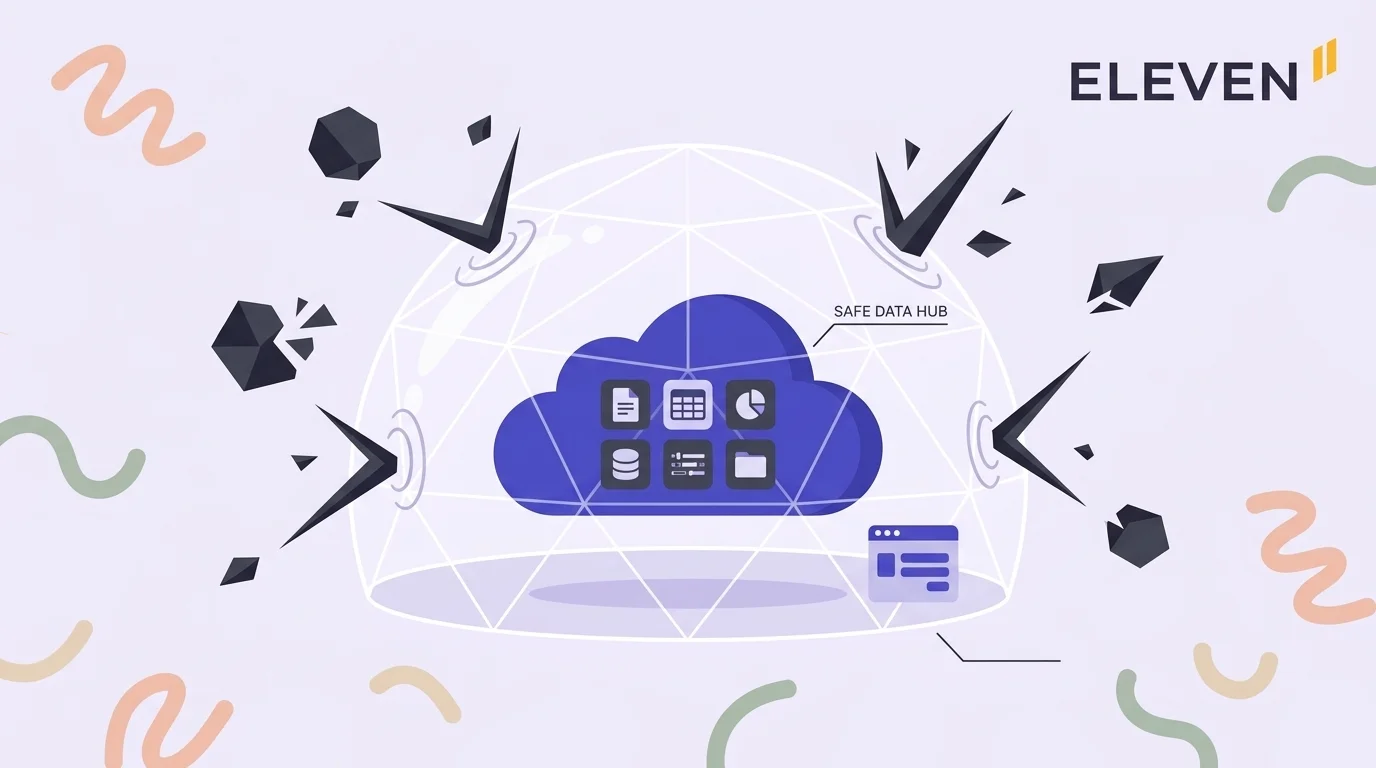
Cloud platforms with redundant infrastructure and automated backups are significantly more resilient to data loss than local storage. The scenarios that cause catastrophic data loss on-premise are mitigated by design in cloud architecture.
Here’s how on-premise data loss actually happens:
Hardware failure without an offsite backup
Ransomware encrypting both the primary data and local backups
Backups stored in the same physical location as the server
Human error with no version history to roll back to
Here’s how cloud platforms address these risks:
Geographic redundancy: Data is replicated across multiple data centers so no single failure destroys the only copy.
Automated backup schedules: No manual step is required; backups run continuously or on defined intervals.
Version history: Changes are tracked so records can be rolled back; in Eleven, every document linked to a transaction has full version history stored via AWS infrastructure.
Role-based access controls: Limiting who can delete or modify records reduces accidental loss.
⚠️ Note: The legitimate concern about cloud data is vendor dependency: if the vendor closes or changes terms, what happens to your data? Ask specifically about data export formats and whether you can extract a full copy of your data at any time.
Myth 5: Cloud Accounting Is Only for Simple, Single-Entity Businesses
This was accurate about early cloud accounting software and is still accurate about the most widely used SMB platforms. It’s not accurate about the full range of cloud accounting platforms available today.
The mistake is treating cloud accounting as a single category. It’s not.
SMB-Oriented Cloud Platforms
QuickBooks Online is designed for US-based small businesses. It’s excellent for domestic compliance and payroll, not for multi-entity consolidation.
Xero is designed for small and medium businesses globally. It has a strong international coverage but suffers from the same single-entity architectural ceiling.
Professional and Multi-Entity Cloud Platforms
Eleven is purpose-built for CPA firms and family offices managing multiple entities, subsidiaries, trusts, holding companies, and operating businesses. A $5 billion family office migrating to Eleven isn’t an edge case; it’s the target use case.
Sage Intacct is purpose-built for mid-market organizations with complex entity structures and vertical-specific requirements, including nonprofits, healthcare, and construction.
NetSuite has a full ERP scope for enterprise-scale operations with multi-currency, multi-book accounting, and subsidiary consolidation.
The question isn't whether cloud accounting can handle complexity; it's whether the platform you're evaluating was built for the complexity your firm actually has.
Myth 6: Switching to Cloud Accounting Means Losing Historical Data
Historical data isn’t lost during a migration to cloud accounting. It’s either migrated, archived in the legacy system, or both. Firms sometimes lose convenient access to historical data if the legacy system is decommissioned without an archival plan. That’s a migration process failure, not a property of cloud software.
A well-executed migration preserves historical data through one of three approaches:
Full transaction migration: Current year plus prior years imported in full.
Selective migration: Current year in full, prior year for comparatives, and older years as opening balance summaries.
Parallel archival: The legacy system is maintained in read-only mode alongside the new platform. The staff can reference historical data without importing it.
The selective approach is the most practical for most firms. Migrating five years of transaction-level history for 20 entities significantly increases migration complexity without proportionally increasing operational value.
⚠️ Note: When evaluating a cloud platform, confirm whether data migration support is included in the onboarding cost or billed separately. The answer varies significantly by vendor and affects the total cost of transition.
Myth 7: Internet Downtime Makes Cloud Accounting Unreliable
Connectivity dependency is characteristic of cloud software, not a myth. The relevant question is whether that dependency is a practical problem for how your firm actually operates. For most practices with standard internet connectivity, it’s not.
Here’s what the uptime numbers mean in practice:
99.9% uptime translates to roughly 8.7 hours of potential downtime per year across all sources.
99.99% uptime translates to roughly 52 minutes per year. This is the number published by many enterprise-grade cloud vendors.
Most firm outages are shorter than either threshold and often caused by local network issues rather than the cloud platform itself.
On-premise accounting software has its own reliability risks, including the following:
Server hardware failure
Local network outages
Software corruption requiring IT intervention
No automatic updates, meaning vulnerabilities accumulate
The practical concern for your practice is not total outage but slow connections during your high-volume periods: end-of-month close, tax season, or bulk uploads. This is worth testing during any trial period, particularly for firms in locations with inconsistent connectivity.
Cloud accounting platforms can meet audit requirements. The relevant criteria are whether the platform maintains a complete, tamper-proof audit trail, whether supporting documents are linked to transactions, and whether access controls and user activity logs are sufficient for auditor review.
These are feature questions, not cloud-versus-on-premise questions. An audit requires three things from the accounting system:
Traceability: Every transaction must be traceable to its source with a clear line from entry to approval.
Document integrity: Supporting documentation must be accessible, unaltered, and linked to the relevant transaction.
Access logging: A record of who approved what and when must be available for auditor review.
Here’s how each platform handles this:
Eleven links every document to its corresponding transaction or journal entry, stored via AWS with encryption and full version history. Access controls operate at the entity level. The DMS provides a complete, searchable audit trail for every client entity.
NetSuite maintains a secure document repository where supporting evidence can’t be altered after sign-off. A complete time-stamped audit trail is maintained per transaction, and SOX compliance tooling is included.
Sage Intacct approval workflows capture evidence of signoffs with automated notifications. Reconciliations are stored with full justification and clear logic behind any adjustments.
The platforms that create audit risk aren’t cloud platforms categorically. They’re platforms with weak document management, no version history, and insufficient access logging. Those problems exist in on-premise software too.
Cloud Accounting for CPA Firms and Family Offices
Most of the myths above either don’t apply to professional-grade cloud accounting or they reveal a real limitation of SMB platforms that firms sometimes encounter when they outgrow what those platforms were built for.
Eleven was built from the ground up for the complexity that CPA firms and family offices actually manage. Here’s what it includes:
Multi-entity management: Unlimited entities under one platform; switch between clients instantly from a centralized dashboard.
Consolidated reporting: Real-time group financials across all entities in a chosen base currency; no export to Excel required.
AI bookkeeping: Invoices, receipts, and bills extracted automatically from PDFs and images; the system learns each client's transaction patterns over time.
Native DMS via Dokmee: Every document linked to its transaction with full version history, stored on AWS with encryption and access controls.
Implementation and migration included: Implementation, data migration, and training are included in all plan pricing.
Still managing client entities across separate subscriptions with manual consolidation at month end?Start your free trial and see how Eleven handles multi-entity operations, consolidation, and audit trails in a single platform.
Frequently Asked Questions (FAQs)
Is cloud accounting software safe for client financial data?
Yes, for platforms that run on enterprise-grade infrastructure with encryption, redundant backups, and role-based access controls. Ask vendors specifically where data is hosted, what encryption standard is used at rest and in transit, and how access is managed at the user and entity level.
Can cloud accounting software handle multiple entities?
It depends on the platform. SMB cloud platforms like QuickBooks Online and Xero are built for single-entity operations; each company is a separate subscription with no native consolidation.
What happens to historical data when switching to cloud accounting?
Historical data isn’t lost. A properly planned migration preserves it through full transaction migration, selective migration with archiving of older years, or maintaining the legacy system in read-only mode alongside the new platform.
Is cloud accounting software suitable for CPA firms and family offices?
It depends on the platform. SMB-oriented platforms aren’t designed for firms managing many client entities or family offices running complex cross-border structures.
Platforms built for that complexity, including Eleven, address multi-entity management, multi-currency operations, consolidated reporting, and audit trail requirements as core functionality.
Does cloud accounting software produce audit-ready financials?
Yes, when the platform maintains a complete audit trail, links supporting documents to transactions with version history, and provides sufficient access logging and approval workflows. These are features to verify during evaluation, not properties of cloud software in general.
Saad Mouaouine is an SEO content writer, editor, and AI-focused researcher specializing in long-form digital content, automation-assisted workflows, and search optimization. He has written and edited hundreds of articles across technology, SaaS, and business-focused industries, contributing to projects connected to global brands including Shell plc. At Eleven, he helps create SEO-driven content focused on accounting technology, automation, and operational efficiency.







.avif)