


.avif)
How to Choose Cloud Accounting Software for Pro-Practice
In this article, we’ll explain how you can go about choosing the right cloud accounting software for your accounting firm.


Zoho Books vs Xero (2026): both are solid single-entity platforms, but they're built for different priorities. Here's a full comparison for accounting professionals.
Zoho Books and Xero are both capable cloud accounting platforms for single-entity businesses, but they serve different priorities. This guide compares both platforms feature by feature (bank reconciliation, invoicing, AP, reporting, payroll, inventory, multi-currency, and pricing) and maps the scenarios where each one holds up. It also covers the architectural ceiling both platforms share: no native multi-entity consolidation, no dimensional ledger, and per-entity pricing that compounds at scale.
In this article
The Zoho Books vs Xero question comes up in a specific context: a client or practice is weighing a platform with serious feature depth and ecosystem integration against one with unlimited users, a cleaner interface, and a strong international footprint.
Both are capable, well-maintained account software. Both are also single-entity tools with the same structural ceiling once you move beyond one set of books.
This article maps where each platform wins, where they genuinely differ, and where both of them stop being the right answer.
Zoho Books wins on price, ecosystem breadth, inventory depth, project accounting, and US 1099 management. Xero wins on unlimited users, interface quality, and international bank feed coverage.
For a single entity, the comparison is worth making carefully based on team size, geography, and operational complexity. For firms managing multiple entities, both platforms share the same architecture: isolated ledgers, manual consolidation, and per-entity pricing that compounds with scale.
The final section of this article covers what a platform built specifically for that environment looks like.
Zoho Books is an accounting platform for value-conscious SMBs that want professional-grade features without enterprise-grade pricing. Its target user ranges from freelancers on the free plan to growing businesses that need project accounting, inventory management, and multi-currency at price points QuickBooks and Xero can’t match.
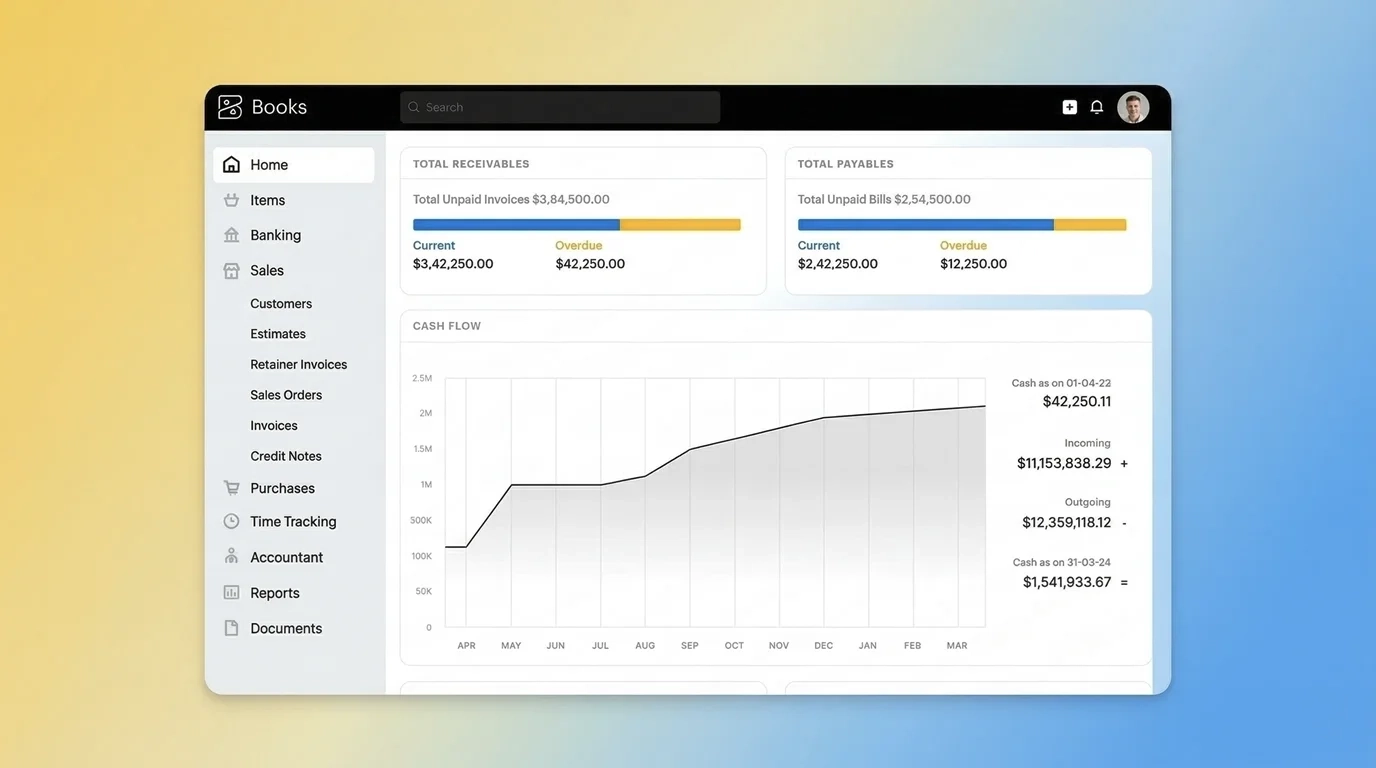
The platform’s native integration with Zoho CRM, Zoho Inventory, Zoho Projects, Zoho Expense, and Zoho Analytics makes it a practical choice for businesses already in the Zoho ecosystem.
It’s also genuinely international in design: multilingual invoicing is available on all plans, including Free, and multi-currency unlocks at Professional ($50/mo.).
Xero is a cloud accounting platform built around accessibility and unlimited users. It has a strong international footprint, particularly in the UK, Australia, New Zealand, and Europe, and a clean, genuinely user-friendly interface that consistently outperforms competitors on ease of use.
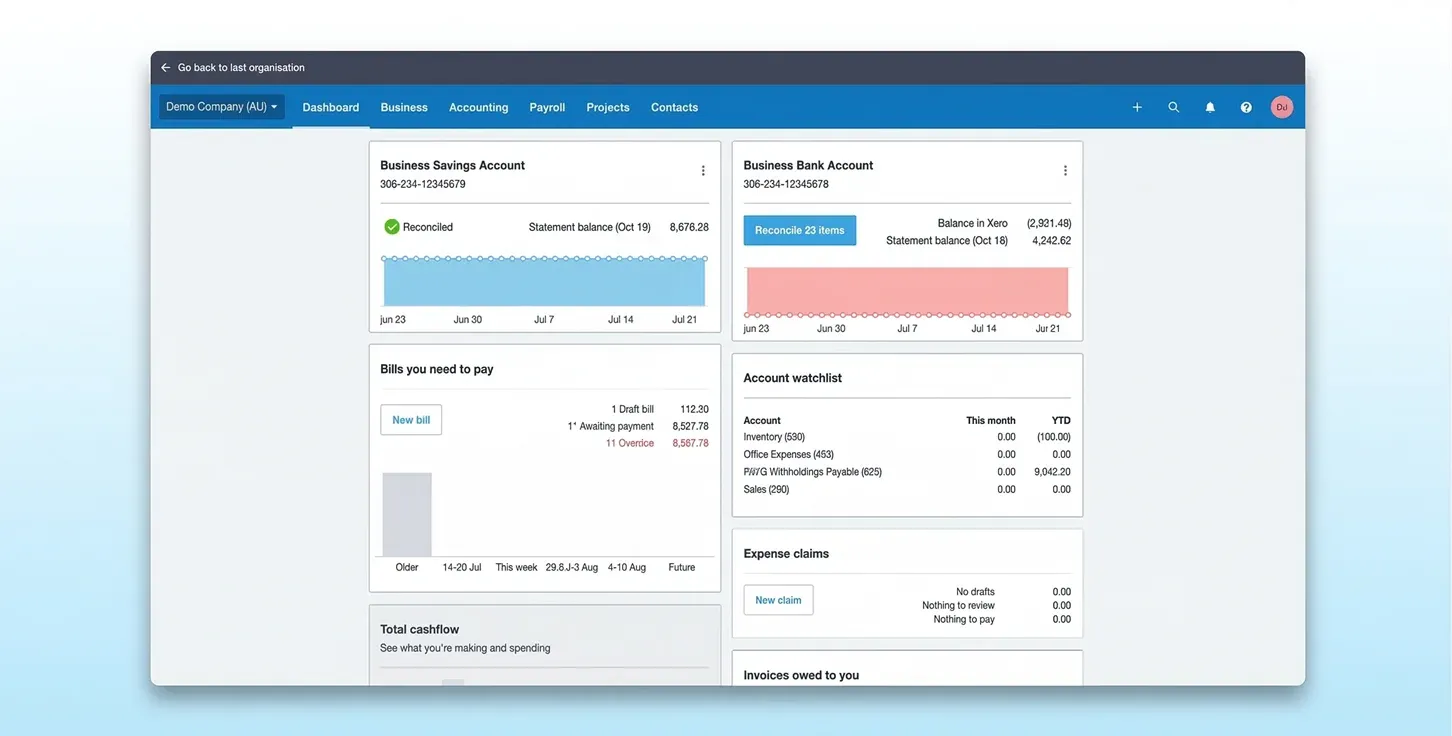
Its core user is a growing SMB or accountant-managed business that wants flexible, accessible books.
The Xero App Store ecosystem is extensive and the platform’s unlimited user model sets it apart from both Zoho Books and QuickBooks at every price point. For accounting firms, that unlimited access is the single most operationally significant difference between the two platforms.
The sections below focus on where the two platforms differ in ways that matter for professional use. Both platforms cover the accounting fundamentals. What distinguishes them is how they handle volume, complexity, and specific operational requirements.
Both platforms connect to bank feeds and automate transaction matching. The difference is in where bank reconciliation capabilities unlock and how each platform handles volume and document capture.

Xero's JAX automatic reconciliation feature is a meaningful time-saver for high-volume accounts. Zoho Books counters with statement auto-forwarding and richer document attachment options at lower plan tiers.
Invoicing is where client-facing cash flow meets the system, so plan-level caps and workflow depth show up quickly in practice. Both platforms can handle standard AR, but they differ meaningfully on volume limits and advanced capabilities.
⚠️ Watch Out: Zoho Books limits invoices by plan: 1,000/year on Free, 5,000/year on Standard, 10,000/year on Professional, 25,000/year on Premium, and 100,000/year on Elite and Ultimate. A growing business can hit the Standard cap quickly. Xero has no invoice limits on Standard and above, but the Starter plan caps you at 20 invoices/mo.
Zoho Books is the stronger invoicing platform for international and project-based businesses, with retainer invoices, approval workflows, and revenue recognition available at significantly lower price points than Xero. Xero edges ahead on interface quality and unlimited volume from Standard.
On the AP side, both platforms automate bill capture and flag duplicates. Zoho Books adds a vendor portal from its Premium tier, giving suppliers a self-service interface to submit invoices and check payment status without needing to contact the finance team directly.
For US-based practices, Zoho Books' native 1099 e-filing is a meaningful advantage over Xero, which has no native US tax filing tools. For document capture and bill entry automation, Hubdoc gives Xero a clean, practical solution that Zoho Books addresses through autoscan and email forwarding.
Both platforms provide strong single-entity reporting. Zoho Books has more volume and depth at every tier; Xero's output is cleaner and more accessible, particularly for clients who need real-time dashboards without a steep learning curve.
⚠️ Watch Out: Neither platform produces consolidated group reports natively. Each entity’s reports must be exported and combined manually. This is the shared ceiling both platforms hit for multi-entity firms.
Zoho Books has more built-in reports at every tier, with a full report builder unlocking on Elite. Xero's reporting is cleaner and more accessible but lighter in depth.
For advanced analytics, both platforms need external tools: Zoho Books connects to Zoho Analytics, while Xero relies on its App Store.
Neither platform has a fully embedded, native payroll solution in the US. Both rely on third-party integrations (Gusto, Rippling, etc.) or additional subscriptions (Zoho Payroll), which is an important operational consideration for US-based practices evaluating either tool.
💡 Worth Noting: Zoho Payroll integrates natively with Zoho Books and covers all 50 states, but the US edition launched only in late 2024. It doesn’t yet support 1099 contractor payments, which is a material gap for US practices managing contract workers. Xero routes US users entirely to Gusto. If embedded, full-coverage payroll is a client requirement. Factor in the additional cost, setup time, and current limitations of either integration before making a recommendation.
For practices with project-billing clients, the depth of the platform's project tools directly affects how efficiently time, costs, and client billing can be managed. This is one of the clearest areas of differentiation between the two platforms.
Zoho Books is the stronger platform here. Project management, timesheets, retainer invoices, and project profitability reporting are all available from Professional ($50/mo.).
Xero's project tools are functional and well-designed, but they lack the timesheet approval and retainer invoice functionality that service-based firms typically need. For practices with project-billing clients, Zoho Books delivers meaningfully more native depth at $50/mo. than Xero does even with its add-on included.
Inventory is where Zoho Books separates itself most clearly from Xero at the upper plan tiers. For product-based businesses, the comparison is less about a feature gap and more about what each platform includes without requiring additional integrations.
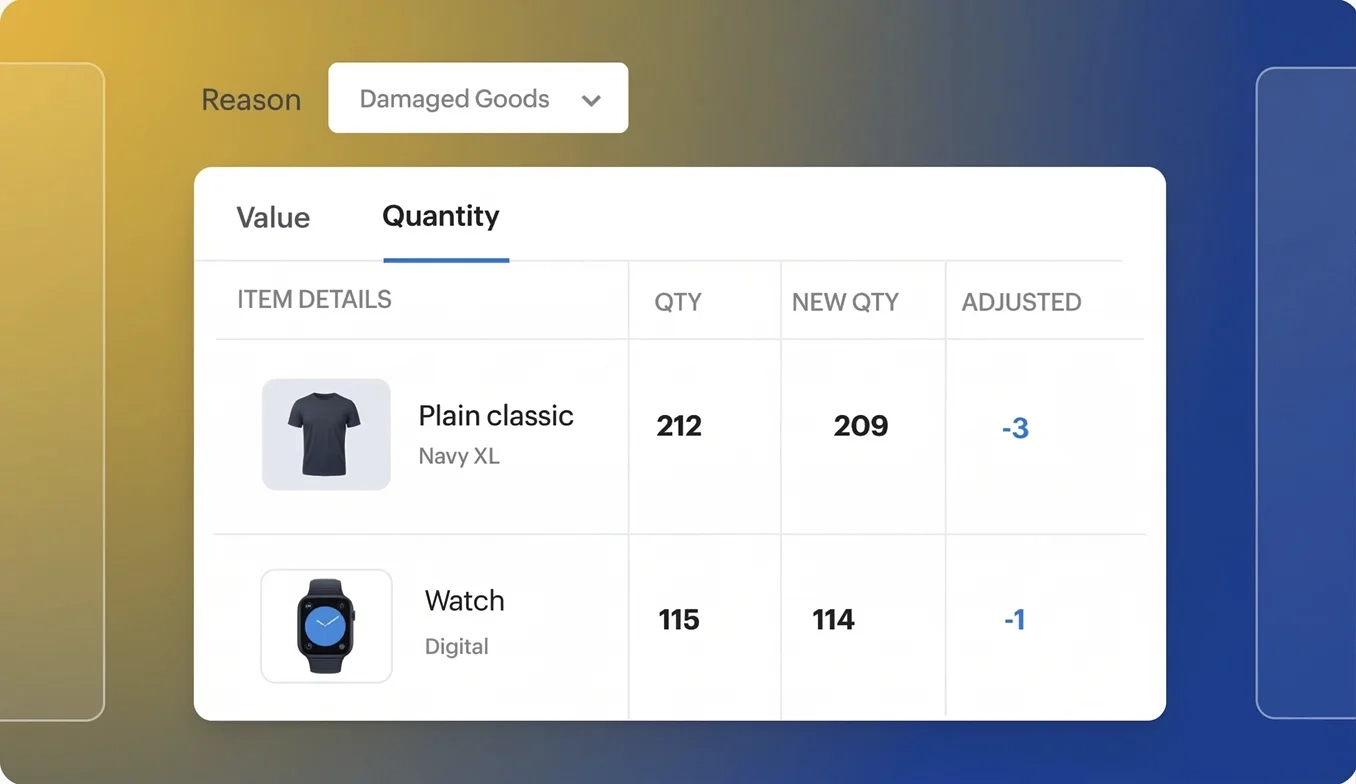
Zoho Books Elite ($150 per month) includes warehouse management, barcode generation and scanning, batch and serial number tracing, bin location tracking, and Shopify integration. Xero handles up to 4,000 finished items but has no native warehouse or barcode functionality.
💡 Worth Noting: For product-based businesses with serious inventory needs, Zoho Books Elite ($150/mo.) replaces what would otherwise require Xero plus one or more third-party inventory applications at a meaningfully higher combined cost.
How a platform handles user access, including who can log in, from where, and at what cost, influences day-to-day operations more than most feature comparisons acknowledge.
⚠️ Watch Out: Zoho Books caps users on every plan. Xero offers unlimited access on all three plans. For any firm with more than five staff working on a single client entity, Zoho Books' user limits become an operational constraint that Xero completely avoids.
Xero's unlimited user model is its single clearest advantage over Zoho Books. A firm with 12 staff managing a single client entity on Zoho Books needs Elite ($150/mo.) to give everyone access.
On Xero Premium ($75/mo.), every team member can access every organization at no additional per-seat cost.
Both platforms allow accountant access on every plan, but neither offers a firm management platform with the depth of QuickBooks Online Accountant. The practical difference is that Xero’s unlimited users mean accountant access never competes with team headcount.
Multi-currency becomes operationally important the moment any client or entity is invoicing, paying, or reporting across borders. Zoho Books unlocks multi-currency at Professional ($50/mo.); Xero requires Premium ($75/mo.). Both handle transactional FX competently.
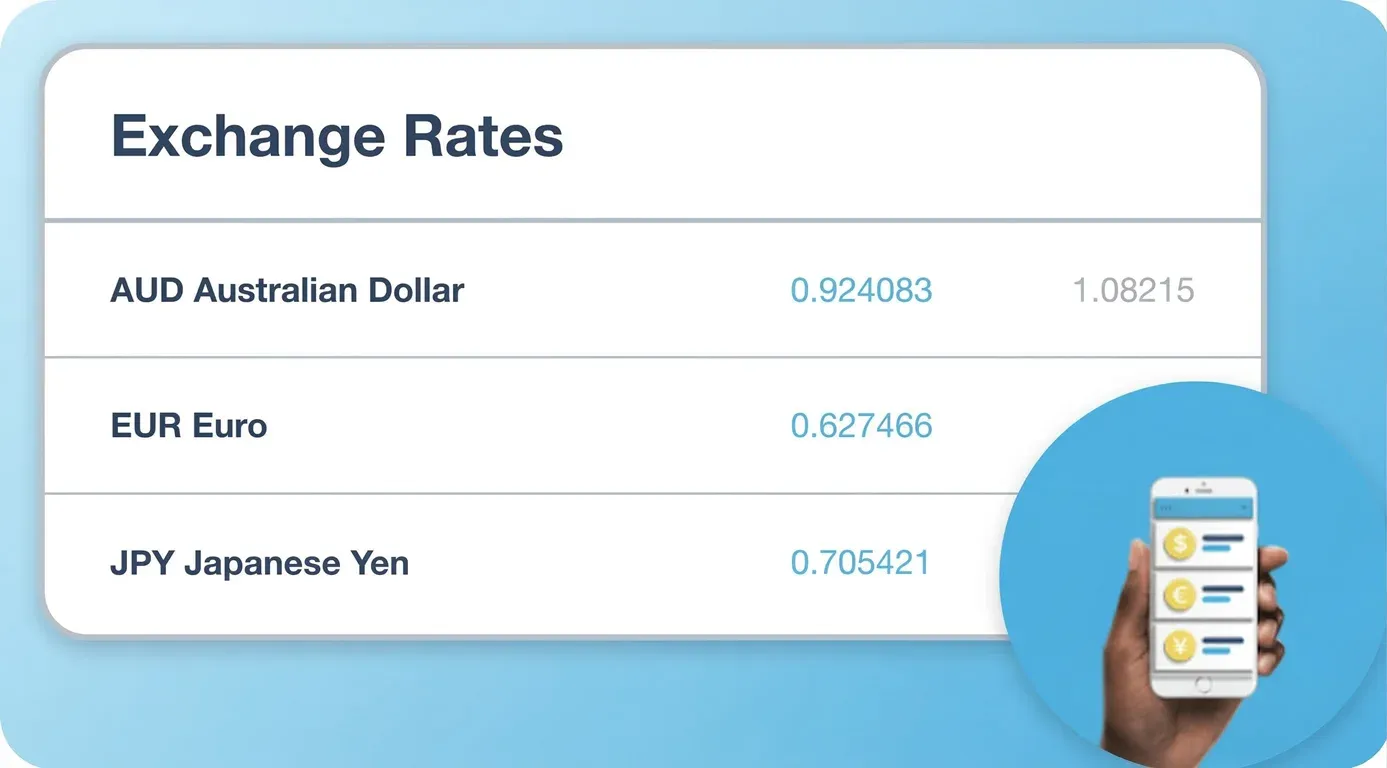
The $25/mo. difference is meaningful for international SMBs on tighter budgets, and Zoho Books' earlier unlock is a genuine pricing advantage for this segment. That said, both platforms share the same limitation at the group consolidation layer: neither handles functional-to-presentation currency translation across multiple entities natively.
Multi-entity groups with subsidiaries operating in different functional currencies still require manual spreadsheet work or third-party tools to produce IAS 21 or ASC 830-compliant consolidated financials on either platform.
At every comparable tier, Zoho Books is cheaper. The gap is most significant at the upper plans, where Zoho Books delivers meaningfully more capability at a lower price.
Zoho Books has a genuinely functional free plan, unlocks multi-currency $25 per month earlier than Xero, and includes revenue recognition natively from $70 per month, a capability Xero doesn’t offer at any plan tier.
This is where the economics of both platforms become important for firms and family offices. Each Zoho Books and Xero organization is a separate subscription. Neither platform was built for multi-entity operations, and the per-entity cost compounds accordingly.
⚠️ Watch Out: At every row in this table, you’re paying for isolated ledgers with no native consolidation, no intercompany automation, and no group reporting. The cost scales with entity count, but the architecture doesn’t.
These aren’t plan-level gaps that a higher tier resolves. They’re architectural constraints that affect every firm running either platform once the entity count grows.
Consolidating across entities in either platform means exporting reports from each organization separately, copying figures into a spreadsheet, and manually preparing group-level statements every period.
This isn’t a workflow problem that better software configuration can fix. It’s a direct consequence of how both platforms are architected.
❓ Manual consolidation in spreadsheets introduces version control risk, formula errors, and a disconnect between financial data and supporting documentation. For firms preparing consolidated financials for external stakeholders or audits, that is an operational burden that grows with every entity added.
Xero offers two tracking categories; Zoho Books offers reporting tags. Both are segmented approaches: they attach category labels to transactions, not metadata dimensions. As complexity grows, the chart of accounts expands to accommodate it.
❓ A dimensional ledger attaches variables like department, location, project, and entity as metadata on each transaction rather than creating new account codes. The chart of accounts stays compact and reporting across any combination of dimensions is available on demand. Neither Zoho Books nor Xero offers this natively.
Both platforms rely on external tools to fill core gaps. Zoho Books partially addresses this through its own ecosystem: Zoho Inventory, Zoho Analytics, and Zoho Projects fill several gaps natively.
However, consolidated reporting, group-level FX translation, and intercompany automation remain unsolved on both platforms regardless of what you add.
The right fit depends on the size of your team, where your clients operate, and how complex the entity structures are. The following profiles are not rigid rules, but they reflect what most practices encounter in the field.
Zoho Books is the stronger choice here. Multi-currency from $50/mo., project accounting from $50/mo., inventory depth from $150/mo., and native 1099 e-filing on US plans cover most mid-market requirements.
If the business is already using Zoho CRM or Zoho Inventory, the integration argument becomes significantly stronger.
Xero is a reasonable alternative if the business operates primarily outside the US or if a cleaner interface and unlimited users are higher priorities than feature depth at a given price point.
Xero leads here. Unlimited users on every plan means a firm with 10 or 15 staff can give everyone access to a client's organization on Xero Standard ($50/mo.) without hitting a user ceiling.
Zoho Books requires Premium ($70/mo.) for 10 users, which is close enough in cost that Xero's unlimited model becomes the practical choice for larger teams.
Both platforms show the same structural limits at this scale. Manual entity switching, no consolidated reporting, and per-entity subscription costs that multiply with client count.
A practice managing 20 entities on Zoho Books Professional pays $1,000/mo. for 20 isolated ledgers. The same practice on Xero Premium pays $1,500/mo. for the same architectural limitation.
💡 Pro Tip: If you manage more than five entities and month-end consolidation involves exporting to Excel, the platform is the bottleneck, not the team. The question isn’t which single-entity tool is cheaper. It’s whether single-entity architecture is the right foundation for the work you’re doing.
If your practice has outgrown single-entity accounting, the comparison between Zoho Books and Xero becomes less relevant. What matters is the architecture, and both platforms share the same one.
Eleven is built specifically for CPA firms and family offices managing multiple entities. Every client entity has its own general ledger, chart of accounts, and permissions, but all operate within a single platform from a unified dashboard. Consolidated group reporting generates natively in real time, with no spreadsheet assembly required.
If you’re still managing client entities across separate subscriptions with manual consolidation at month-end, a free trial of Eleven shows how multi-entity operations, consolidation, and audit trails work within a single platform.
Zoho Books wins on price, ecosystem breadth, inventory depth, project accounting, and US tax features. Xero wins on unlimited users, interface quality, and international bank feed reliability.
For a single entity, the right choice depends on team size, geography, and operational complexity. For firms managing portfolios of entities, both tools share the same architecture, and neither was designed for that environment.
It depends on what you prioritize. Zoho Books is better on price, ecosystem integration, inventory depth, project accounting, and US tax features, including 1099 e-filing. Xero is better on unlimited users, interface quality, and international bank feed coverage.
For businesses already using other Zoho tools or needing strong inventory capabilities, Zoho Books is the stronger choice. For firms with large teams or a primarily non-US client base, Xero's unlimited user model tips the balance.
Yes, but each organization requires its own paid subscription. There’s no native multi-entity consolidation and no formal multi-client discount program.
No. Xero's entry plan is Starter at $29/mo, with a 20-invoice and 5-bill-per-month cap. Zoho Books has a genuinely functional free plan for businesses with revenues below the eligibility threshold, covering bank reconciliation, invoicing, and basic reporting with one user plus one accountant.
Zoho Books unlocks multi-currency at Professional ($50/mo.); Xero requires Premium ($75/mo.). Both handle transactional FX, automatic exchange rates, and gains and losses tracking. The $25/mo. difference is meaningful for international SMBs. Neither platform handles functional-to-presentation currency translation for multi-entity consolidated financials without manual intervention.
Zoho Books is significantly stronger. Its Elite plan ($150/mo.) includes warehouse management, barcode scanning, batch and serial number tracking, and bin location tracking.
Xero handles up to 4,000 finished items but lacks warehouse management and barcode functionality natively. For product-based businesses, Zoho Books Elite replaces capabilities that would require Xero plus one or more third-party inventory apps.
For CPA firms and family offices that have outgrown single-entity tools, Eleven is purpose-built for the operating environment where both platforms stop being sufficient.
It offers multi-entity management under a single subscription, native consolidated reporting, 170+ currency support with automated FX revaluations, analytical dimensions, and integrated document management via Dokmee.
Pricing is entity-based, with the Professional plan covering up to 50 entities at $13,440/year with all features, implementation, migration, and DMS included.
Related content



We are using cookies. Learn more.

.avif)
%20(1).avif)


