


.avif)
Choosing Between Cloud & Desktop Accounting Software in 2023
Planning to revamp your accounting firm's tech stack? Let's compare cloud vs desktop solutions, so you can choose the best tool and upgrade your practice.


QuickBooks vs. Xero (2026): Both dominate small business accounting, but which holds up for serious firms? We compare strengths and reveal weaknesses.
For CPA firms and family offices managing multiple entities, choosing between QuickBooks and Xero only gets you so far; both platforms hit the same structural ceiling. This guide breaks down where each one wins, where they overlap, and when it's time to look beyond both.
In this article
QuickBooks and Xero are the two most-compared accounting platforms on the market, and if you’re a CPA firm partner or a family office CFO managing multiple entities, you’ve been through both of them before.
Choosing between them only gets you so far: both platforms hit the same structural ceiling.
This QuickBooks vs. Xero guide breaks down where each one wins, where they overlap, and when it’s time to look beyond both.
QuickBooks is the stronger choice for US-focused firms that need native payroll, 1099 handling, and deep domestic tax compliance. Xero wins on user access, interface quality, and international coverage, and its unlimited-user model makes it the better fit for larger teams.
Both platforms share a fundamental architectural limitation: each entity requires its own isolated subscription, there’s no native consolidation, and the per-entity cost compounds quickly at scale.
For CPA firms and family offices managing five or more entities, the comparison between QuickBooks and Xero matters less than whether either platform is still the right architecture for the work.
QuickBooks is a US accounting platform built for single-entity businesses, with the deepest domestic tax and payroll ecosystem in the market.
Its target user is the US-based small- to mid-size business: a single legal entity, a single set of books, and an accountant who needs reliable compliance tooling without a steep learning curve.
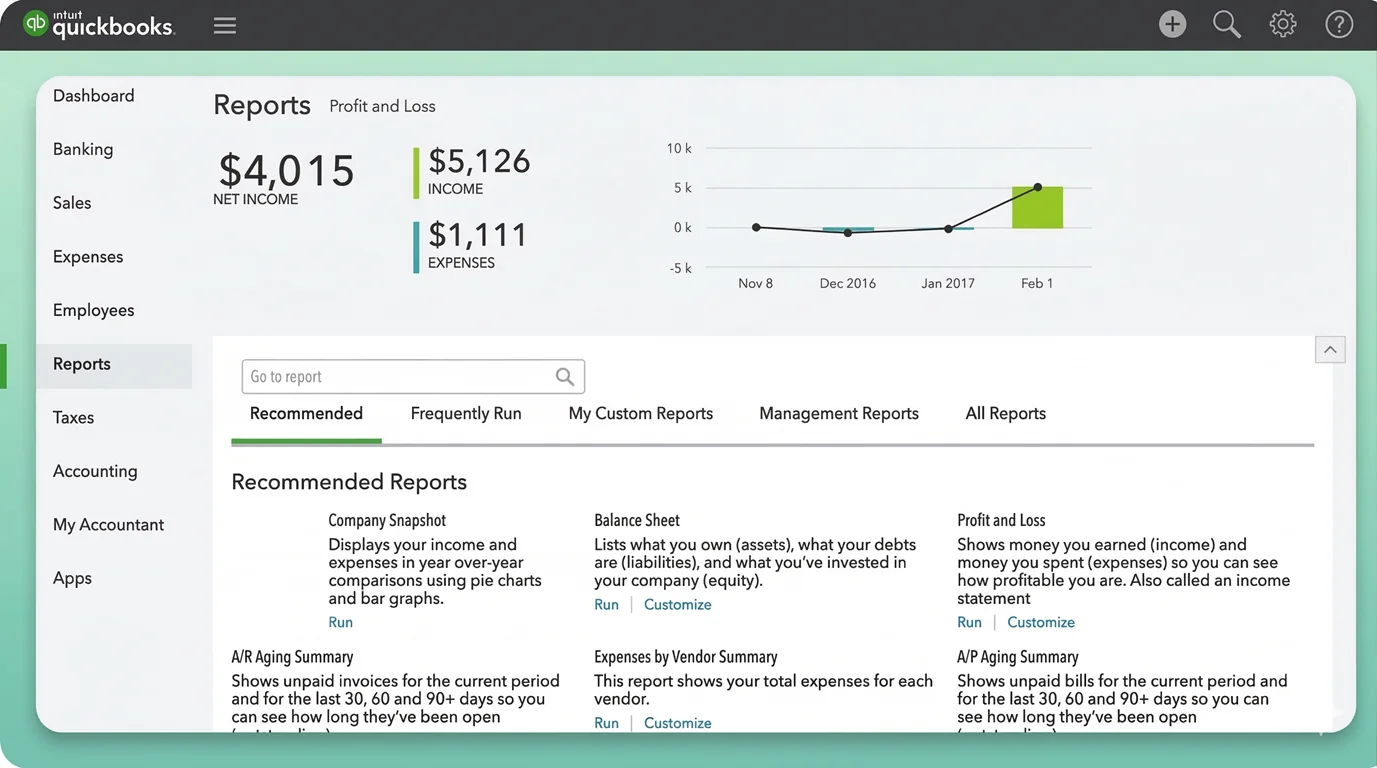
The platform has evolved significantly with AI-driven features, including an Accounting Agent, Finance Agent, and Payments Agent across its plans, and its Advanced tier adds revenue recognition, forecasting, and custom dashboards that push it further into mid-market territory.
For accounting professionals, QuickBooks also offers QuickBooks Online Accountant, a separate, free platform designed specifically for firms to manage clients, access the ProAdvisor program, and work across multiple company files from a single dashboard.
⚠️ Worth Noting: QuickBooks is a single-entity tool. Each company file is its own subscription. There’s no native multi-entity architecture, no native consolidation, and no dimensional ledger.
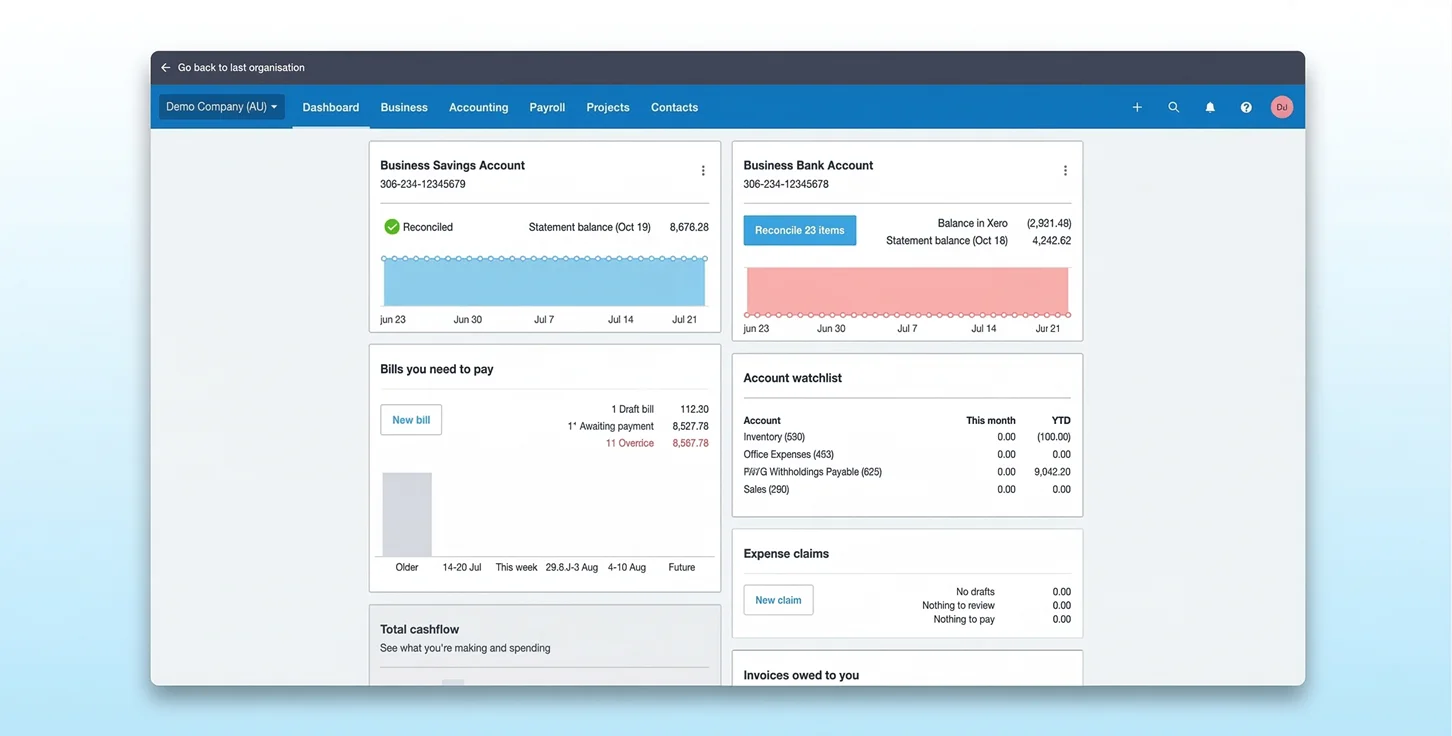
Xero is a user interface-first platform with unlimited users and a strong international footprint, built for growing single-entity businesses that want flexibility without constraints.
The platform built its reputation as the accountant-friendly alternative to QuickBooks, particularly outside the US.
It has a genuinely superior interface, unlimited users on every plan, and sees more use in the UK, Australia, New Zealand, and growing parts of Europe.
Its core user is a growing SMB or global startup that wants clean, accessible books without the complexity of enterprise software. The Xero App Store ecosystem is extensive, and the API is one of the cleanest in the industry.
⚠️ Worth Noting: Each organization is an isolated ledger, a separate entity with a separate subscription. There’s no native consolidation, intercompany reconciliation is a manual spreadsheet exercise, and you’re able to track two categories only.
The sections below focus on the features that truly differentiate the two platforms for professional use.
For US-based firms, QuickBooks' domestic network is more mature. Xero's international coverage is broader and more reliable outside the US.
The key distinction here is Xero's Starter plan cap, which limits invoicing volume and makes plan selection critical for any client recommending this platform.
⚠️ Watch Out: Xero’s Starter plan caps users at 20 invoices and 5 bills per month. Any growing business hits this limit almost immediately and is forced to upgrade. It’s worth knowing before recommending it to a client.
Once past the Starter cap, Xero takes the lead. Its invoicing UI is cleaner and more flexible. QuickBooks edges ahead only on Advanced with batch invoicing and revenue recognition.
Native bill pay infrastructure, no limits, and built-in 1099 handling give QuickBooks a meaningful AP edge for US-based operations.
Reporting is where platform strength tends to diverge based on compliance requirements: QuickBooks leads for US-specific needs, while Xero's interface offers cleaner general financial visibility across the board.
⚠️ Shared Limitation: Neither platform produces consolidated group reports natively. Each entity’s reports must be exported and combined manually. We’ll go over this in more detail in the architectural section below.
For US compliance reporting, QuickBooks is the clear leader. For general financial visibility, Xero’s interface is cleaner, but both fall short on group-level consolidation.
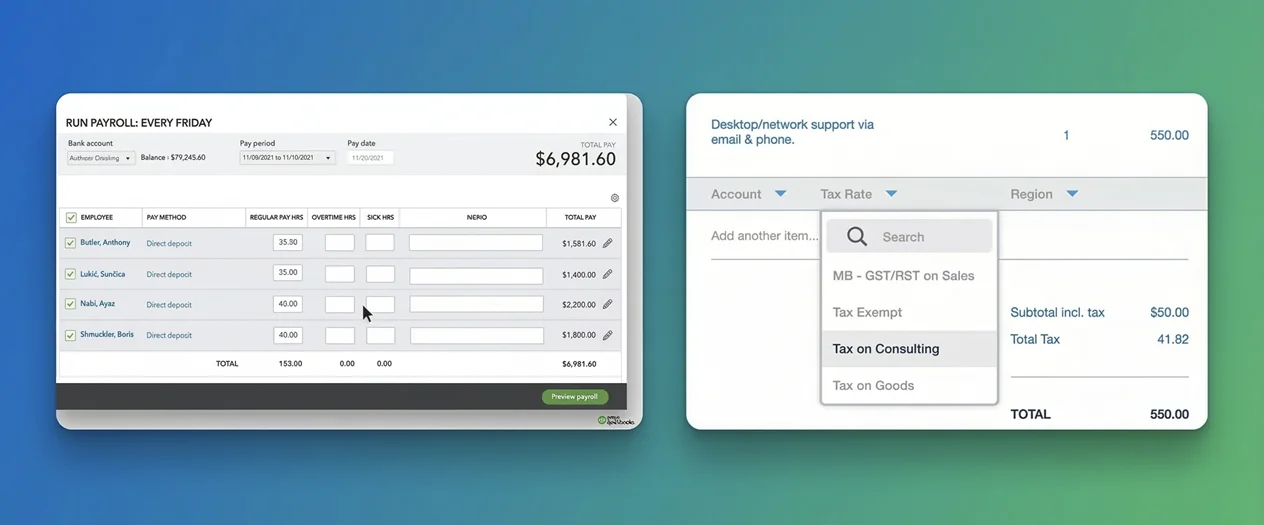
For US-based firms, native Intuit payroll gives QuickBooks a meaningful operational advantage over Xero, whose US payroll depends entirely on third-party integration.
Both platforms require third-party apps for serious inventory operations, including manufacturing, multi-location warehousing, or complex stock management. QuickBooks remains slightly more capable natively, but both platforms point complex inventory operations toward their app ecosystems.
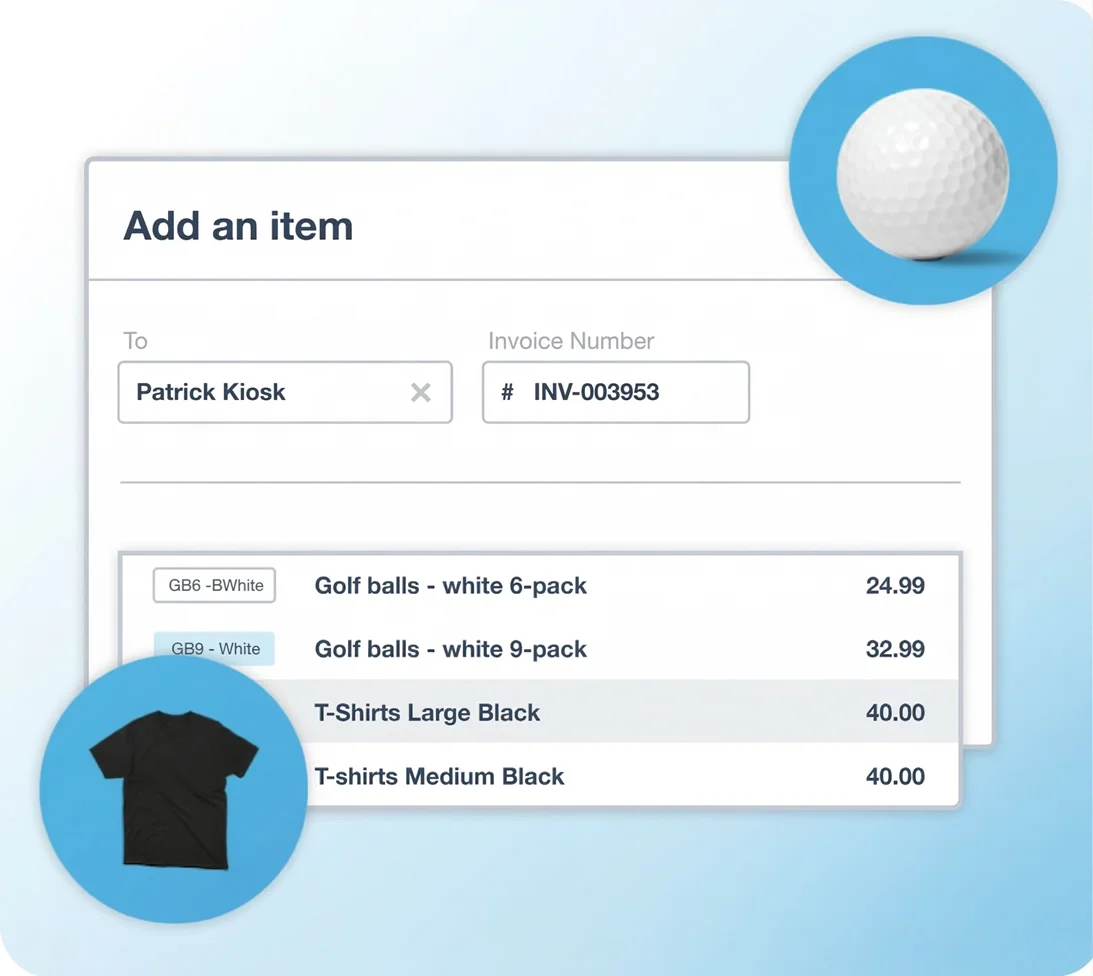
This is QuickBooks’ strongest differentiator for U.S. firms. The Intuit tax ecosystem (sales tax automation, 1099 handling, and advisor access) is materially better than anything Xero offers domestically.
Beyond the ledger, how a platform handles access, including who can log in, from where, and at what cost, influences daily operations more than most feature comparisons acknowledge.
Here’s how QuickBooks and Xero compare on user features.
This is one of the most consequential structural differences between the two platforms, one that gets glossed over often.
Xero takes the lead because unlimited users on every plan is a huge differentiator. For any firm with more than five staff, QuickBooks’ user caps become an operational constraint.
What this means in practice is that a CPA firm with 30 staff managing a single client entity on QuickBooks Advanced hits the user ceiling immediately. On Xero, every team member can access every organization without consuming a user seat, which is hugely beneficial for larger teams.
Both platforms are capable of day-to-day tasks.
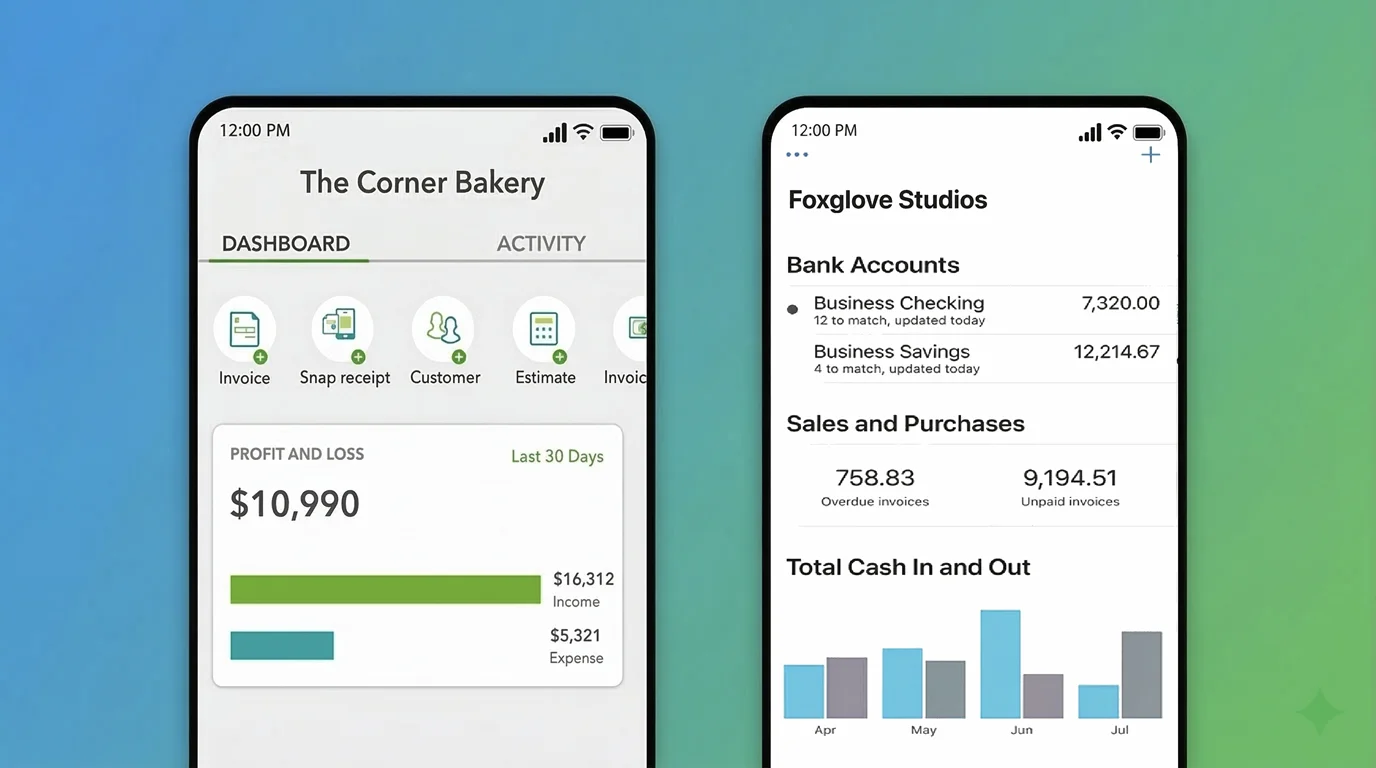
Xero’s mobile UX is slightly cleaner; QuickBooks has more features accessible on mobile. Neither is a decision-driver at the professional level.
Both platforms maintain dedicated portals for accounting firms, but they differ meaningfully in how those portals are structured and what they offer at the practice management level.
QuickBooks Online Accountant (QBOA) provides a consolidated client dashboard, access to the ProAdvisor program with discounted subscriptions, and the ability to work across multiple company files from a single interface. The ProAdvisor network is the largest in the US, and the multi-company discount structure gives firms meaningful pricing leverage when billing clients directly.
Xero HQ serves the equivalent function for Xero practices: a firm-level management layer with client overview, practice management tools, and the Xero partner program, which is stronger outside the US. The partner tier structure reflects Xero's international distribution and its established presence in UK and Australian accounting ecosystems.
Both platforms unlock multi-currency at the same price point and offer similar transactional FX features.
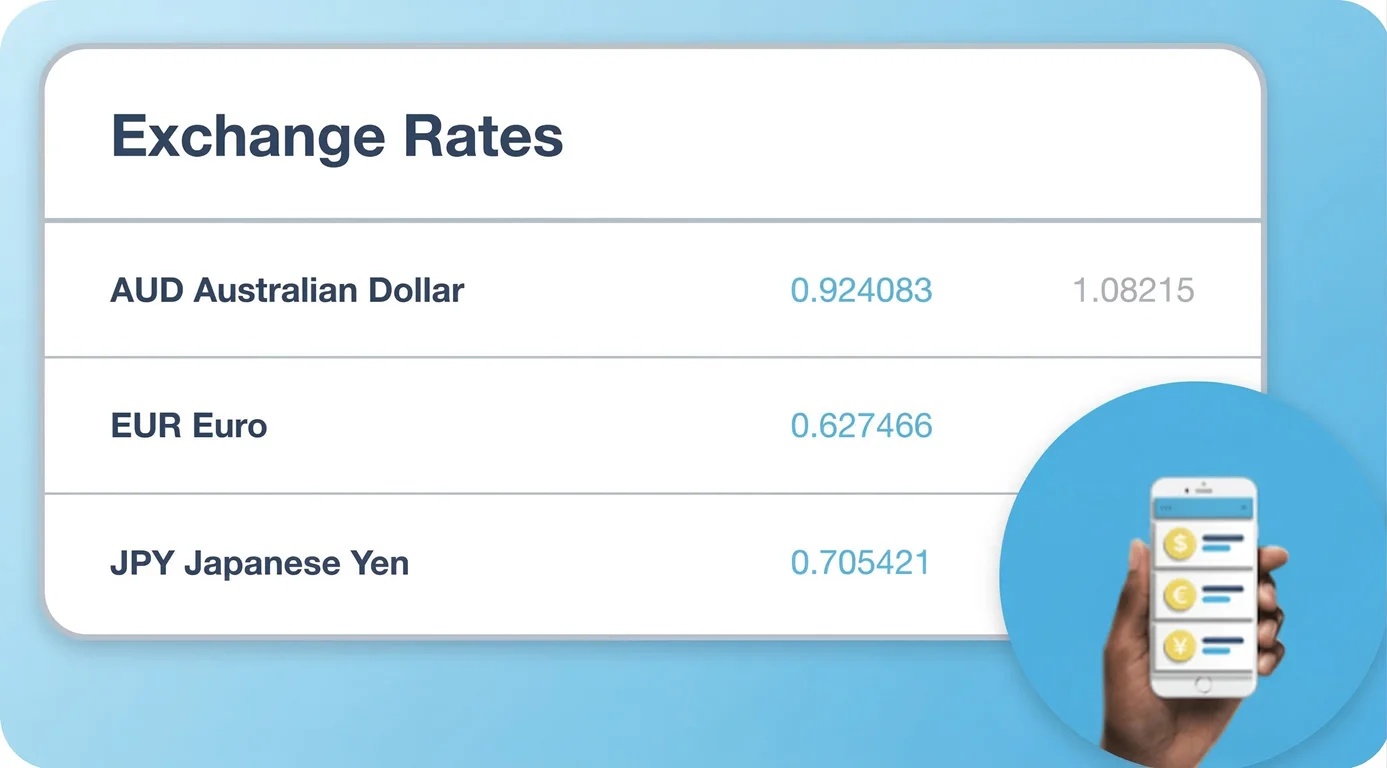
However, both fall short on compliance-grade international accounting. Neither wins here for sophisticated international operations.
Converting an invoice from EUR to USD is table stakes. Where both platforms fall short for complex international operations is at the group consolidation layer: neither handles functional-to-presentation currency translation natively.
→ Neither platform handles Cumulative Translation Adjustment reporting or functional-to-presentation currency translation natively.
→ This means multi-entity groups with entities operating in different functional currencies still need manual spreadsheet work or third-party tools to produce IAS 21 or ASC 830-compliant consolidated financials.
On a per-subscription basis, both platforms are reasonably priced for what they offer. The pricing story changes significantly the moment you add entities.
Here’s how the platforms compare price-wise.
Here’s where the economics become important. Each QuickBooks company file requires its own subscription, and each Xero organization requires its own plan.
QuickBooks: ProAdvisor Preferred Pricing
Accounting firms can access discounted rates through the free QuickBooks ProAdvisor Program, available to any enrolled accounting professional via QuickBooks Online Accountant.
Once enrolled and paying for client subscriptions directly, firms receive an ongoing 30% discount across all plans, applied per subscription, from the first client, regardless of how many organizations they manage. There’s no volume threshold to unlock it.
Three discount models are available:
For firms managing multiple client entities long-term, the ProAdvisor Discount is the most relevant: 30% off each subscription, indefinitely, as long as the firm remains the billing party.
Xero: Multi-Organization Discount
Xero offers a 5% discount on additional organizations when all subscriptions share the same subscriber email address. No program enrollment is required, but there’s no meaningful benefit either.
That's the full extent of Xero's multi-organization pricing benefit. Even at the most favorable rates, the per-entity cost compounds quickly:
⚠️ Note: At every price point in the table above, you’re buying isolated ledgers with no native consolidation, no intercompany automation, and no group reporting. The cost scales with your entity count, but the architecture doesn’t scale with your complexity.
Having covered where the two platforms differ across features, access, and pricing, it is worth looking at where their limitations converge. The shared architectural ceiling that affects every firm that has outgrown single-entity accounting.
This is the clearest shared limitation. Neither platform produces consolidated group financial statements natively.
In Xero, consolidating across entities means exporting reports from each organization separately, creating tabs in a spreadsheet for each entity, copying and pasting trial balance totals, and manually preparing group-level statements every month for every entity.
In QuickBooks, the workflow is structurally identical. The platform has no native cross-file consolidation in its Online product.
❌ Manual consolidation in spreadsheets introduces version control exposure, formula errors, and broken links between financial data and supporting documentation. For any firm preparing consolidated financials for external stakeholders or audits, this adds meaningful operational overhead that scales with entity count.
QuickBooks offers class and location tracking.
Xero offers two tracking categories.
These are segmented approaches; they create separate buckets rather than treating attributes as metadata on a transaction.
The result is the same on both platforms: as you add variables to track, your chart of accounts expands to accommodate them. More entities, departments, projects, or funds means more account codes, slower closes, and reporting that becomes harder to maintain over time.
💡 A dimensional ledger attaches variables like department, location, project, and entity as metadata tags on each transaction rather than creating new account codes. The chart of accounts stays compact. Reporting across any combination of dimensions is available on demand, without restructuring the ledger. Neither QuickBooks nor Xero offers this natively.
The pricing table above shows the cost, but the deeper issue is architecture: the pricing model is a consequence of the system design. Both platforms charge per entity because each entity is a fully isolated instance. You’re not buying scalability
Neither platform is self-sufficient for complex professional accounting operations. Both rely on third-party apps to fill gaps in the following:
Each integration adds cost, maintenance overhead, and a potential point of failure. Over time, a firm running QuickBooks or Xero at scale is typically running three to five additional tools to cover what the core platform can’t do.
This is what practitioners in the industry call a Franken-stack: functional in isolation, fragile under pressure.
The right fit depends on the size, geography, and complexity of your practice. The scenarios below map common firm profiles to the platform and plan that serves them best.
A sole practitioner managing a handful of US-based small business clients will find QuickBooks more than sufficient.
The Intuit ecosystem handles payroll, sales tax, and 1099s natively, and the ProAdvisor program gives access to discounted subscriptions from the first client.
Xero is a reasonable alternative if any clients operate internationally or if a cleaner interface is a priority.
At this scale, Xero's unlimited users start to matter. A firm with 15 staff managing 30 client entities can't run efficiently on QuickBooks Plus (capped at 5 users) or even Advanced (capped at 25).
Xero lets the full team access every client organization without consuming a user seat. The tradeoff is weaker US payroll and tax compliance tooling, which may require Gusto or another integration for US clients.
At this point, both platforms are showing the same structural limits: manual entity switching, no consolidated reporting, and per-entity subscription costs that compound quickly.
A firm billing 50 clients through QuickBooks Plus at ProAdvisor rates is spending over $4,000 per month for isolated ledgers with no group visibility. This is the profile that has genuinely outgrown both tools.
There’s no universal threshold, but there are observable symptoms that you might have outgrown QuickBooks and Xero.
If more than a few of these apply to your practice, the platform is likely the bottleneck, not the team:
Eleven is a multi-entity accounting platform built from the ground up for CPA firms and family offices, not retrofitted with multi-entity features bolted onto a single-company core. The architectural difference is meaningful.
QuickBooks leads on US tax compliance, native payroll, and the Intuit ecosystem’s depth. Xero leads on user access, interface quality, and international flexibility. For a single-entity business, the choice between them is worth making carefully.
For CPA firms and family offices managing portfolios of entities, it’s the wrong question. Both platforms hit the same ceiling: isolated ledgers, manual consolidation, and per-entity pricing that compounds at scale. Neither was designed for that environment.
If you have outgrown both, Eleven is worth a close look. Start a free 7-day Eleven trial and see what purpose-built multi-entity architecture looks like in practice.
It depends on geography and team size. QuickBooks is better for US-focused firms that rely on the Intuit ecosystem for tax compliance and payroll. Xero is better for firms with larger teams or for practices with significant international exposure. Both offer dedicated accountant portals, but neither is built for firms managing large numbers of entities.
Yes, but not under one subscription. Each company file in QuickBooks Online requires its own paid subscription. Accounting firms enrolled in the free ProAdvisor Program can access an ongoing 30% discount on all plans when billing clients directly, applied per subscription from the first client, with no volume threshold.
There’s no native consolidation across company files in QuickBooks Online regardless of how many you manage.
No. Xero has no native consolidation features. Each organization is an isolated ledger. Consolidated reporting requires exporting data from each entity separately and assembling it manually in a spreadsheet. Intercompany transactions must also be handled manually.
Xero does offer a 5% discount on additional organizations sharing the same subscriber email, but that’s the full extent of its multi-entity pricing benefit.
Xero is cheaper at the entry level ($29/mo vs. $38/mo) and offers more users per plan across the board. For multi-entity operations, both platforms charge per entity. Xero's multi-org discount is 5%. QuickBooks ProAdvisor members billing clients directly receive an ongoing 30% discount per subscription.
At scale, the cost compounds significantly on both platforms regardless of discounts, and neither includes native consolidation at any price point.
Generally yes for single-entity international use. Xero has stronger international bank feed coverage, a broader global footprint, and a more mature presence outside the US.
Both platforms offer native multi-currency. QuickBooks from the Essentials plan ($75/mo) and Xero from the Premium plan ($75/mo). Both handle transactional FX and period-end revaluations natively.
Where both fall short is at the group consolidation layer: neither handles functional-to-presentation currency translation across multiple entities without manual intervention or third-party tools.
For CPA firms and family offices that have outgrown single-entity tools, Eleven is purpose-built for the operating environment where both platforms stop being sufficient.
It offers multi-entity management under a single subscription, native consolidated reporting, 170+ currency support with automated FX revaluations, analytical dimensions, and integrated document management via Dokmee.
Intercompany transactions are available as an add-on. Pricing is entity-based, with the Professional plan covering up to 50 entities at $13,440/year with all features, implementation, migration, and DMS included.
Related content



We are using cookies. Learn more.

%20(1).avif)


