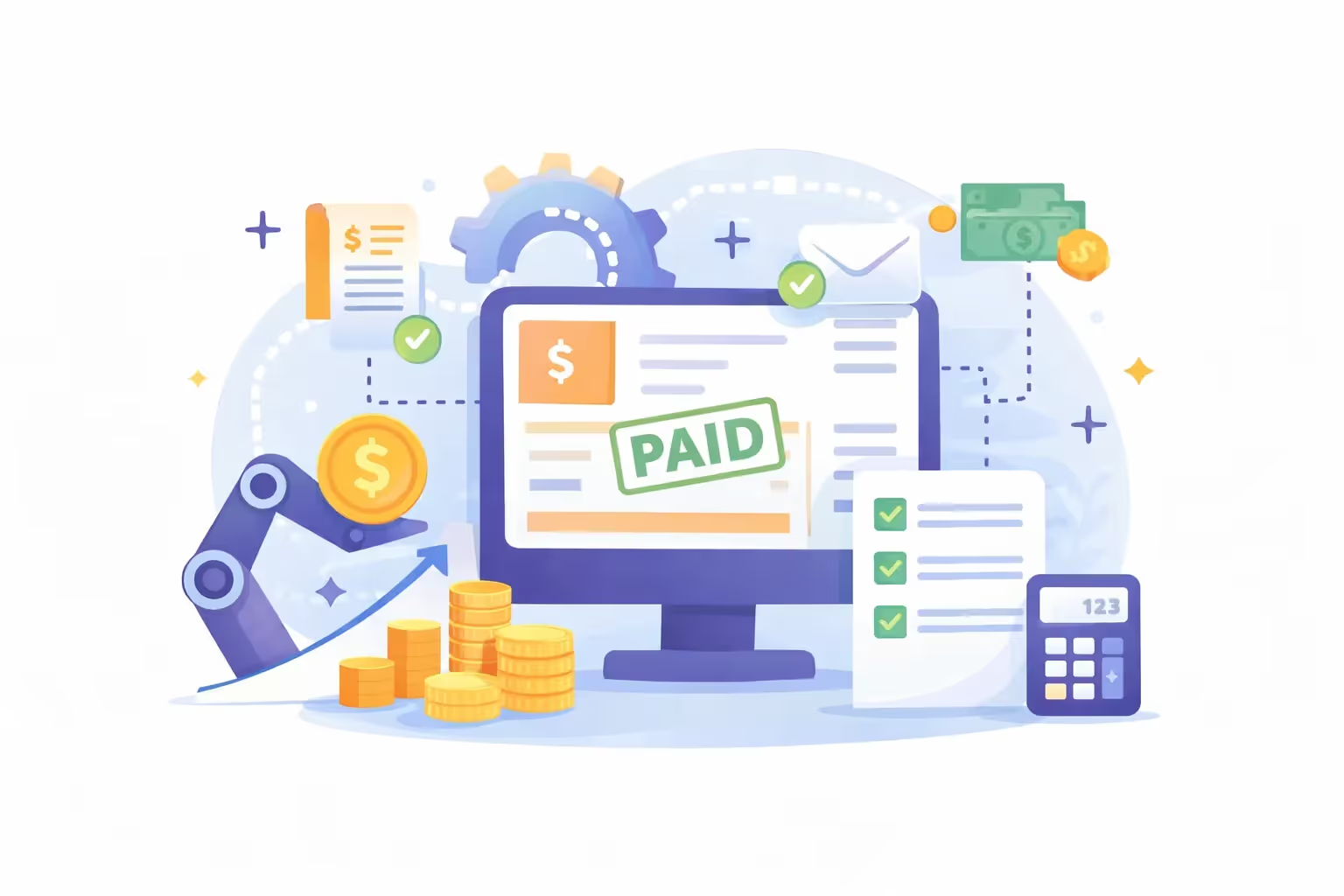
How to Streamline Invoice Management with Accounting Software
Improve your business's invoice processing workflow with our guide.
Most businesses outgrow manual invoicing long before they realize it. Here is what to do about it.
In this article
Invoicing management directly affects cash flow, day-to-day operations, and client relationships. Yet many businesses still rely on manual processes like spreadsheets, paper invoices, or scattered approval workflows.
Over time, this leads to recurring issues: late payments, data entry mistakes, unnecessary admin work, and poor visibility on outstanding invoices.
Accounting software helps simplify and structure the entire invoicing workflow. By automating invoice creation, tracking, reminders, approvals, and reconciliation, it reduces friction and improves accuracy.
Learn what invoice management really involves, why traditional processes slow businesses down, and how accounting software can help you streamline invoice processing from start to finish.
What Is Invoice Management?
Invoice management is the process of creating, sending, tracking, approving, and recording invoices. It covers both client invoices (accounts receivable) and supplier invoices (accounts payable).
Invoice management helps businesses make sure invoices are issued correctly, payments are tracked on time, and financial records stay accurate and up to date.
An invoice management process brings both sides together in one system: sending invoices to clients and processing invoices from suppliers. This gives firms better visibility into incoming revenue, outgoing payments, cash flow, and expenses.
When managed well, invoice management reduces payment delays, improves financial control, and helps ensure the business has the funds it needs to operate smoothly.
Problems with Traditional Invoice Management Process
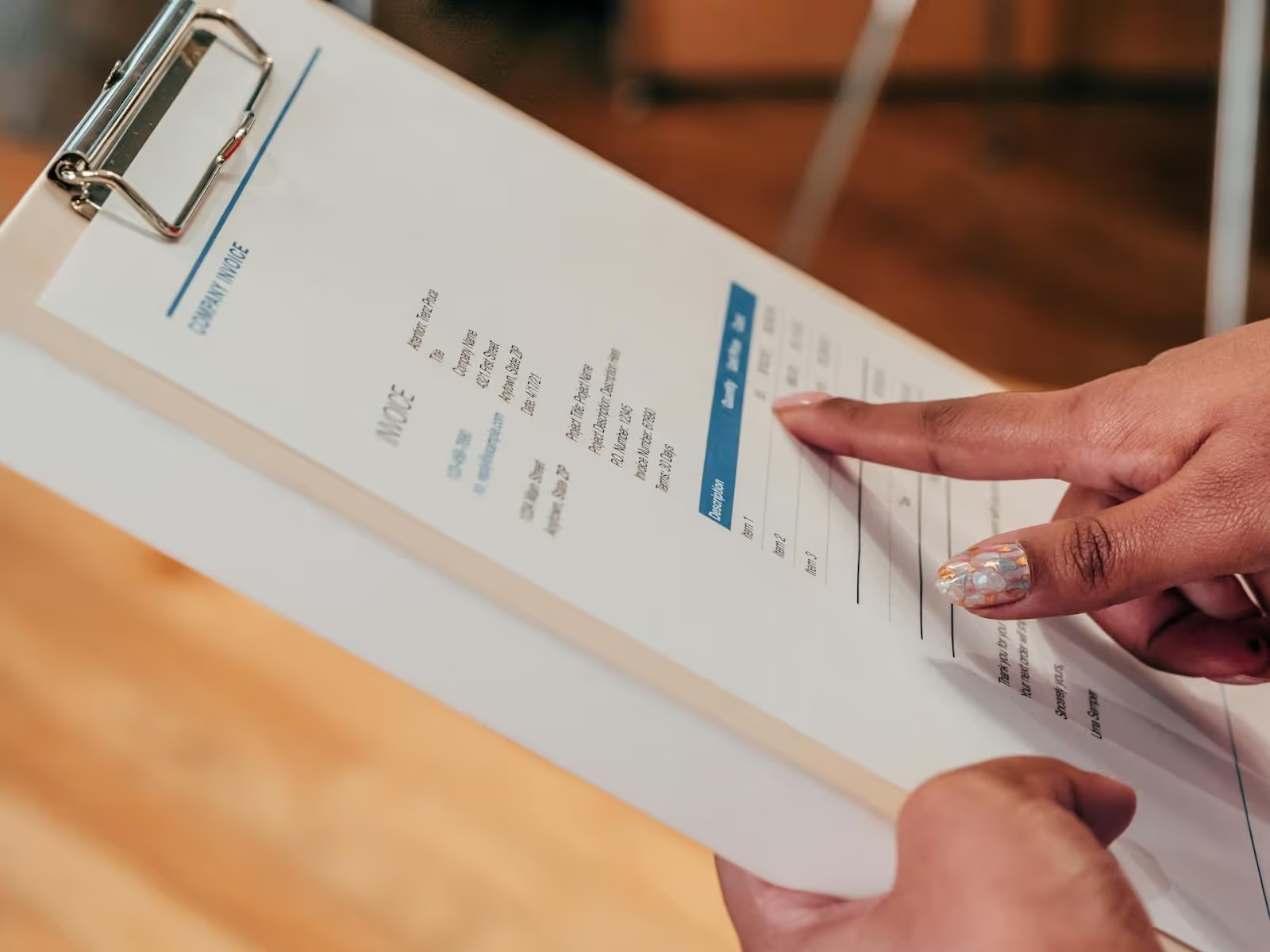
Traditional invoice management often relies on manual data entry, spreadsheets, emails, and paper documents. While this may work at a very small scale, it quickly becomes inefficient as invoice volume grows.
Errors and Inconsistencies
Manual invoice data entries have higher probabilities of error. A minute error on an invoice may cause disruption to payments, which might eventually result in delays and problems in the client and supplier relationship. Additional work is the effect of such errors. Finding and correcting them consumes employees' time and effort.
Payment Delays
Without an automated system to track invoices, companies may struggle to follow up on unpaid bills. Tracking unpaid bills manually takes time and makes late payments more likely, affecting cash flow.
High Administrative Workload
Creating invoices, checking details, tracking due dates, and following up manually takes significant time. This reduces the time available for more valuable financial or client-facing work.
Poor organization and document visibility
As the number of invoices grows, spreadsheets and paper files become harder to manage. Searching for invoice data, approval history, or supporting documents can become slow and frustrating.
Higher Operational Costs
Extra personnel is required to handle manual invoices, which boosts labor costs. Consumables involved in the process include paper, ink, and filing consumables.
These challenges certainly give fillip to the need for more integrated and full benefits of automated invoice management, thereby enabling the focus on higher-level client services and financial strategies.
How to Improve Invoice Processing with Accounting Software
Accounting software offers a host of solutions in invoice management. Invoicing automation is one of the biggest features that now make invoicing quicker, simpler, and more precise.
Automated Invoice Creation
The firms can create invoices from the accounting software automatically, using pre-defined templates. Most of the data used for invoice capture by the software is pulled out from the client records maintained in it, reducing manual input. In this way, automatic invoicing will reduce errors and maintain consistency in invoice format and information.
Automated sending of invoices and reminders
The software automatically sends invoices to clients and can schedule reminders for overdue payments. This saves time by not having to track the payment dates manually and warrants that the client is reminded in a timely manner of any outstanding balances.
Integration with Other Systems
Accounting software integrates well with CRM and ERP systems, which stands for good Enterprise Resource Planning. In this way, firms are given the ability to sync data across platforms, reduce duplicate entries, and maintain their records up to date.
Accounting software integrates with banking systems, whereby one can schedule the payments from the software itself. This kind of integration with banks allows the firm to accelerate the reconciliation of the payments with the billings and thus provide a clear view of cash outflow.
Centralized Control and Visibility
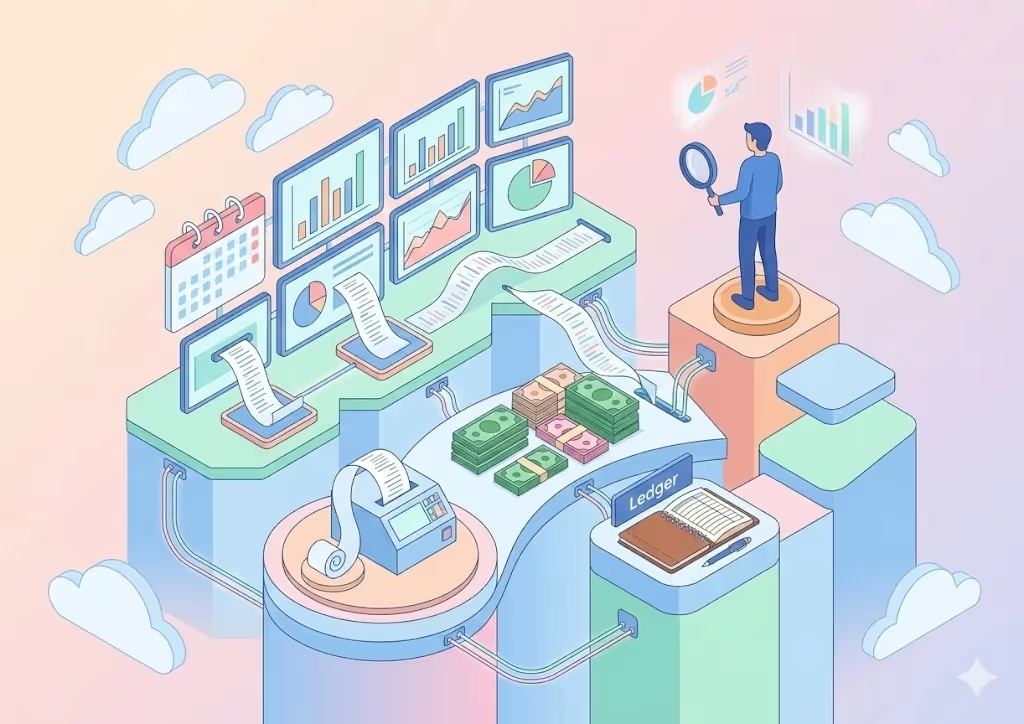
Accounting software helps firms to see all invoices on one platform. All invoices are clear regarding whether they are pending, paid, or overdue, hence providing firms an opportunity to keep track and avoid cash interruptions in the flow of the business.
Accounting software provides the user with automated workflows for approvals, too. If the supplier invoice comes in, then the software may forward that to whoever should review it.
Analytics and Insights
Much accounting software provides analytics capabilities that help firms make sense of their invoicing habits. The firms can create reports on the paying habits of clients, outstanding balances, and payment timelines. This insight will provide a backbone for better financial planning and decision-making.
Reduced Administrative Burden
The billing process automation software frees up a lot of time spent on mundane tasks. This will enable employees to focus on client-facing activities such as financial advising and tax planning rather than spending several hours processing invoices.
These features put together to make accounting software a must-have for any firm that wants to simplify invoicing and improve cash flow.
Best Features of Accounting Software for Invoice Management
Accounting software includes several features that make invoice management more efficient and reliable.
Customizable Invoice Templates
Most accounting software comes with customizable templates for invoices. Firms can put their branding elements, such as logos and color schemes, into the templates and generate professional-looking invoices.
Auto-track payments
The software tracks all invoices, plus automatic status updates for each payment received. In most instances, the status of any payment can be color-coded, allowing easier identification of any accounts payable that will go past due.
Automated Payment Reminders
The software can send reminders on a pre-defined schedule for payments. It reduces late payments and improves cash flow. The frequency and content of reminders can be customized depending on the client’s payment history.
Banking Integration and Payment Matching
Most of the accounting software solutions integrate with bank accounts to automatically match the payments against the invoices. It makes the reconciliation and approval process much easier and keeps the books of accounts current.
Detailed Financial Reporting
Detailed payment history, outstanding balances, and cash flow projection reports can be generated through the accounting software, showing the details of invoicing activities. Such reports will be important in providing the firm with valuable insights that could help in refining its invoicing strategies.
Multi-Currency and Tax Calculations
The accountant software allows multiple currencies to be invoiced for a company operating with international clients and provides automated tax calculation rules on the basis of client location. It makes the billing of an international client easy and keeps the companies in compliance with local tax laws.
The features include enabling the firms to invoice their customers efficiently and correctly, ensuring customer satisfaction and financial performance.
Benefits of Using Automated Invoice Processing Software
Implementing accounting software for invoicing provides companies with numerous benefits:
Saves Time Across The Invoicing Workflow
Manual invoicing takes time at every stage: creating invoices, checking details, sending them, tracking due dates, and following up on late payments. Automation removes much of this repetitive work. Teams spend less time on invoice processing and more time on higher-value tasks such as client communication, financial analysis, and advisory work.
Lowers Administrative Costs
Reducing manual work also reduces operating costs. Businesses spend less on paper-based processes, storage, and repetitive back-office tasks. Over time, automated invoice processing helps create a leaner and more scalable finance workflow without increasing admin burden.
Improved Accuracy
Invoice errors slow everything down. A missing detail, incorrect amount, or duplicated entry can lead to disputes, delayed payments, and unnecessary rework. Automation helps standardize the process and reduce avoidable mistakes, which leads to cleaner records and more reliable invoicing.
Supports Healthier Cash Flow
Automated reminders ensure clients make timely payments, improving cash flows. Timely invoicing with prompt follow-up reduces delays in the receipt of payments and helps an organization maintain a continuing level of incoming cash to meet financial obligations.
More Transparency and Control
The firms can track every invoice through the accounting software's central dashboard. It helps firms spot their outstanding payments, generate real-time reports, and pinpoint cash flow problems immediately.
Automated invoice processing helps businesses work faster, reduce friction, and maintain better control over their finances. If you want to simplify invoice management and build a more efficient accounting workflow, Eleven’s accounting software is a strong place to start.
How to Choose the Right Accounting Software for Invoice Management
It requires considering several factors while you choose the best accounting invoice management system.
Start with your real invoicing needs
Before comparing tools, take a step back and define what you actually need to manage.
Are you mainly sending client invoices? Do you also need to process supplier invoices? Do you need reminders, approval workflows, or payment matching?
The more clearly you define your invoicing workflow, the easier it becomes to eliminate tools that don’t fit.
Invoice Management Software: Checklist
When evaluating accounting software, focus on what will make a real difference in your day-to-day operations.
→ Ease of use: The interface should be simple and intuitive so your team can start using it quickly without long onboarding.
→ Core invoicing features: Look for essential capabilities such as invoice creation, recurring invoices, payment tracking, reminders, approval workflows, and reporting.
→ Integrations: The software should connect easily with your existing tools, such as your CRM, bank accounts, or ERP, to avoid manual duplication.
→ Visibility: You should be able to see all invoices in one place, with a clear view of paid, pending, and overdue amounts.
→ Security: Invoice data is sensitive, so features like data encryption, access control, and backups are essential.
→ Pricing: Check the full cost, including onboarding, support, upgrades, and potential limitations, not just the monthly fee.
Choose based on your team size
Your ideal tool also depends on how complex your invoicing process is.
For small teams, the priority is usually simplicity. You need something quick to set up, easy to use, and efficient for sending and tracking invoices without adding complexity.
For growing businesses, integration and visibility become more important. As invoice volume increases, you need better tracking, reporting, and smoother data flow between tools.
For more advanced finance teams, workflow control matters most. Approval processes, supplier invoice handling, permissions, and audit trails become critical to manage operations at scale.
Focus on fit, not features
A tool can look powerful but still be a bad fit if it doesn’t match how your team works.
The right accounting software should reduce friction, save time, and give you better control over your invoicing process. If it adds complexity or requires heavy manual work, it’s probably not the right choice.
In the end, the best invoice management software is the one that integrates naturally into your workflow and makes invoice processing easier every day.
The Steps How to Automate Invoice Processing
A well-planned implementation process frees one from most of the issues while shifting to new accounting software. A step-by-step guide covers the following:
Step 1: Review your current invoice workflow
Start by looking at how invoices are currently created, approved, sent, tracked, and recorded. Identify the biggest pain points in the process.
For example, you may notice recurring issues such as delayed approvals, manual data entry errors, missed follow-ups, or poor visibility on unpaid invoices. This first step helps you understand what needs to be improved before choosing or configuring any software.
Step 2: Define your automation goals
Once the bottlenecks are clear, set practical goals for the new system.
You may want to reduce invoice processing time, improve payment follow-up, automate reminders, simplify approvals, or get better reporting visibility. Clear goals make it easier to choose the right features and measure whether the new process is actually working.
Step 3: Configure the software around your workflow
After selecting your accounting software, set it up according to the way your business handles invoicing.
This includes creating invoice templates, setting payment terms, defining approval flows, activating reminders, and connecting the right tax or multi-currency settings if needed. The system should reflect your real process, not force your team into a workflow that feels unnatural or overly complex.
Step 4: Train your team and test the process
Before rolling the software out fully, make sure the people using it understand how the new process works.
Train employees on the main tasks they will perform, such as creating invoices, approving supplier bills, checking payment status, or handling exceptions. Then run a small test phase with a limited group of users. This helps you catch errors, fix confusing steps, and adjust the setup before full deployment.
Step 5: Integrate, launch, and monitor performance
Once the workflow has been tested, roll it out across the business and connect it with your other systems, such as your CRM, bank accounts, or ERP.
After launch, keep tracking results. Check whether invoices are being processed faster, whether reminders are reducing late payments, and whether your team is actually saving time. Invoice automation works best when it is reviewed and improved over time, not treated as a one-time setup.
Conclusion
Investing in accounting software for invoice management has huge advantages. It reduces the occurrence of errors and accelerates cash flow.
With the selection of appropriate invoice processing software and the proper method of implementation, companies ensure increased financial control, better relationships with clients, and higher productivity at work.
If your firm hasn't already done so, now is the perfect time to learn what the best options in accounting software currently are and make the switch to a highly automated way of invoicing.
FAQs
Does Eleven's automated bookkeeping software assist with invoicing?
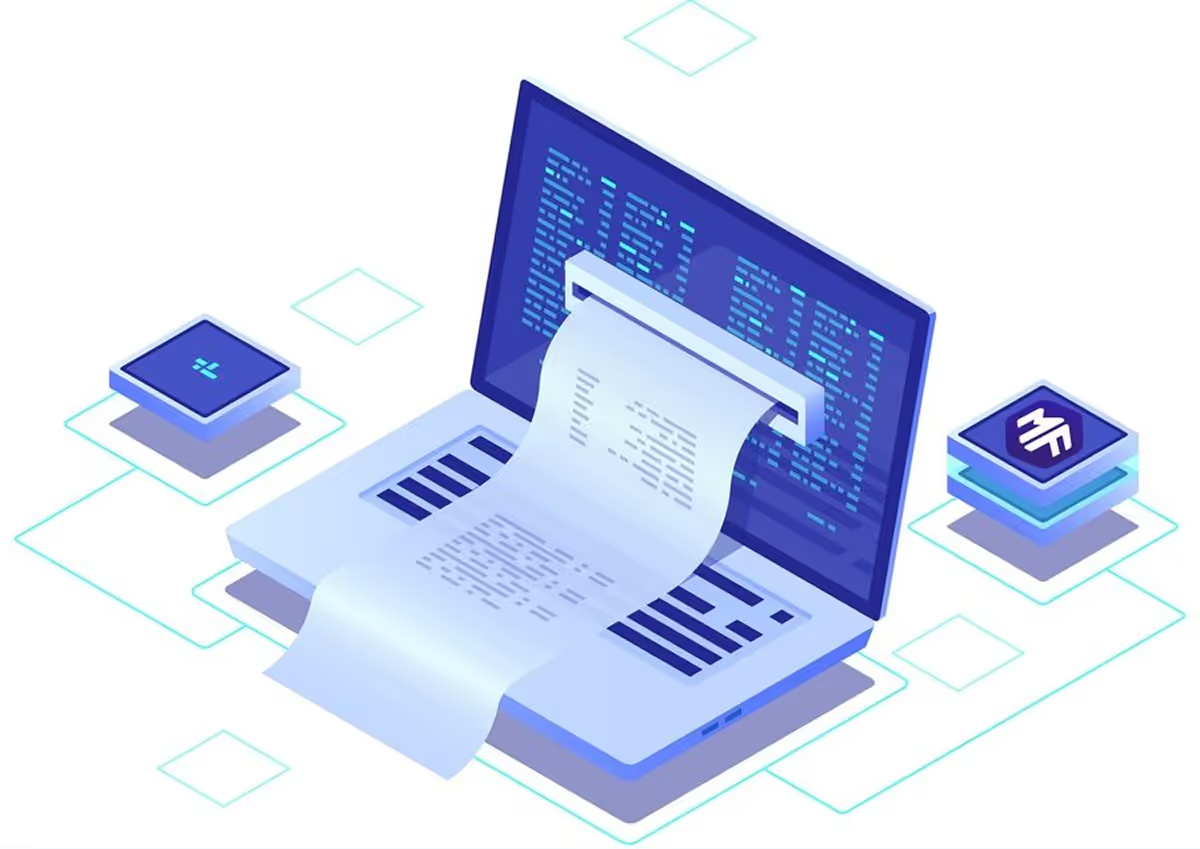
Eleven's automated bookkeeping software makes managing invoices easier by automating data entry and processing. Powered by advanced AI and OCR, Eleven extracts data from invoices and bills and turns them into structured entries in the system for minimal manual entry, reduced errors, and faster processing of invoicing, thus allowing accounting firms to bill their clients more efficiently and effectively.
Can Eleven accounting software manage both client and supplier invoices?
Yes, Eleven's software automates the accounts receivable and accounts payable processes. It will automate the billing and tracking of client invoices to send out reminders for payment. Allow due date management in supplier invoices and automate data entry. Both functionalities warrant a complete solution for accounting firms in terms of improving cash flow while lessening the administrative burden.
How does document management work in Eleven’s software?
Eleven offers a security-assured cloud platform and centralized document management system. The invoices, bills, and financial documents would rest in an encrypted environment, ensuring data security.
Bénédicte Rivary is an SEO strategist, technical writer, and multilingual content specialist with experience across SaaS, product marketing, and localization. She has worked with companies including lemlist, Didomi, and Dropcontact, focusing on SEO strategy, technical content, and multilingual growth initiatives. At Eleven, she contributes educational content focused on accounting technology, automation, and AI-driven business operations.







.avif)