Creating an invoice should take minutes, not momentum away from your work.
This free invoice generator helps you create professional, ready-to-send invoices directly in your browser. Add your branding, list your products or services with rates, preview the result in real time, and download a polished PDF instantly.
There are no accounts to create and no limits. Just a fast, reliable way to generate invoices that look right and get paid.
You can generate a complete invoice in just a few steps. You see the invoice update in real time as you edit, so you always see exactly what your client will receive.
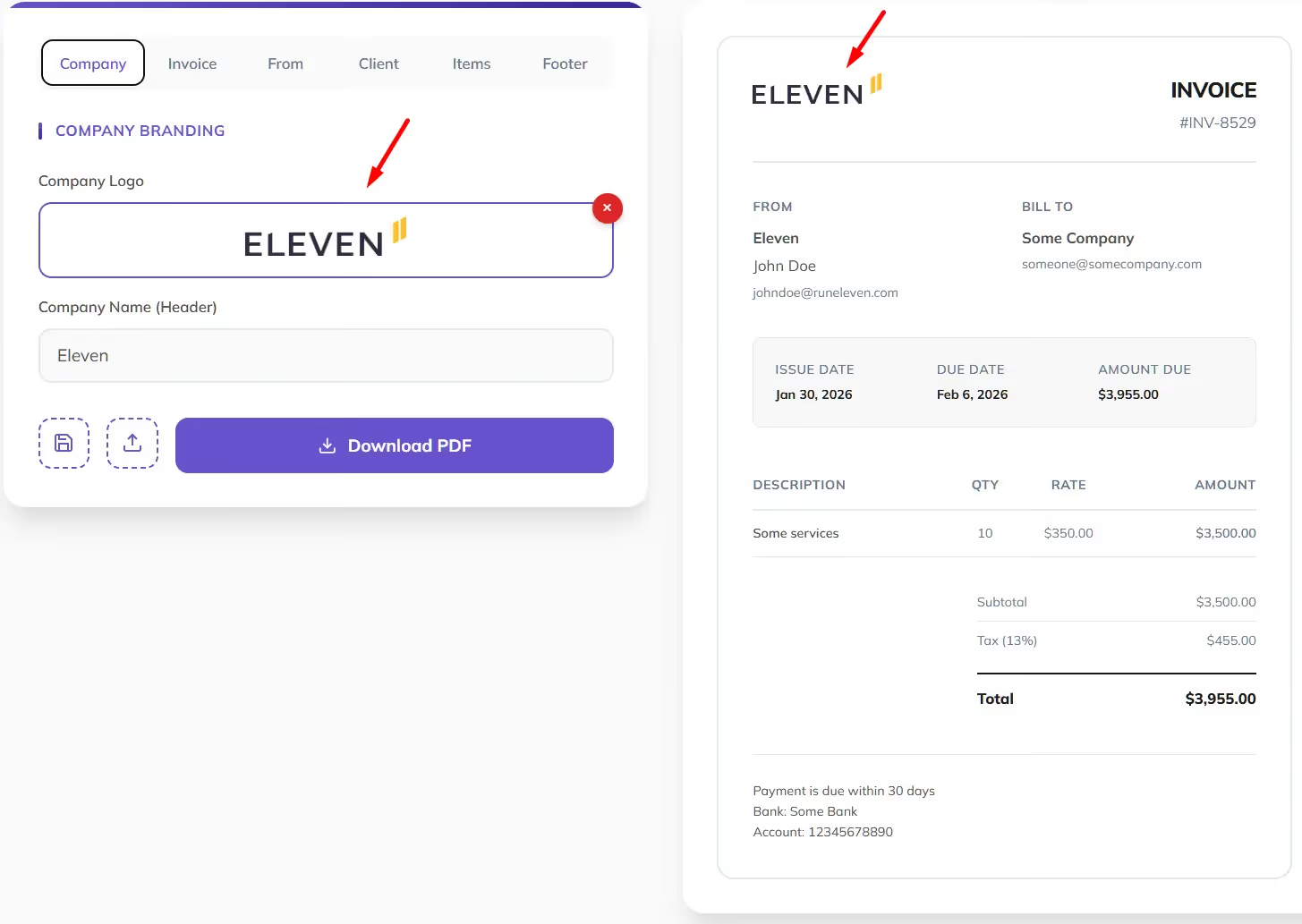
Start in the Company tab:
Your branding appears instantly at the top of the invoice preview.
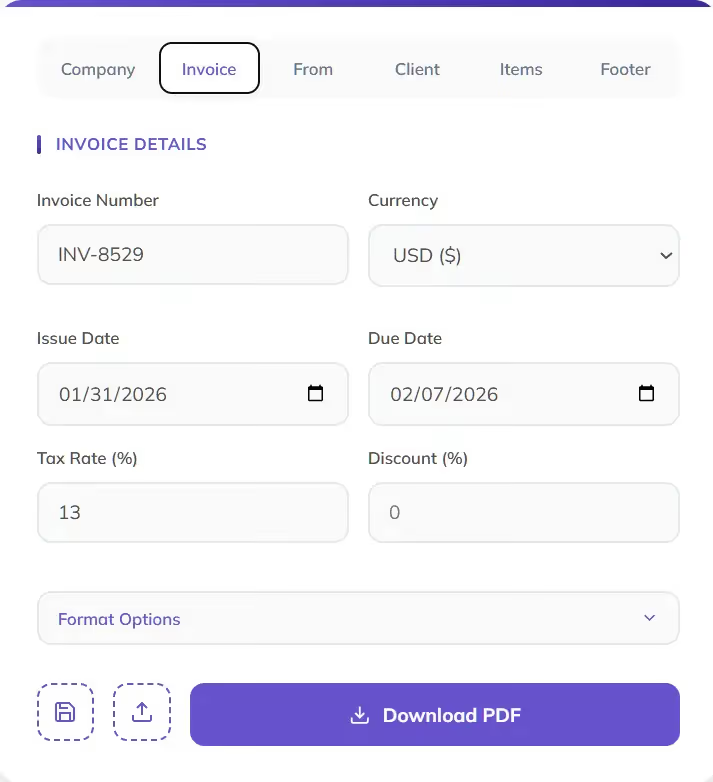
In the Invoice tab, define the essentials:
You can also adjust formatting such as date format, decimal separators, and currency position to match your local or client preferences.
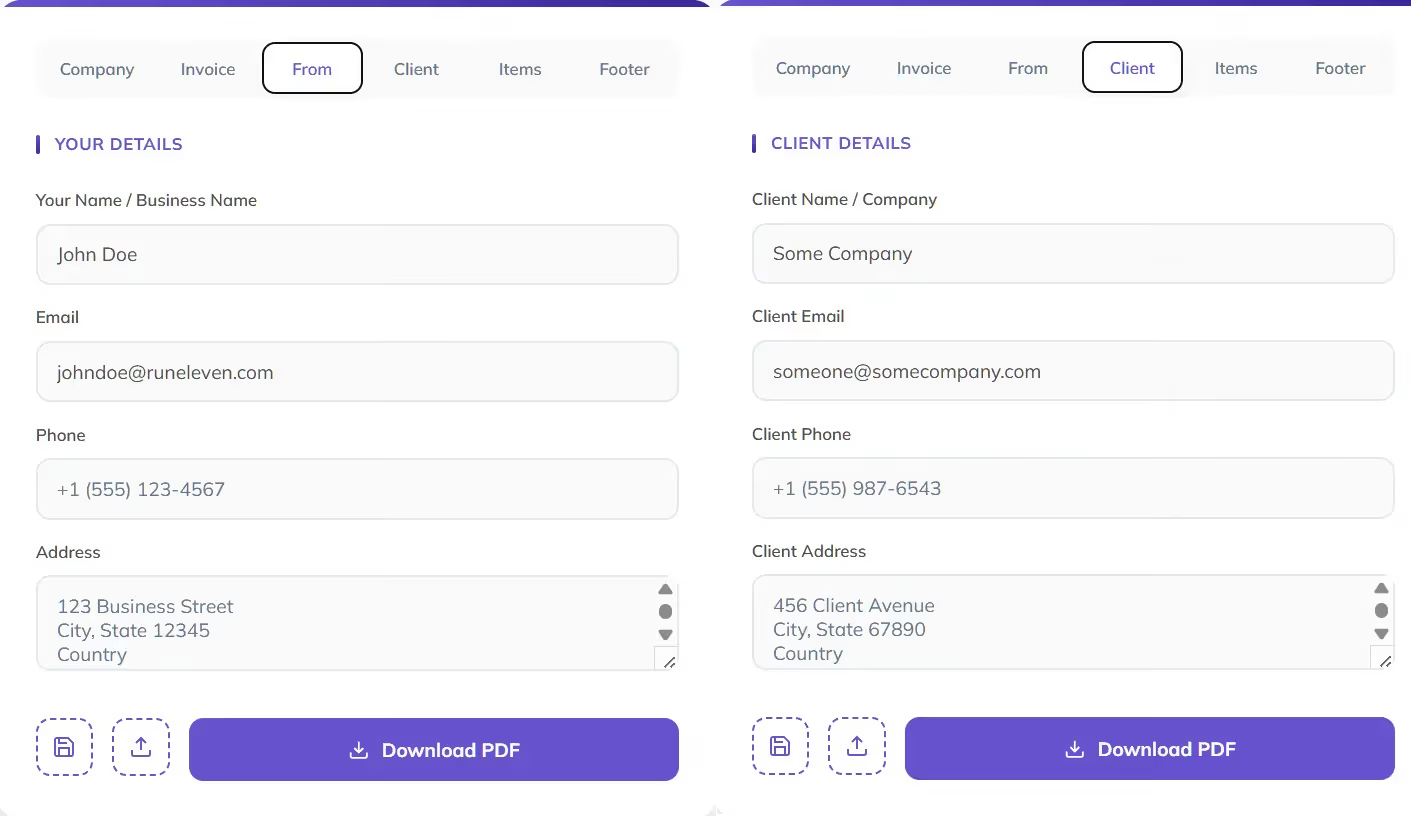
Use the From and Client tabs to add:
These details are clearly structured on the invoice for a professional, readable layout.
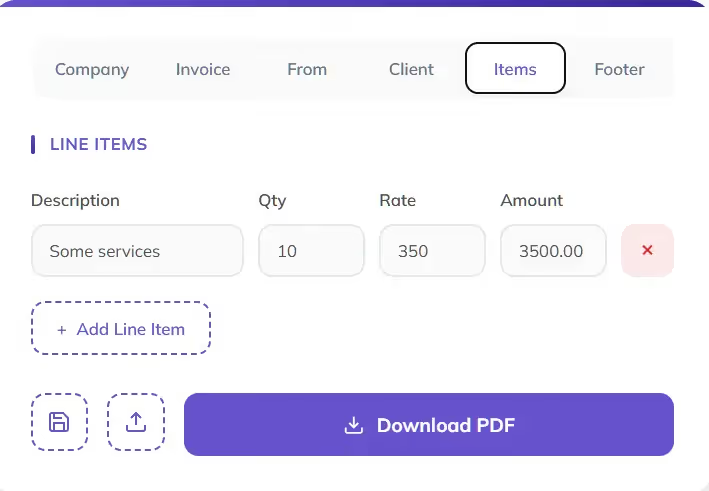
In the Items tab:
You can remove or reorder items at any time. Subtotals, tax, discounts, and totals are calculated for you.
Use the Footer tab to include:
This section appears cleanly at the bottom of the invoice.
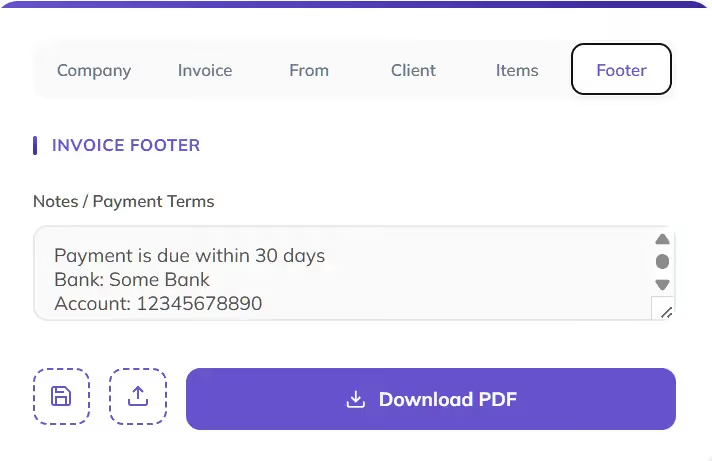
When you are ready, click Download PDF.
Your invoice is generated instantly and saved to your device.
Example 1: CPA firm or family office issuing invoices
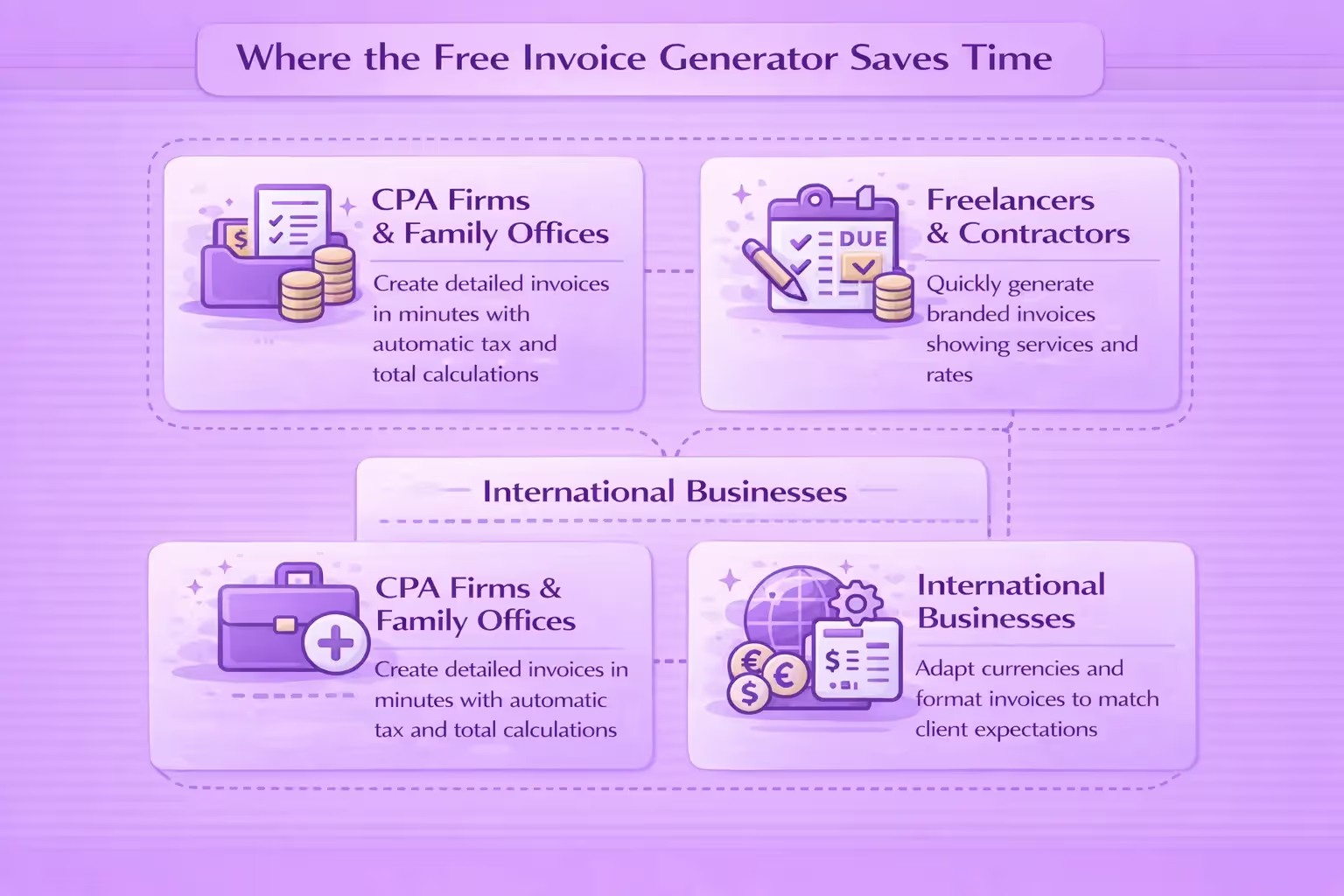
A CPA firm or family office creates an invoice by adding multiple line items, applying tax or discounts, and including clear payment terms.
Subtotals, tax, and totals are calculated automatically, reducing manual checks. The live preview helps review the invoice carefully before exporting a client-ready PDF.
Example 2: Freelancer billing a client
A freelance designer adds their logo, lists their services with rates, sets an issue and due date, and downloads a branded invoice in under five minutes.
As they edit, the invoice updates in real time, with totals calculated automatically. The result is a clean PDF that is ready to send without any extra formatting work.
Example 3: International client
A business selects the appropriate currency, adjusts number and date formatting, and generates an invoice that matches the client’s regional expectations.
Currency placement, decimal separators, and date formats can be adapted directly in the tool. This helps avoid confusion and ensures the invoice is easy for the client to read.
If you only need to generate the occasional invoice, this tool gets the job done quickly and reliably.
This tool is designed for fast, one-off invoice creation.
If invoicing is part of a larger accounting workflow, Eleven goes further.
Eleven is an online accounting platform built especially for accounting firms, CPAs, and family offices. It helps you move beyond single invoices and manage billing at scale.
With Eleven, you can:
If you are generating invoices regularly or managing them for multiple clients or entities, a standalone generator quickly becomes a bottleneck.
Generate invoices at scale with Eleven: 👉 Start a free trial
Yes. You can use it without creating an account, and there are no hidden limits or watermarks.
No. The tool works entirely in your browser.
Yes. You can upload your logo and see it instantly in the invoice preview.
Yes. You can apply percentage-based tax and discounts, which are automatically calculated.
Invoices are downloaded as a PDF, ready to send or store.
For occasional invoices, yes. If you need recurring invoices, tracking, or accounting workflows, you will likely want a full invoicing and accounting platform.




