In this article, we define why you need invoice accounting software, what features it should have, and our 7 favorite choices.
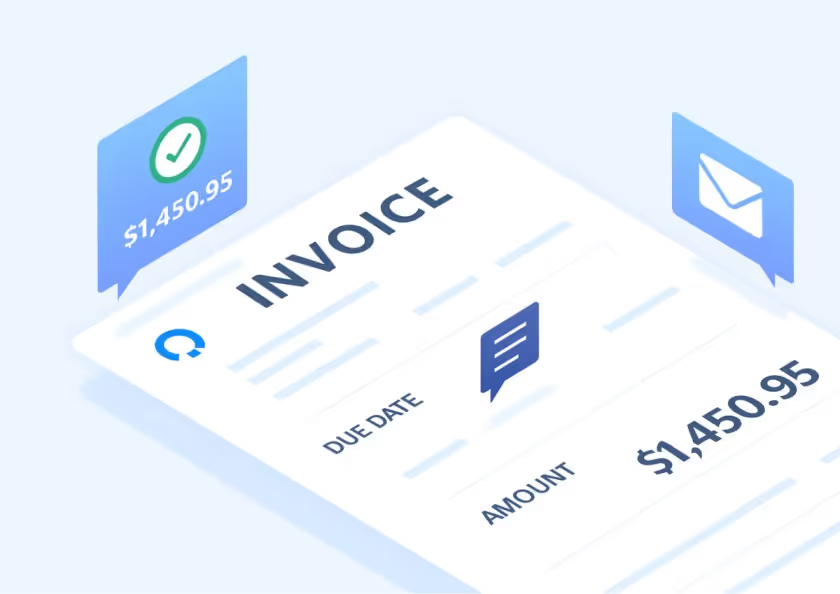
An invoice accounting software is a tool created to automate and manage your invoicing process, from its creation, to automated reminders, and payment.
In this article
Managing invoices manually might work at first, but as your business grows, errors and delays start to pile up.
Missed payments, duplicate entries, and messy spreadsheets can quickly disrupt cash flow.
Invoice software manages the process, automating, organizing, and keeping every transaction accurate and contained within one platform.
What is invoice accounting software?
Invoice accounting software is a type of accounting tool designed to automate and manage the process of creating, sending, tracking, and recording invoices within a business’s financial system.
It helps both accountants and business owners handle the full invoicing cycle, from issuing invoices to clients, to recording payments received, to reconciling them against bank transactions.
For accounting firms, invoice accounting software ensures that every invoice issued or received by clients is accurately reflected in their books, for more efficient bookkeeping, tax preparation, and financial reporting.
Types of invoicing software
Invoice accounting software comes in several forms, each designed to address different business needs. Understanding the main types can help you choose the right solution for your workflow, so we’ve explained them below.
Approval software
Approval software is a tool that adds an approval workflow to the invoicing process, ensuring that every invoice is reviewed, verified, and authorized before it’s sent to a client or processed for payment.
In accounting firms and larger businesses, invoices often need to pass through multiple layers of approval.
For example, a bookkeeper might prepare the invoice, a manager or partner reviews it for accuracy, and a senior approver signs off before it’s finalized.
Approval invoicing software automates this workflow, helping maintain control, consistency, and compliance.
The software typically lets users set approval rules based on criteria such as amount, department, project, or client. Once an invoice is created, it’s automatically routed to the right person for review.
Approvers can check supporting documents, verify line items, add comments, and approve or reject the invoice, all within the platform.
Scanning software
Scanning software uses technology to digitize paper invoices and pull out key information automatically. Through optical character recognition (OCR) technology, these tools read invoice data and enter it directly into your accounting system.
This automation eliminates the tedious work of manual data entry and significantly reduces the likelihood of human error when processing large volumes of invoices.
Automated scanning solutions offer substantial advantages when working on accounts payable. The technology can improve speed and accuracy compared to traditional manual processing methods, as, when reviewing manually, it is easy to miss details like incorrect amounts or mismatched vendor information, whereas scanning software consistently captures every piece of information.
This reliability frees you up to focus on higher priority tasks, rather than repetitive data entry.
Billing software
Billing software can help you manage and process payments, often with automation options.
Online billing software requires an internet connection and allows users to access billing data from anywhere, while offline billing tools store information on a local device, so you can access it without internet.
When choosing billing software, it’s important to check whether it’s cloud-based, as this affects how and where you can manage your billing and payment tasks.
Basic billing systems are typically suitable for small businesses with simple accounts payable needs, whereas larger organizations often require more advanced platforms capable of handling complex workflows, higher volumes of transactions, and greater integration with other financial tools. Eleven is a good option if these are features your firm is looking for.
Features of invoice software
One key feature of invoice software that is particularly useful and sought after nowadays is automation, which will help you generate invoices directly from recorded transactions, calculate taxes, and apply payments automatically.
A good software will also support multi-currency and multi-company accounting, making it easier for firms to manage clients across different locations and currencies without manual conversions or duplicate entries.
Integrated accounts payable and receivable tools can help you track incoming and outgoing payments, monitor overdue invoices, and maintain a clear picture of cash flow.
Some systems now include built-in document management features, allowing users to upload and store invoices, receipts, and other financial documents in one place.
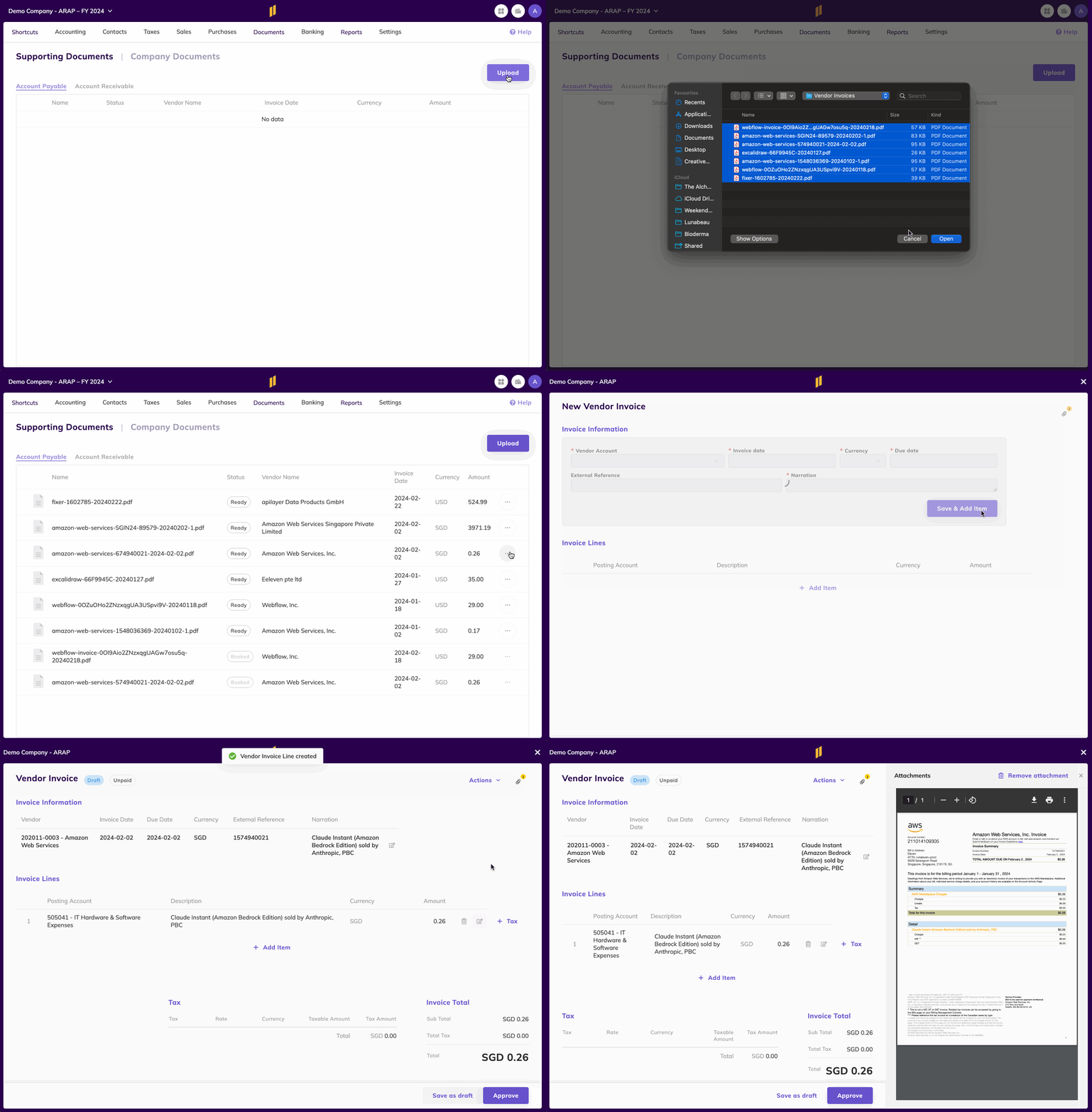
Advanced platforms like Eleven can extract data from PDFs or images using AI-powered recognition, converting them into structured financial entries and linking them directly to transactions. This not only reduces manual data entry but also helps ensure that every invoice is properly supported and auditable.
Additional features such as custom reporting, real-time dashboards, and data validation enable firms to review performance, identify discrepancies, and maintain compliance with accounting standards.
Why you need an invoice software
Handling invoices manually can work for a while, but as your business or client base grows, it quickly becomes time-consuming and prone to errors.
Without invoice software, mistakes such as duplicate entries, missed payments, or incorrect amounts can happen easily, leading to confusion in your records and issues with cash flow.
Managing invoices across emails or spreadsheets also makes it harder to stay organized and keep track of due dates, especially when dealing with multiple clients, currencies, or payment terms.
Over time, this lack of structure can lead to delayed payments, strained client relationships, and difficulties when it comes to audits or tax reporting.
Invoice software addresses these issues by automating and centralizing the entire invoicing process.
It enables you to create, send, and track invoices from one system while keeping all related financial data accurate and up to date.
With built-in features such as automatic data uploads, payment reminders, and reconciliation tools, software can reduce the manual work and minimize the risk of errors.
All documents and payment records are stored securely in one place, making it simple to find information when you need it.
7 Best Invoice Software
So you can compare different invoice tools easily and directly we’ve included a comparison table below, followed by a more in-depth look at each one:
Software
Overall Rating
Best For
Eleven
4.9/5
Growing accounting firms that need full automation, workflows & document management
QuickBooks Online
4.3/5
Small businesses with basic invoicing + full-bookkeeping needs
FreshBooks
4.5/5
Freelancers & small firms who need strong time/invoice tracking
Zoho Invoice
4.7/5
Small businesses or startups looking for low-cost invoice tools
Xero
4.4/5
Service-based businesses that need mobile invoicing + cloud bookkeeping
Square Invoices
4.7/5
Micro-businesses and retail stores already using Square POS and payment systems
Hiveage
4.9/5
Freelancers or small businesses who want simple, affordable invoicing
Eleven is scalable, cloud-based accounting software built for accounting firms and multi-entity businesses. It combines invoicing, bookkeeping, and document management in one place.
Designed for automation, it makes AR/AP processes, reconciliation, and reporting easier, helping accountants reduce manual work while keeping records consistent and compliant.
Features
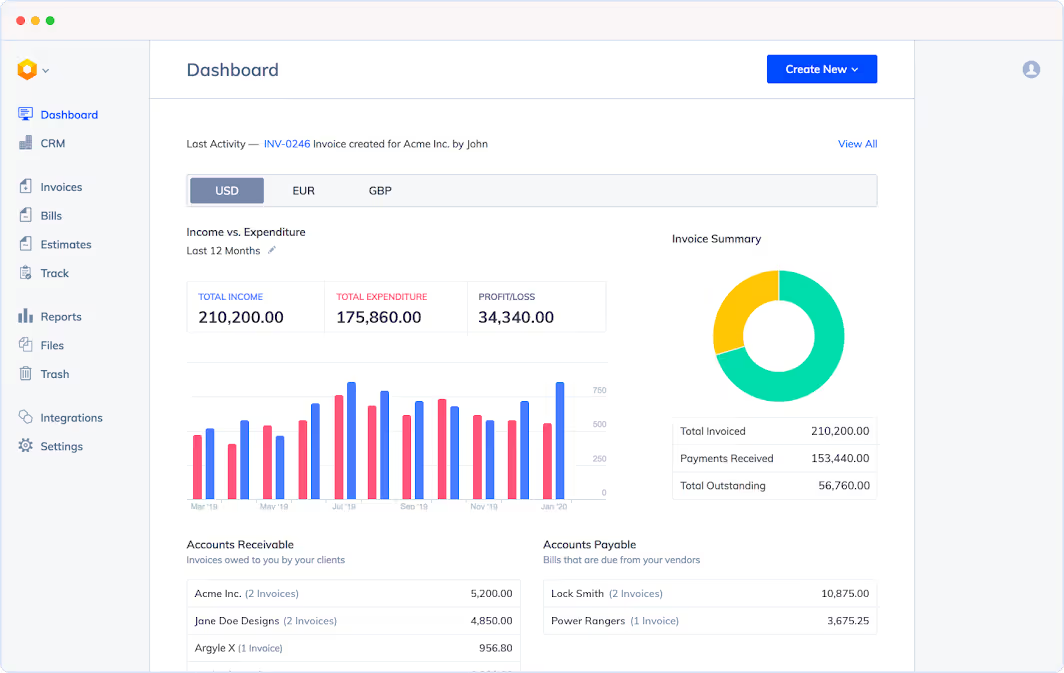
Scalable general ledger, AP/AR, invoicing, and reconciliation
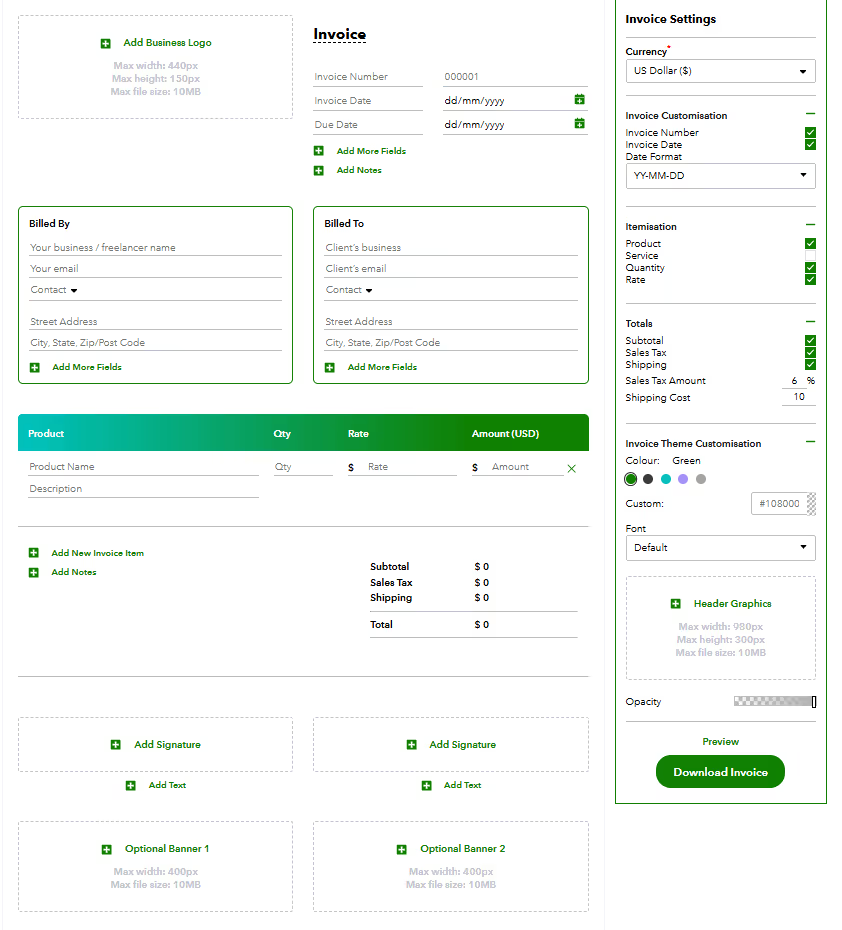
QuickBooks Online is one of the most popular cloud accounting platforms, offering invoicing, bookkeeping, and financial management. It integrates with a wide range of apps, making it a reliable option for small and medium-sized businesses.
It also offers a free invoice generator.
Features
Invoice creation and custom templates
Recurring billing and payment tracking
Bank feed integration for automatic reconciliation
Expense tracking and reporting
Integration with over 750 third-party apps
Pros
Familiar and user-friendly interface
Wide ecosystem of integrations
Good for businesses already using QuickBooks for accounting
Cons
Can become costly as you scale or add users
Occasional performance and customer support complaints
Best For: Small to medium-sized businesses that need invoicing with full accounting functionality and robust integrations.
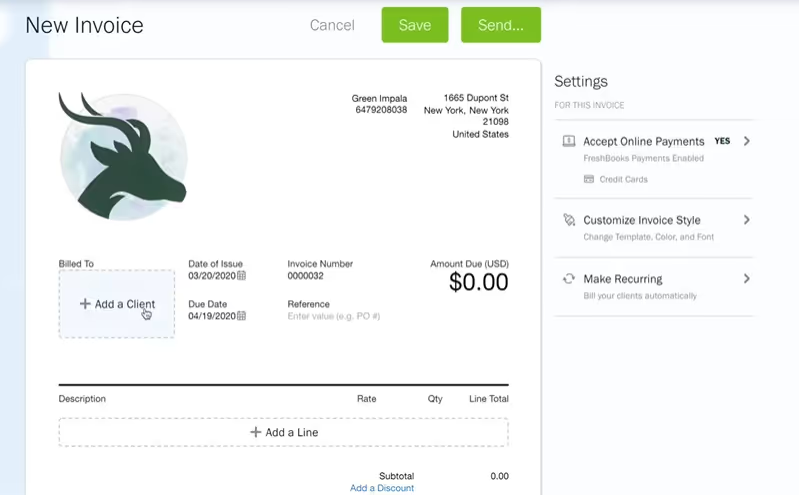
FreshBooks is a cloud invoicing and accounting platform designed for freelancers and small service-based businesses. It focuses on simplicity and combines invoicing with time tracking, expense tracking, and client management.
Features
Customizable invoice templates
Time tracking and project management
Expense tracking and payment integration
Client portal for viewing and paying invoices
Reporting and insights
Pros
Very easy to use
Good for tracking billable time and projects
Fast setup and clean interface
Cons
Lacks advanced accounting features (e.g. multi-entity support)
Limited scalability for large firms or growing businesses
Best For: Freelancers and small service businesses that need professional invoicing and time tracking in one platform.
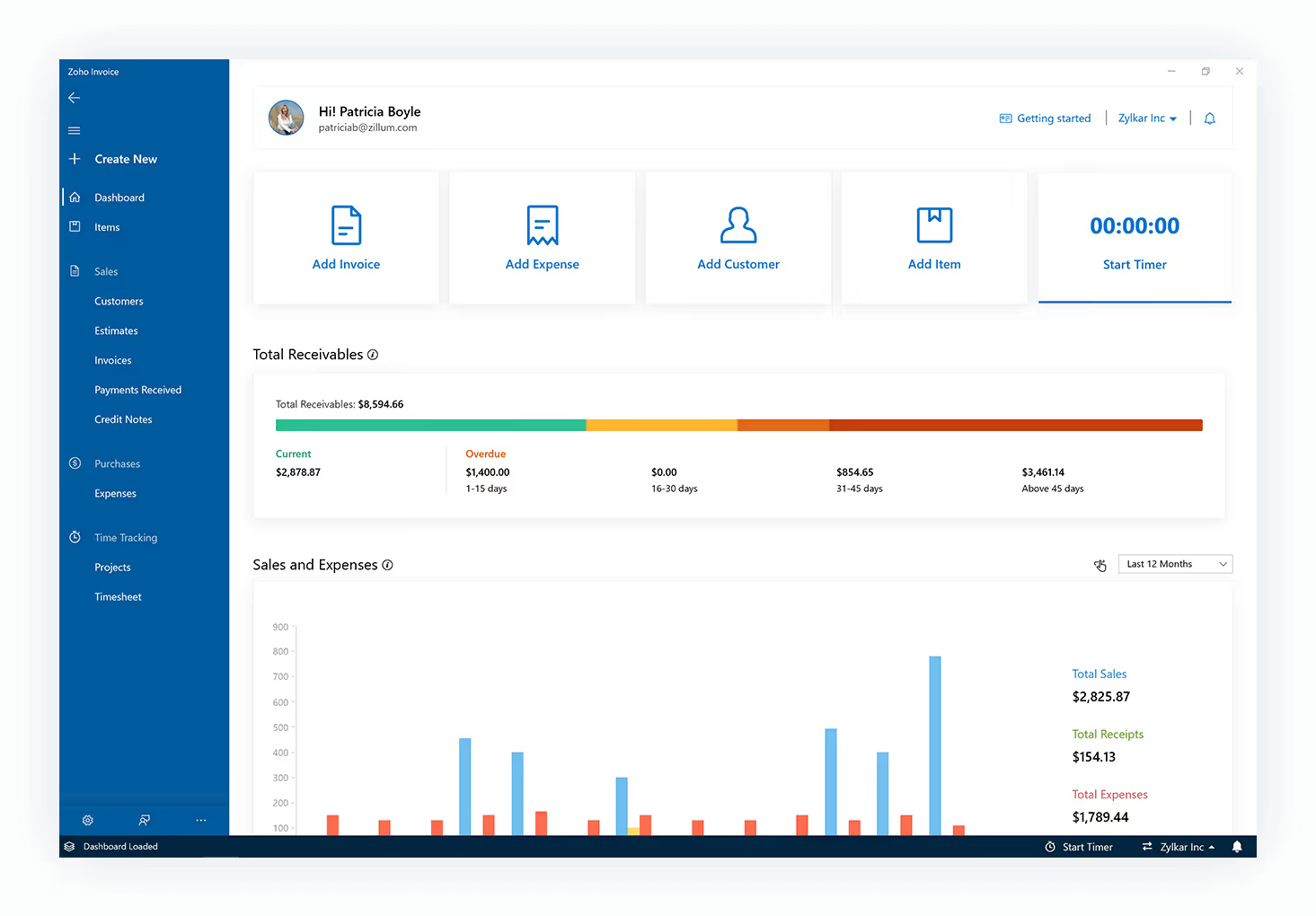
Zoho Invoice is a dedicated invoicing tool that’s part of the larger Zoho ecosystem. It’s known for affordability, good customization features, and ease of use, particularly for small businesses and startups.
Features
Unlimited invoices (even in free plan)
Custom templates and automated payment reminders
Expense and payment tracking
Multi-language and multi-currency support
Mobile invoicing app
Pros
Cost-effective (free plan available)
Clean design and intuitive user experience
Strong invoice-specific features
Cons
May require paid Zoho apps for advanced accounting
Limited integration with non-Zoho systems
Best For: Startups and small businesses looking for free or low-cost invoicing with reliable automation tools.
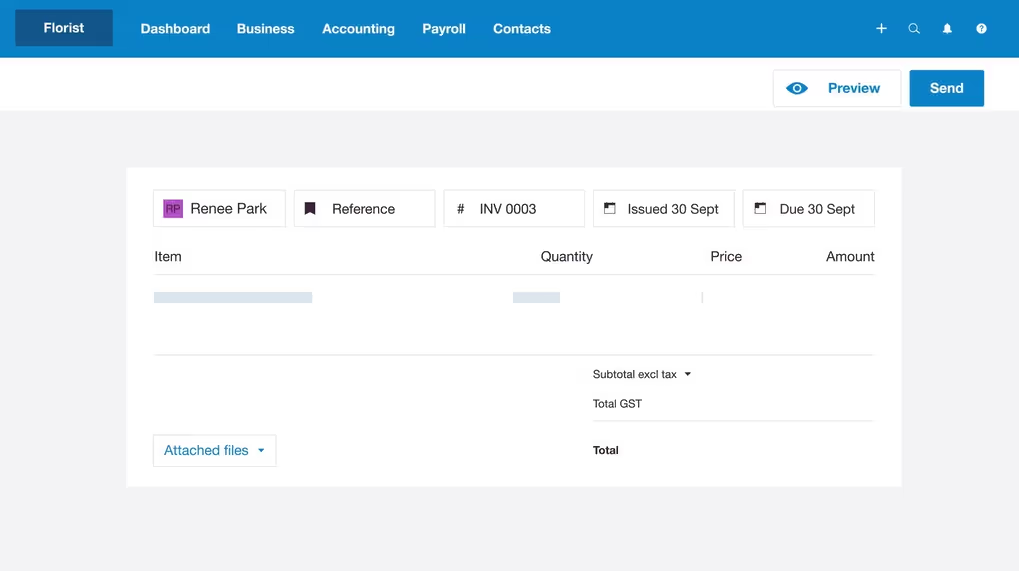
Xero is a powerful cloud accounting system that includes invoicing, reconciliation, payroll, and reporting. It’s good for service-based and mobile businesses that need full accounting with a strong invoicing component.
Features
Recurring and batch invoicing
Mobile invoicing and payment links
Real-time cash flow dashboards
Bank reconciliation and reporting
Integration with over 1,000 apps
Pros
Reliable cloud accounting with good mobile support
Great for service-based teams
Real-time insights and cash flow visibility
Cons
Requires add-ons for some advanced features
Support response times can be slow
Best For: Service-based businesses and agencies that want comprehensive accounting and invoicing in a mobile-friendly platform.
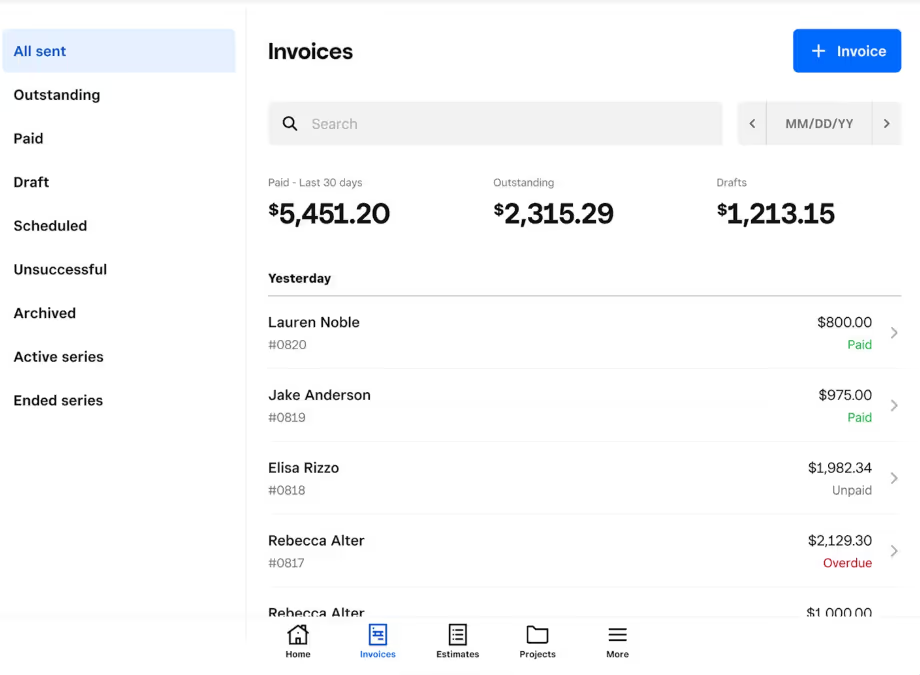
Square Invoices is part of the Square payment ecosystem, offering simple, free invoicing tools for small retail businesses and freelancers. It integrates seamlessly with Square POS and payments.
Features
Free plan with no monthly fee (only transaction fees)
Payment links and recurring invoices
Mobile invoicing app
Integration with Square POS
Real-time payment tracking
Pros
Easy to set up and use
No monthly subscription costs
Good for on-the-go invoicing
Cons
Limited reporting and customization options
Lacks features for complex or multi-entity businesses
Best For: Small businesses, freelancers, and retail stores already using Square who need simple and cost-free invoicing.
Hiveage is a cloud-based invoicing and billing platform designed primarily for freelancers and small businesses. Its focus is on simplicity, speed, and ease of use for basic invoicing workflows rather than full-scale accounting.
Features
Unlimited invoicing
Expense tracking and time-tracking
Recurring billing and automated payment reminders
Support for online payments via PayPal, Stripe etc.
Multi-currency and multi-client management (for smaller scale)
Pros
User-friendly and intuitive, quick to set up and use.
Affordable for freelancers or very small businesses, with free tier options and minimal learning curve.
Good value for basic invoicing and billing without full bookkeeping features.
Cons
Because it is focused on invoicing, it may lack advanced bookkeeping, multi-entity management or deeper accounting features found in larger platforms.
Limited data on support levels or scalability for larger business volumes compared to major vendors.
Some users noted minor UI limitations or fewer integrations.
Best For: Freelancers, sole-traders or very small businesses with straightforward invoicing and billing needs, who want a cost-effective solution rather than a full accounting suite.
Which invoice accounting software do I need?
Choosing the right invoice accounting software depends on your business size, workflow complexity, and goals. Whether you need simple invoicing or end-to-end automation with advanced bookkeeping, the right tool can save you time, reduce errors, and improve cash flow visibility.
If you’re ready to improve your invoicing and accounting workflows, Eleven offers powerful automation, multi-entity support, and seamless integration designed specifically for accounting firms and growing businesses.
Try Eleven today and experience smarter, faster financial management.




.avif)