If your profit number isn’t clear, neither is your decision-making.
This free accounting profit calculator shows, in seconds, whether your business is actually making money after real, explicit costs. No formulas to memorize. No spreadsheets to fix. Just clean inputs and a clear result.
Built for CPAs, family offices, and finance teams who want fast answers without oversimplifying the numbers.
The calculator follows the standard accounting definition of profit and mirrors how accountants think about costs.
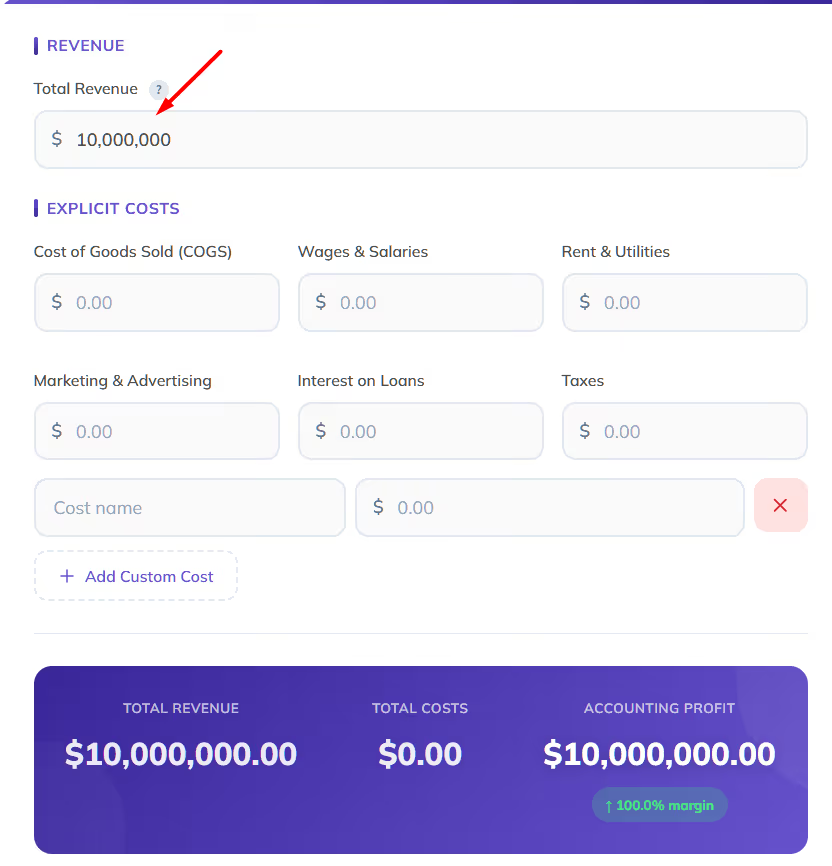
Step 1: Enter total revenue
Add the full amount your business earned from sales for the period you’re analyzing.
Step 2: Add explicit costs
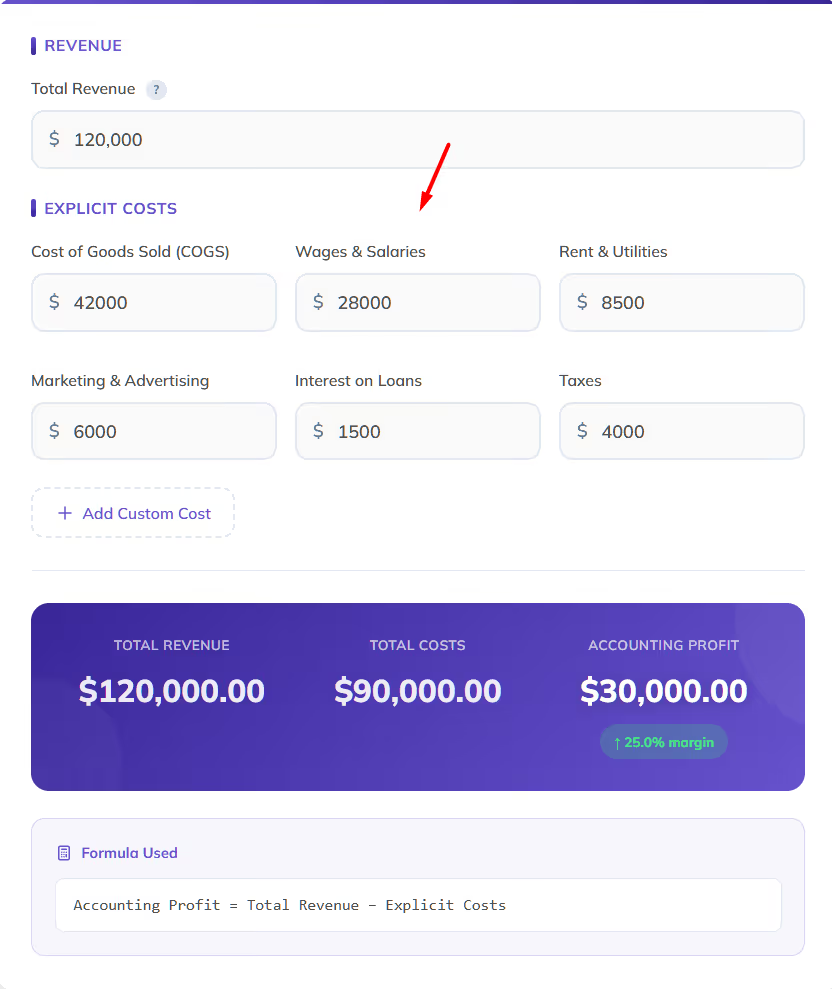
Fill in your known, out-of-pocket expenses, including:
Step 3: Add custom costs (optional)
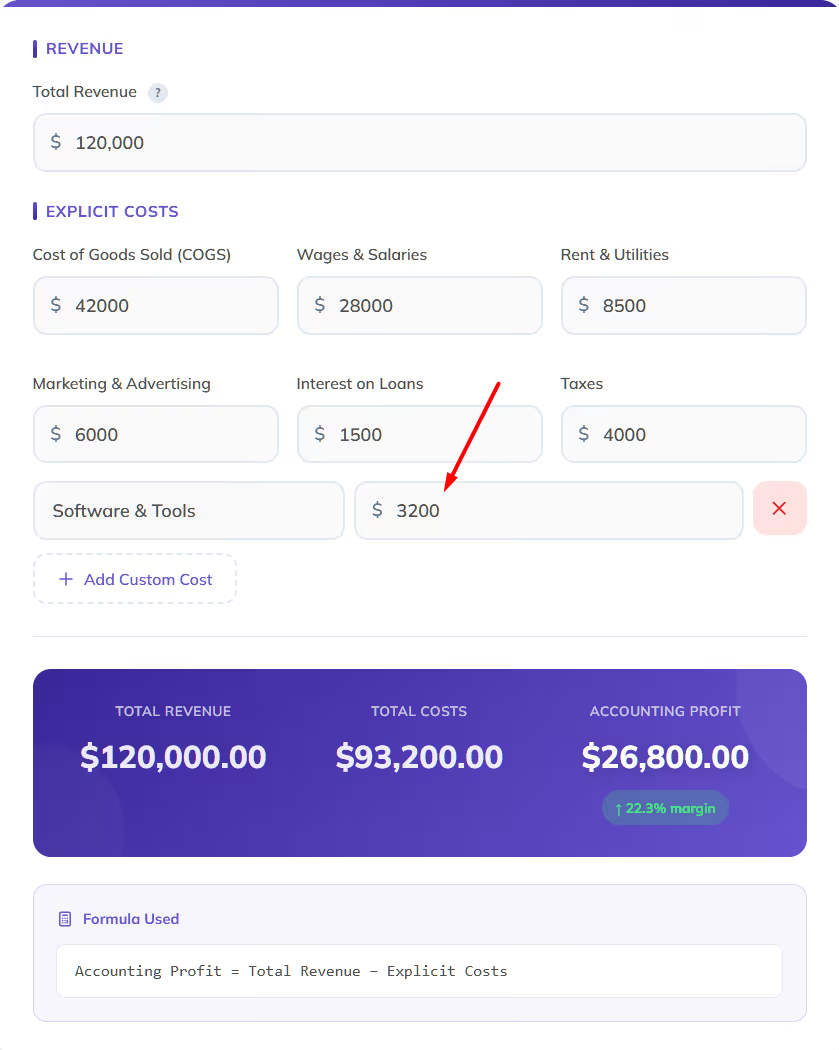
Use “Add Custom Cost” for expenses like software, insurance, professional fees, or one-off items.
Step 4: Review the result
The tool instantly calculates:
You’ll also see whether the business is operating at a profit, break-even, or a loss, including a margin indicator when revenue exists.
Many “profit calculators” blur the line between accounting profit, gross profit, and economic profit.
This tool focuses on accounting profit, which is what matters for:
Key benefits:
Here’s how you calculate accounting profit and profitability:
Accounting profit is calculated by subtracting explicit, recorded costs from total revenue. These are real expenses that appear in your books, such as wages, rent, materials, marketing, interest, and taxes.
Our calculator applies that logic automatically by summing all explicit costs and subtracting them from revenue, so nothing is missed.
Accounting Profit = Total Revenue − Explicit Costs
The formula itself is simple. Accuracy comes from capturing every relevant cost, which is why the calculator allows both standard and custom expense inputs.
Profitability adds context to the profit number.
After calculating accounting profit, profitability is commonly measured using profit margin, which shows how much profit is generated per dollar of revenue.
Profit margin formula:Accounting Profit ÷ Revenue
The calculator automatically displays the margin when revenue is entered, making profitability easy to interpret at a glance.
Let’s get a bit more concrete:
The examples below show how the calculator is used in real situations, using the same inputs you’d see in actual accounting work.
A professional services firm reviews monthly profitability to understand how billable work translates into actual profit after payroll and overhead.
Inputs in the calculator:
Calculator result:
An ecommerce operator evaluates quarterly results and needs to include fulfillment and software expenses that materially impact profit.
Inputs in the calculator:
Custom costs added:
Calculator result:
A family office reviews the annual performance of a single operating entity to compare profitability across the portfolio.
Inputs in the calculator:
Calculator result:
A client wants a quick, plain-English explanation of what a 20% profit actually means in dollar terms.
Inputs in the calculator:
Calculator result:
A calculator answers one question. Accounting answers all of them.
Eleven is online accounting software built specifically for CPA firms and family offices, with features that go far beyond one-off calculations:
If you find yourself re-running profit calculations across entities, periods, or clients, that’s where Eleven fits in.
Start a free trial of Eleven and turn one calculation into a complete accounting workflow.
Accounting profit is the difference between total revenue and explicit expenses. It reflects the profit shown in financial statements.
In most practical cases, yes. Accounting profit closely aligns with net profit, as both exclude opportunity costs.
No. Opportunity costs are excluded by design. The calculator focuses strictly on accounting profit.
Yes. The structure mirrors how CPAs typically explain profit to clients, making it suitable for reviews and internal analysis.
Yes. The calculator is completely free to use, with no sign-up required.




